3-SETUP
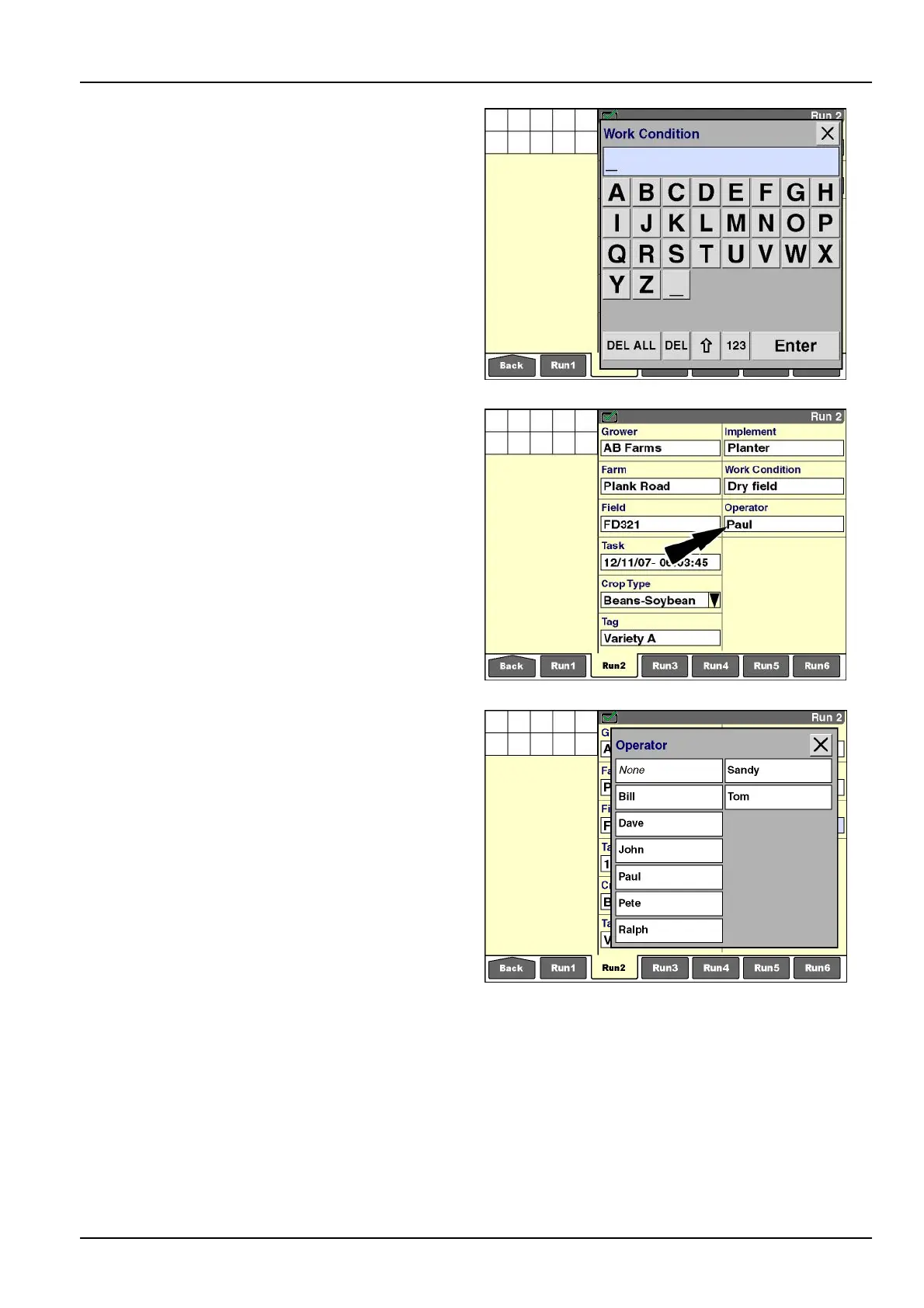
Press“EditName”tochangethenameofaworkcondi-
tion.
Press“New”tocreateaworkconditionwiththealphanu-
merickeypad.
RCIL11DSP225BBG6
“Operator”
Pressthe“Operator”windowtoaccessthepop-upoptions
window.
See2-31forinformationaboutcreatingoperatorsandse-
lectingpersonalsettings.
See4-8forinformationaboutdeletingoperators.
NOTE:Whenloggingdata,onlyoneoperatorcanbeas-
signedtoatask.Changethetaskrst,andthenchange
theoperatortoensurethatdataisretainedfortheprevi-
ousandsubsequentoperator.
RCIL11DSP226BBG7
Press“Select”tochooseyournamefromtheuser-dened
list.
Press“EditName”tochangethenameofanoperator.
NOTE:Donotuse“EditName”toreplaceoneoperator
namewithanothername:“EditName”doesnotchange
theuniqueIDthatisassignedforreportingpurposes.
Press“New”toaddanoperatortothecurrentlist.
RCIL11DSP227BBG8
3-17



 To Next Page