3-CONTROLSANDINSTRUMENTS
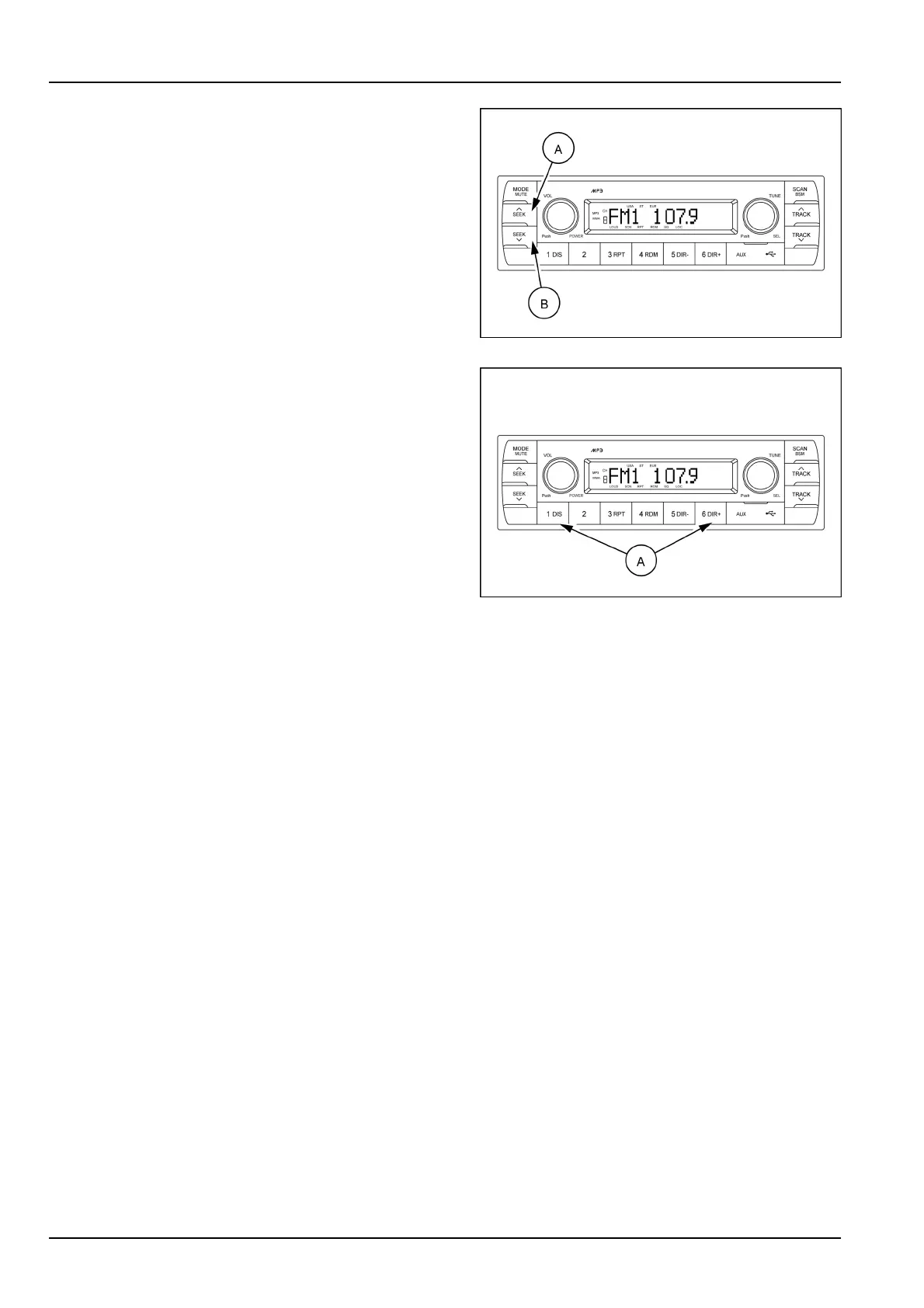
(4)UP/DOWNradioseekbuttons
Toautomaticallyselectaradiostation,momentarilypress
theuptuneseekbutton(A)ordowntuneseekbutton(B).
SMIL17MEX2806AA6
(5)Pre-setmemorybuttons
1.Pre-setmemorybutton1,DISPID3v2display
2.Pre-setmemorybutton2
3.Pre-setmemorybutton3,RPTRepeatplayselector
4.Pre-setmemorybutton4,RDMRandomplayselector
5.Pre-setmemorybutton5,D-Directorydown
6.Pre-setmemorybutton6,D+Directoryup
Pressingthesebuttons(A)shortlywillrecallyourfavorite
pre-setradiostations.
Tostoreyourfavoritestationsintoanyofthe6pre-set
memoriesineachband(AM/FM),usethefollowing
procedure:
A.TurntheradioONandselectthedesiredband.
B.Selecttherststationtobepre-setusingtheauto-
maticseektuningcontrolbutton.
C.Pressthechosenpre-setbuttontostoreyourselected
stationintoandcontinuetoholditinformore2s.The
beepsoundwillbemomentarilyheardandthepre-set
numberwillappearontheLCDscreenindicatingthat
thestationisnowsetintothatpre-setmemoryposition
andcanberecalledatanytime,bypressingthatpre-
setbutton.
SMIL17MEX2806AA7
3-66



 To Next Page