④ When Blue Status LED blinks quickly, rotate the Follow Module vertically.
You could enter Calibration interface to do the calibration.
① Turn on CEEWA APP and enter Flight Interface. Tap “Others” icon and choose Calibration icon to enter Calibration interface.
② Put Drone and Follow Module at the same height.
③ Select “Calibrate Height” option and choose “Calibrate”.
Sports Watch:
When Sports Watch connects with Drone, there is a warning to do the height calibration.
Put Drone & Module at the same height to calibrate altitude.
6. Calibrate Gimbal
(1)When should I Calibrate?
When drifts happen or gimbal angle is not horizontal, you need to do gimbal calibration.
(2)Calibration Steps
① Ensure Drone has connected to CEEWA APP. Place Drone on the level ground.
② Turn on CEEWA APP and enter Flight Interface. Tap “Others” icon and choose Calibration icon to enter Calibration interface.
③ Select “Calibrate Gimbal” option and tap “Calibrate”.
III. Sports Watch Version: Flight Test
Overview
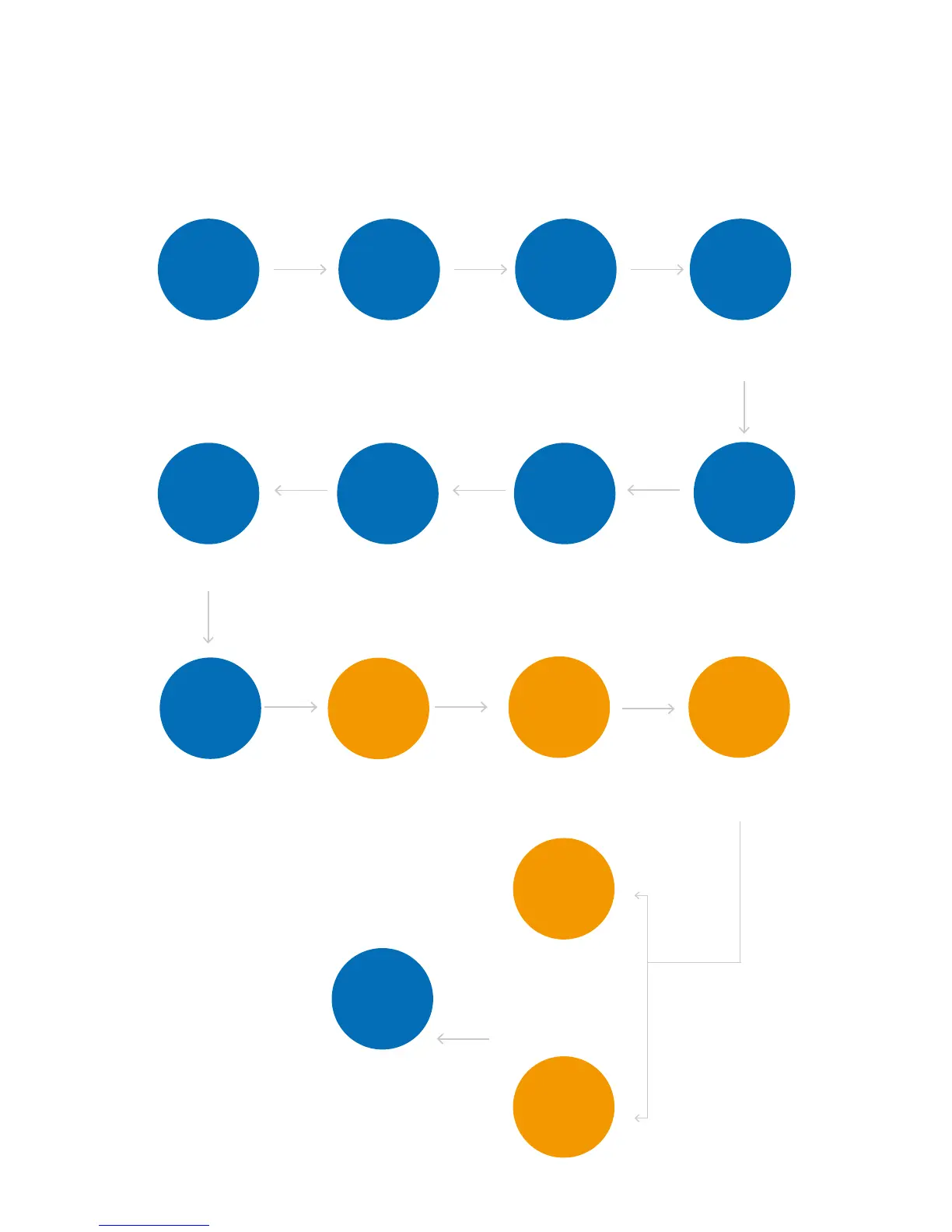
Before taking-off, put Drone on the ground for over 70 seconds and wait for GPS reach 10 satellites. All the flight procedures should
follow the flow chart below!
CEEWA APP enables Beginner Mode by default.
Blue Rounds are required, while orange rounds are optional. Please choose flight mode based on your needs.
Except step 1, please finish all the following steps on wide open outdoor areas.
-U.USK
For instance, make the drone fly
away take-off position from about
100 meters. Enable Smart
Go-Home ,and Drone would go
back and land in the take-off
position automatically.
Finish Check
before Flight
Please ensure you have
finishes all the steps in
Check before Flight.
Check Flight
Environment
Ensure there is no obstacle
around the 50 meters of take-off
position.
There is no huge building or trees
around flight area.
Check GPS
Status &
Connection
Status
Sports Watch: switch to
Signal-Connection Interface to
check whether or not over 10
satellites have been found.
Height
Calibration
Before Follow Mode, please
put Drone and Follow Module
at the same height to do
height calibration.
Switch to P
Mode
Sports Watch: press STOP Button
and check whether or not P Mode
has been enabled.
One-key
Take-off
Drone will ascend to 5 meters and
hover to wait for the next order.
Check Status
If drifts happen after hovering or
warning tips show on the screen
of APP and Watch, please land
the drone as soon as possible.
:[XTULLGRR
JK\OIKY
Turn off Drone, Sports Watch,
Follow Module and camera.
Adjust
Drone’s
Attitude
Sports Watch: toggle Nav.
Button and Up/Down to
adjust drone’s attitude in
the manual interface.
Attach propellers and fix them
tightly.
Attach
Propellers
Ensure all the motors can rotate
properly.
Drone Test
,URRU]
3UJK
For instance, keep safe distance
and enable Simple Follow Mode.
Check whether or not the camera
faces to Follow Module and
gimbal moves with Follow Module.
4G\3UJK
'IZO\GZK4G\3UJKZNXU[MN
)++=''66
5TKQK_
2GTJ
Drone would land gradually.



 To Next Page