74
Smart Battery:
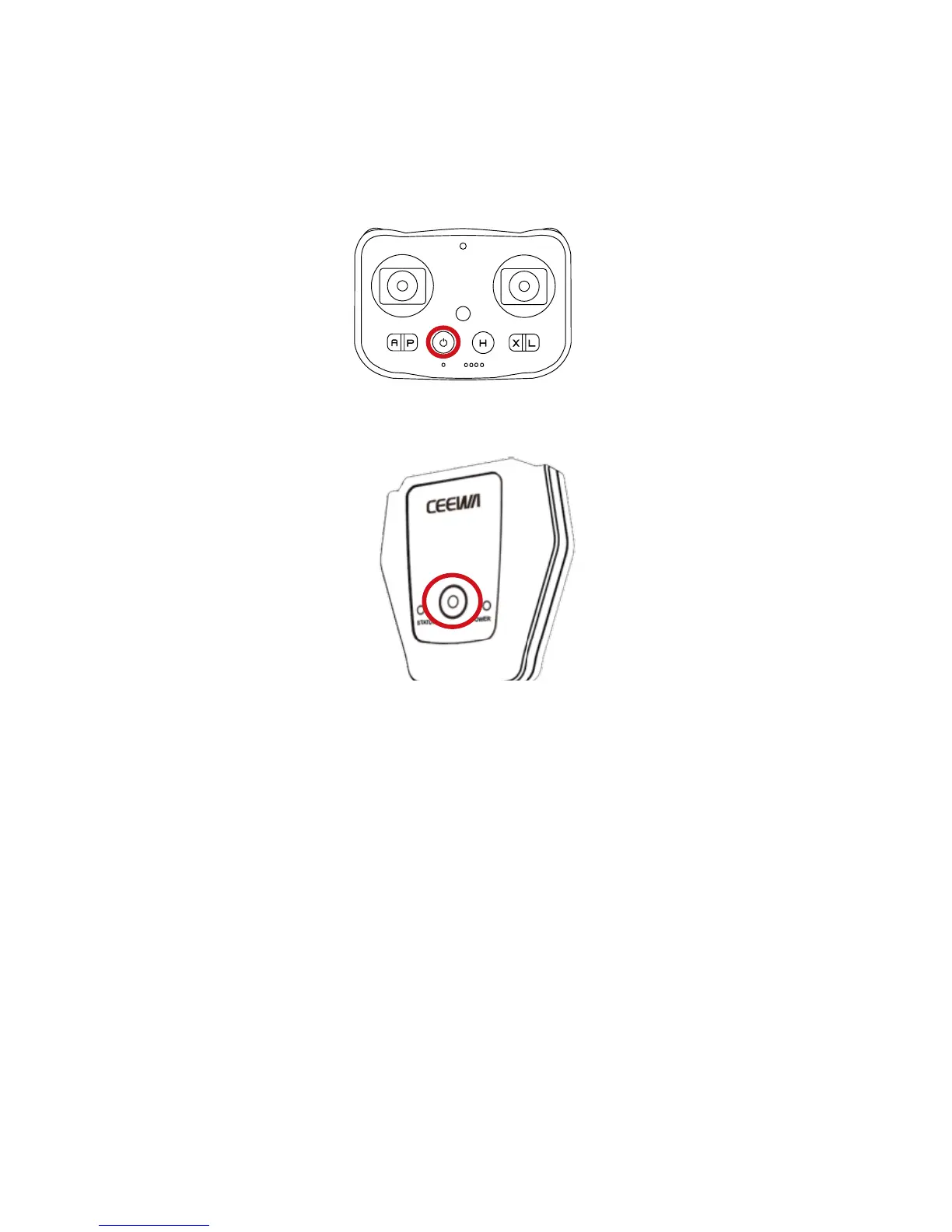
Remote Controller:
Follow Module:
Step 16: Turn Off All Devices
Turn off Smart Battery, Sports Watch, Follow Module and Camera.
Press the Power Button once, and then press this button for over 3s till all LEDs turn off.
Press the Power Button once, and then press this button for over 3s till all LEDs turn off.
Press the Power Button once, and then press this button for over 3s till all LEDs turn off.
Camera
4K Camera:Press the Power Button until the LED Indicator on the screen side turns off.
1080P Camera:Press the Power Button until the LED Indicators turn off.



 To Next Page