36
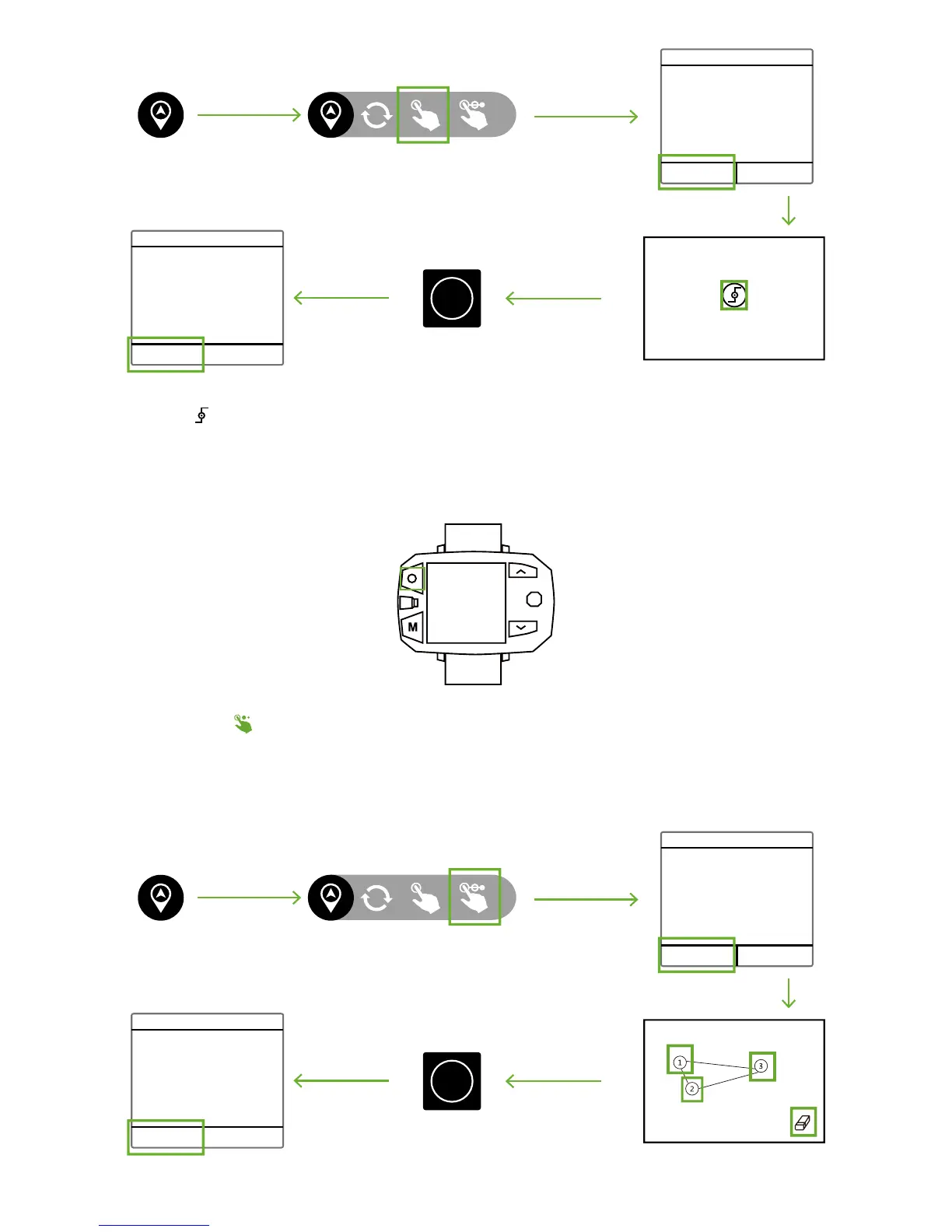
In Multiple-Points Nav., Drone will fly along the route of waypoints. After reaching the last waypoint, it will fly to the first waypoint
and repeat the route.
How to activate?
CEEWA APP
:
Pointing
Confirm Route
Please set a destination point in
the map.
Distance 32
Flight Velocity 5
Time Left 15
OK Cancel
OK Cancel
Start
Tap the waypoint ( ) in the map to edit its altitude and velocity in the pop-up window. Also, delete this waypoint in this pop-up
window.
How to deactivate?
Sports Watch:
When pressing STOP button, “Hovering…” shows in the screen and Sports Watch vibrates once. At this moment, Nav. Mode has been
cancelled.
Hovering
Multiple-Points Nav.
Multiple-Points Nav.
Confirm Orbit
Please set waypoints in the map.
Route Length 65
Number 3
Time Left 15
OK Cancel
OK Cancel
Start



 To Next Page