47
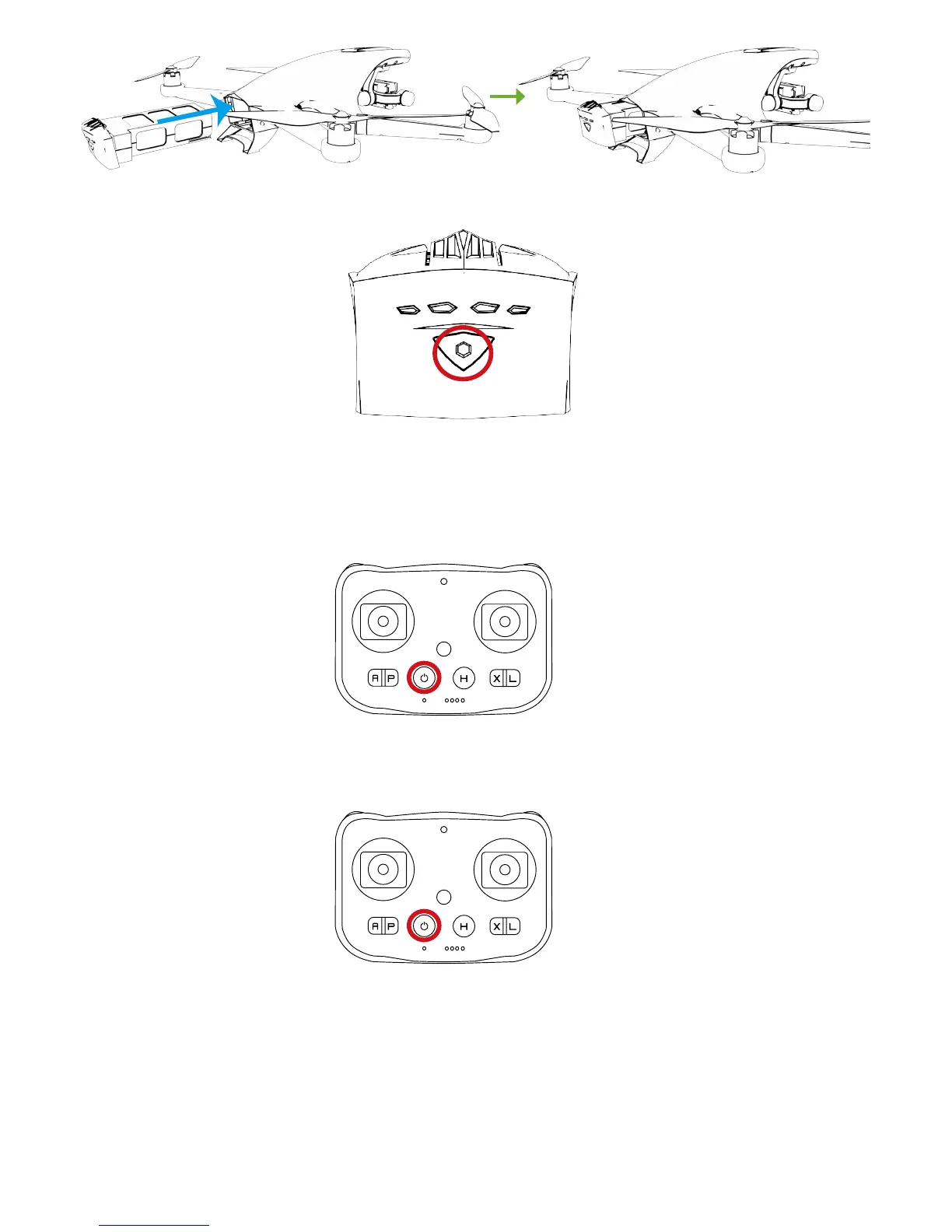
Power ON:
Press Power Button once, and then press this button for over 3s till all LEDs have blinked once.
Power OFF:
Press the Power Button once, and then press this button for over 3s till all LEDs turn off.
Turn on/off Remote Controller
Turn on/off Follow Module
Power ON:
Press the Power Button once, and then press this button for over 3s to turn on. Red Power LED will blink to indicate the current
battery level.
Power OFF:
Press the Power Button once, and then press this button for over 3s till all LEDs turn off.



 To Next Page