6. Calibrate RC
(1)When should I Calibrate?
① It is suggested to finish RC Calibration at first time.
② When adjusting drone's attitude and deviation happens, please finish RC calibration.
(2)Calibration Steps
① Ensure all the connection is OK.
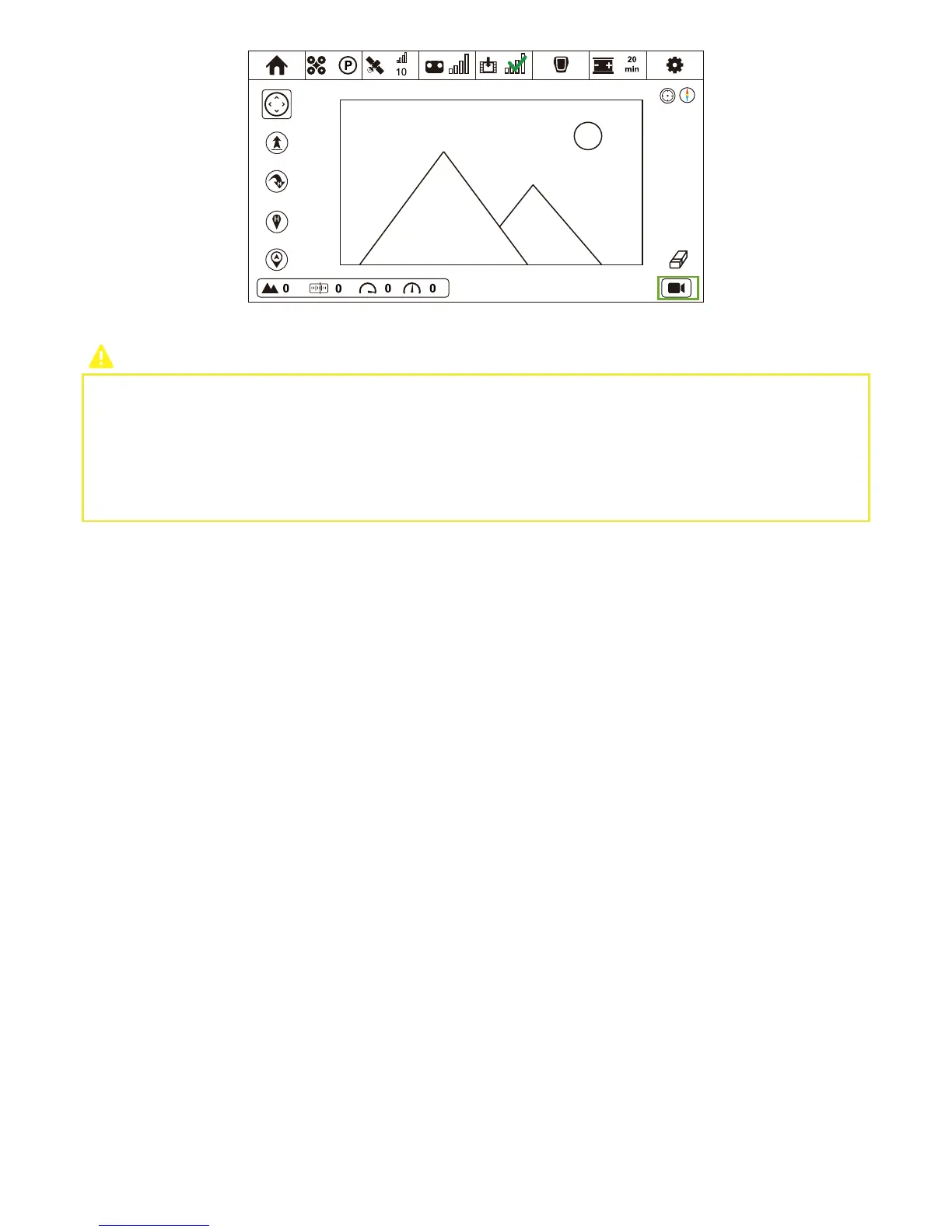
② Turn on CEEWA APP and enter Flight Interface. Tap “Others” icon and choose Calibration icon to enter RC Setting interface.
③ Select “RC Calibration” option and tap “Calibrate”.
④ Push both sticks to 100% in every direction, and observe whether or not the value in the interface has reached 100%.
⑥ In Image Transmission Interface, drag the real-time image for over 5s to adjust camera’s angle.
Why Blue Screen shows in the Image Transmission Interface, instead of images?
1. Check whether or not the AV cable has connected to the AV port in the gimbal and camera.
2. Camera has been turned on.
3. AV-OUT Mode of Camera enables.
4. Exit CEEWA APP from iOS / Android background and re-enter CEEWA APP.
5. If none of the above solutions solve the problem, please check whether or not Power Safe Mode of camera enables. How to
check? Please refer to Chapter VII. Troubleshooting.



 To Next Page