64
Simple Follow
In this mode, Drone will hover, but its nose and camera will rotate with the target. In other words, when target (Follow Module)
moves, Drone will stay hovering, but its nose and camera will move with Follow Module to capture images.
Keep a safe distance between Drone & Follow Module.
Hover-and-Aim
① Ensure Drone has taken-off.
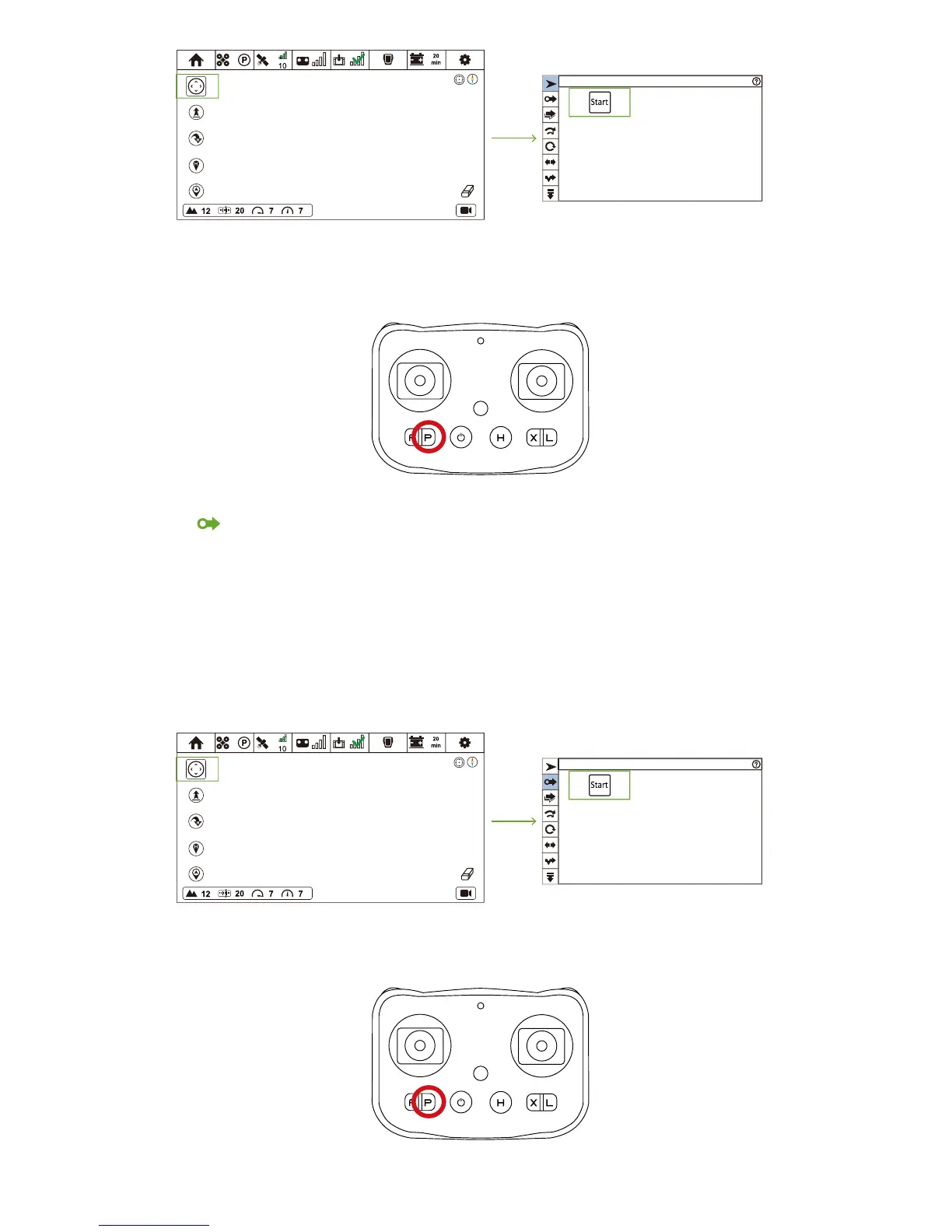
② Click Follow Mode icon and enter Follow Mode menu.
③ Click Hover-and-Aim icon and enter Hover-and-Aim menu.
④ Click "Start". After all parameters have been uploaded, Hover-and-Aim enables.
How to activate?
CEEWA APP
:
Hover-and-Aim
How to deactivate?
Remote Controller:
Press P Button. When RC vibrates once P Button Status LED is constantly on, P Mode has been activated.
How to deactivate?
Remote Controller:
Press P Button. When RC vibrates once P Button Status LED is constantly on, P Mode has been activated.



 To Next Page