37
User’s Manual
CellaVision
®
DM1200
(Cont'd)
Cell Class Comments:
Click Comment in the galleries to add a cell class comment. A pen icon will appear
to the right in the WBC and Non-WBCs panels. Click this icon to view, edit or add
more comments (see 4.1.4 Comments).
WBC Full Screen View:
Click WBC Full Screen View to display all WBCs sorted by class.
Note! Cell classes that have been fully displayed in WBC Full Screen View will
also be tick marked.
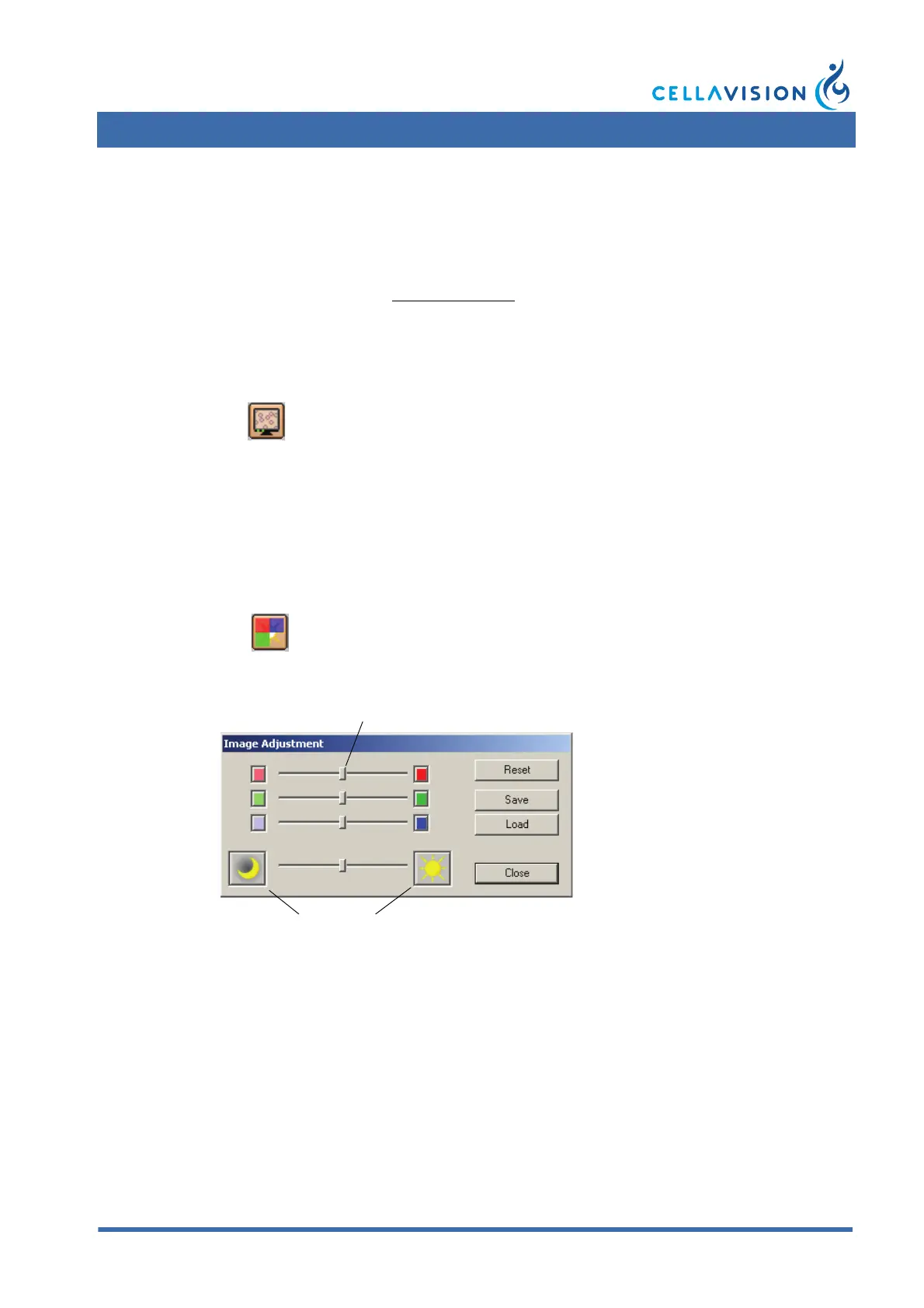
Adjusting Image Color and Brightness:
Click Color/Brightness to display the Image adjustment dialog.
Color sliders: Changes the color composition of the image.
Brightness: Adjusts the brightness of the image.
Reset: Restores original settings.
Save: Stores individual settings.
Load: Gets individual settings.
(Cont'd)
WBC Full Screen View
Color/Brightness



 To Next Page