44
User’s Manual
CellaVision
®
DM1200
Customizing the Red Blood Cell Overview Image
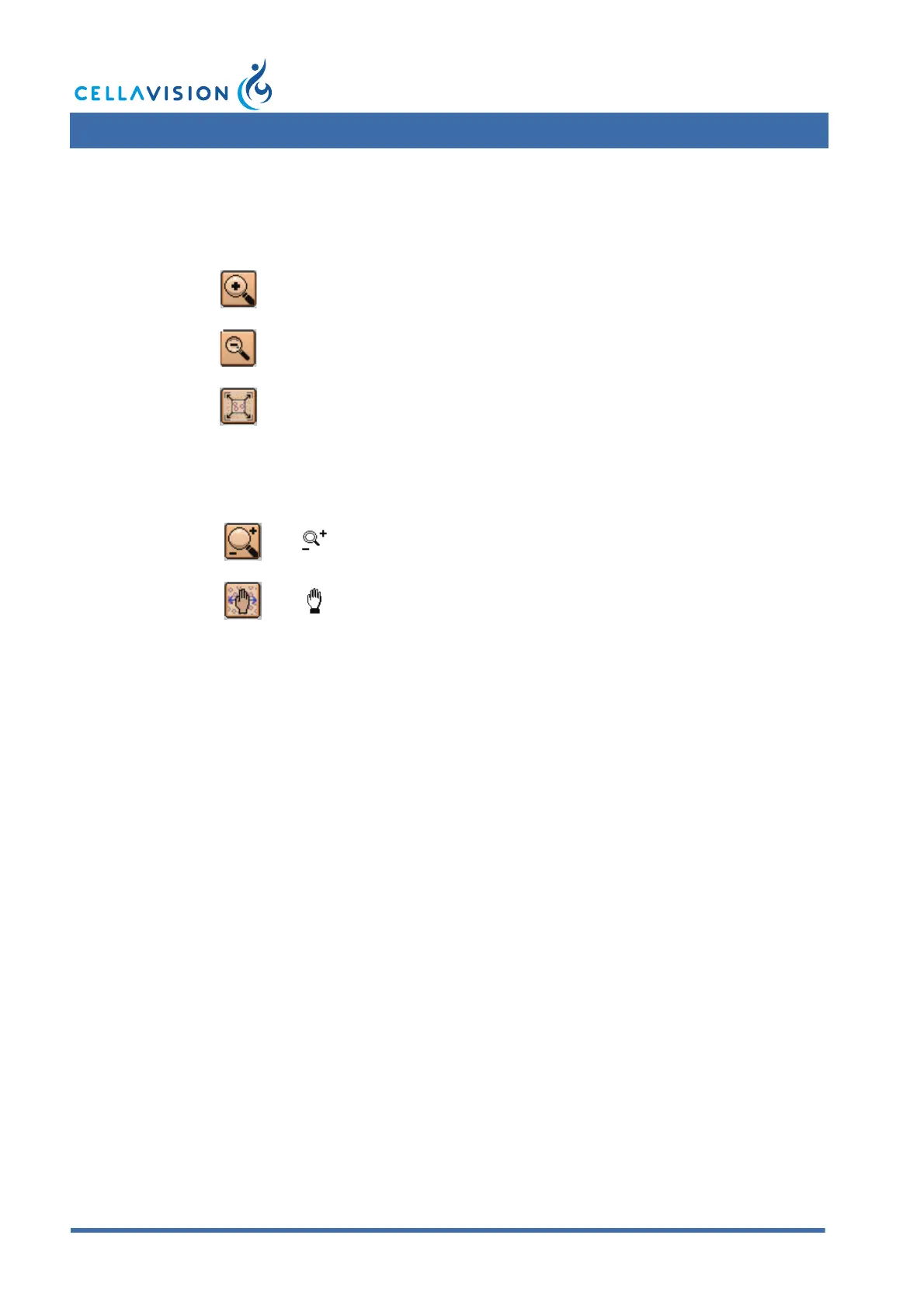
Change the magnification of the image by using these buttons:
Navigate the image by switching between different control modes. The mouse
pointer changes accordingly.
Note! You may also double-click in the RBC image to enlarge a limited area, and
use the scroll wheel to zoom in/out.
Zoom In
Zoom Out
Entire RBC Image - Shows the entire RBC image.
Zoom Mode - Hold left mouse button down and zoom in/out
by moving the mouse pointer up/down.
Scroll Mode - Hold left mouse button down and pan in any
direction using the mouse.



 To Next Page