48
User’s Manual
CellaVision
®
DM1200
(Cont'd)
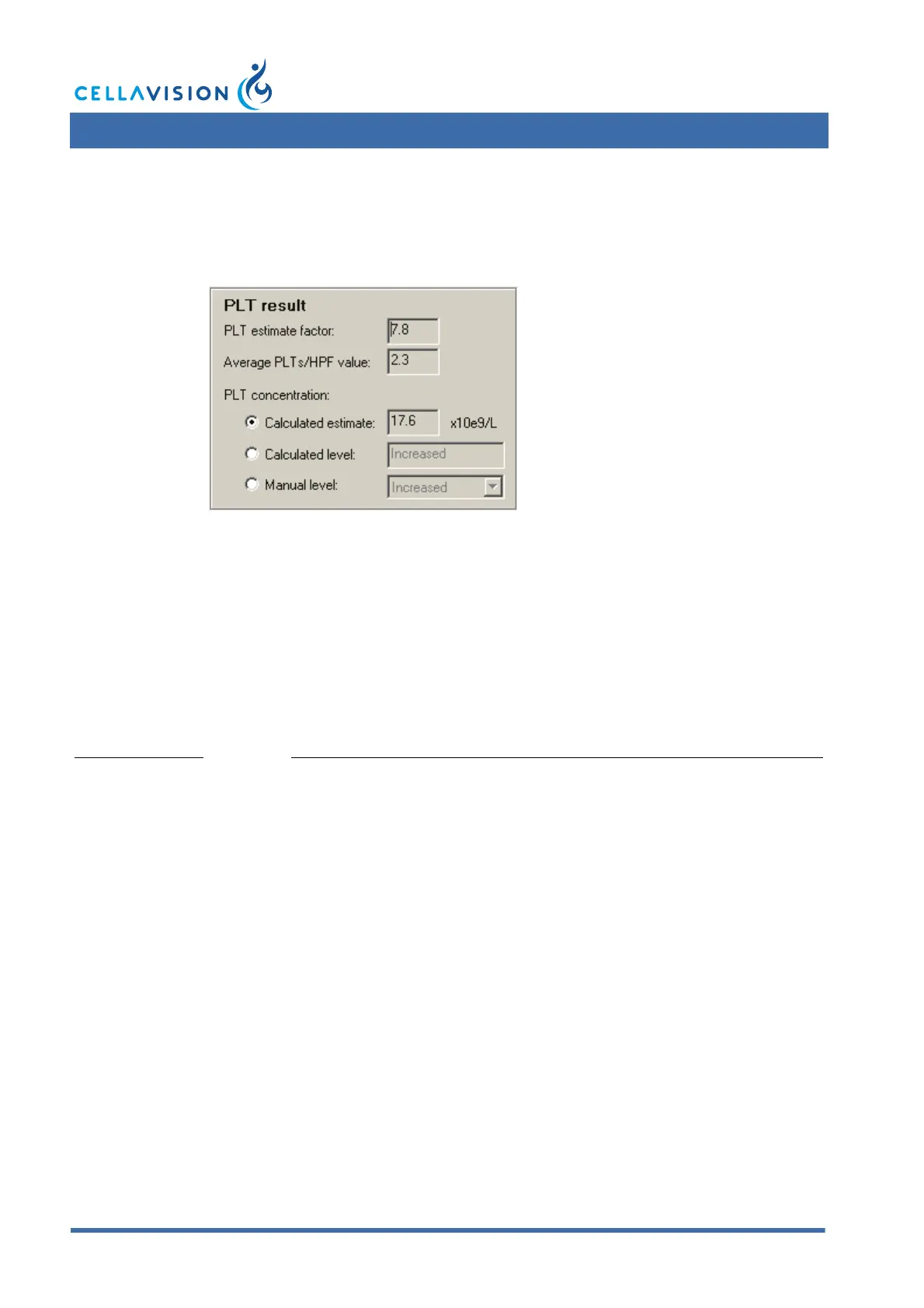
PLT Result:
1. Click Calculate PLT Result in the PLT Count panel.
2. If you wish to report the PLT results calculated from the number of PLTs per
HPF, you have two choices:
– Select Calculated estimate to report a concentration. The estimate is
calculated as [Average PLTs/HPF value] x [PLT estimate factor].
– Select Calculated level to report one of four levels: Significantly decreased,
Decreased, Normal or Increased.
3. If you wish to override the calculated PLT results, select Manual level and
choose one of the four levels.
You have to determine your own PLT estimate factor and enter it in PLT settings. By
default, it is set to "0".
Note! In the calculations, several decimals are used. The presented results are
truncated to 1 decimal.
Note! It is not possible to calculate a PLT result for images captured on a
CellaVision Image Capture System.



 To Next Page