Evolution® IP-20LH Installation Guide
Ceragon Proprietary and Confidential Page 43 of 101
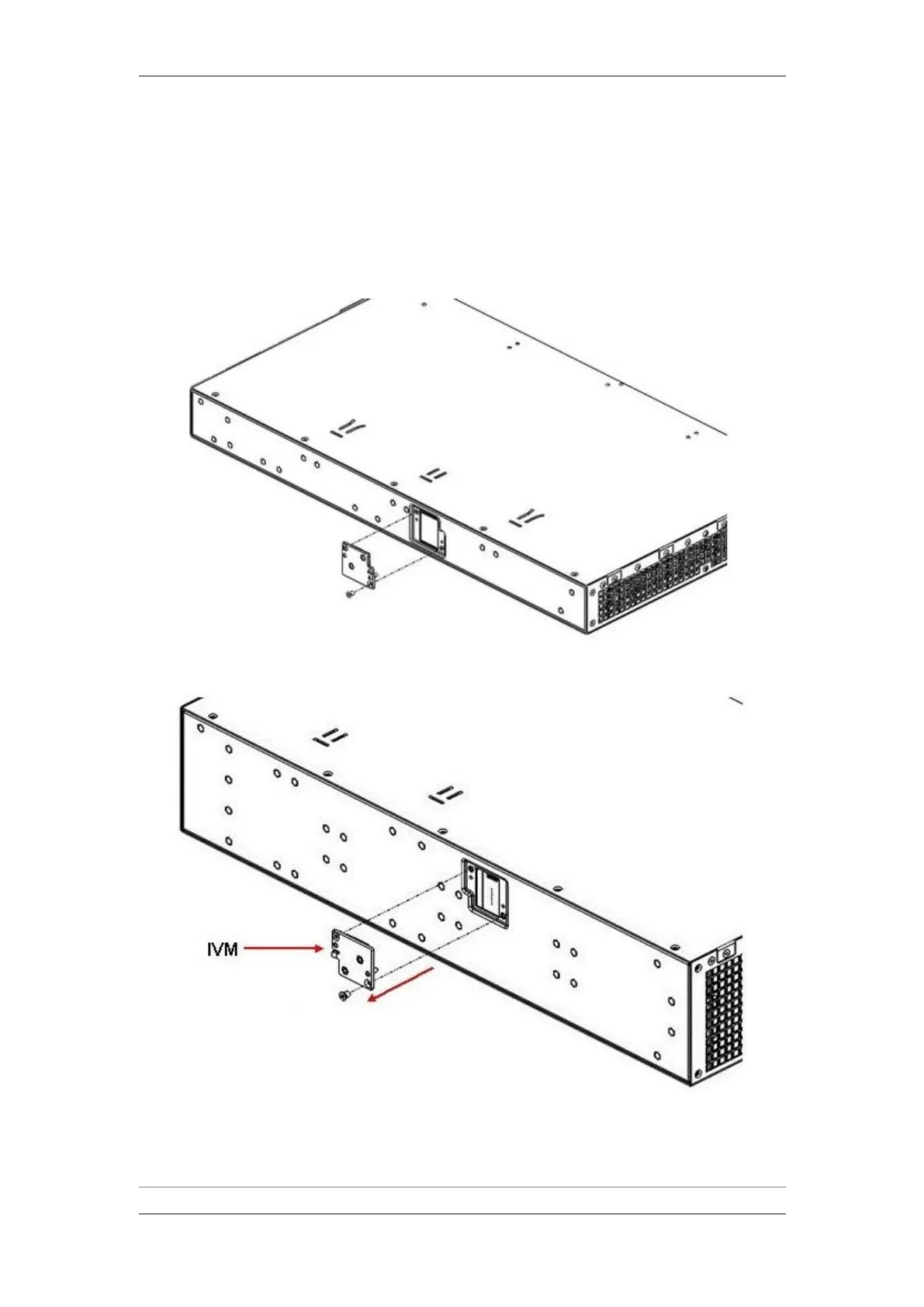
4.6 Replacing an IVM
In the event that an IVM must be replaced, follow these instructions:
1 Loosen the two screws that secure the IVM in its place and gently pull out
the IVM.
Replacing an IVM, 1RU
Replacing an IVM, 2RU
2 Install the new IVM, as described in Installing an IVM on page 42.



 To Next Page