Evolution® IP-20LH Installation Guide
Ceragon Proprietary and Confidential Page 60 of 101
6. Installing the XCVR
6.1 Indoor Mounting
In an all-indoor system, the XCVRs and IDU chassis devices are installed in a
19” rack and connected to the antenna or antennas by means of an elliptical
waveguide.
6.1.1 Mounting and Connection
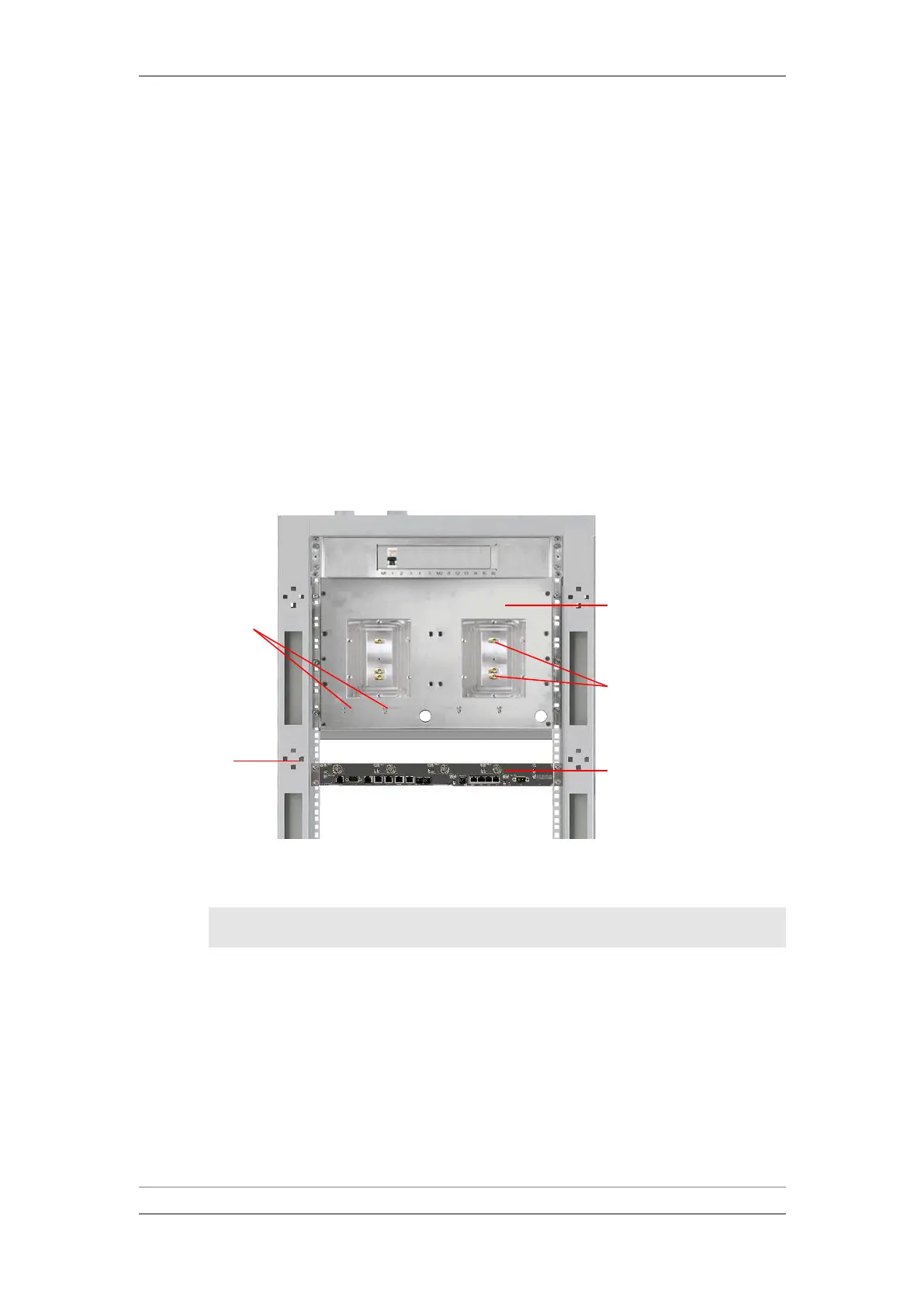
The IDU chassis is mounted in an equipment rack (see Mounting the IDU
Chassis in the Rack on page 34) and XCVR(s) are mounted on the XCVR
mounting plate in the same equipment rack. This procedure describes how to
mount the XCVR:
Before Mounting the XCVR
1 Slide the XCVR on to the mounting plate using the two guide pins to
position it.
Note: Make sure to mate the connectors on the back of the XCVR
correctly with the sockets on the mounting plate.



 To Next Page