Evolution® IP-20LH Installation Guide
Ceragon Proprietary and Confidential Page 77 of 101
6.3 XCVR Expansion
Note: This procedure applies to systems delivered from the
factory, prepared for future expansion.
This example shows a 1+0 space diversity system expandable to 1+1. The
same procedure applies to larger systems:
1 Power down the system by turning off the fuses.
Note: The traffic on this terminal will be interrupted.
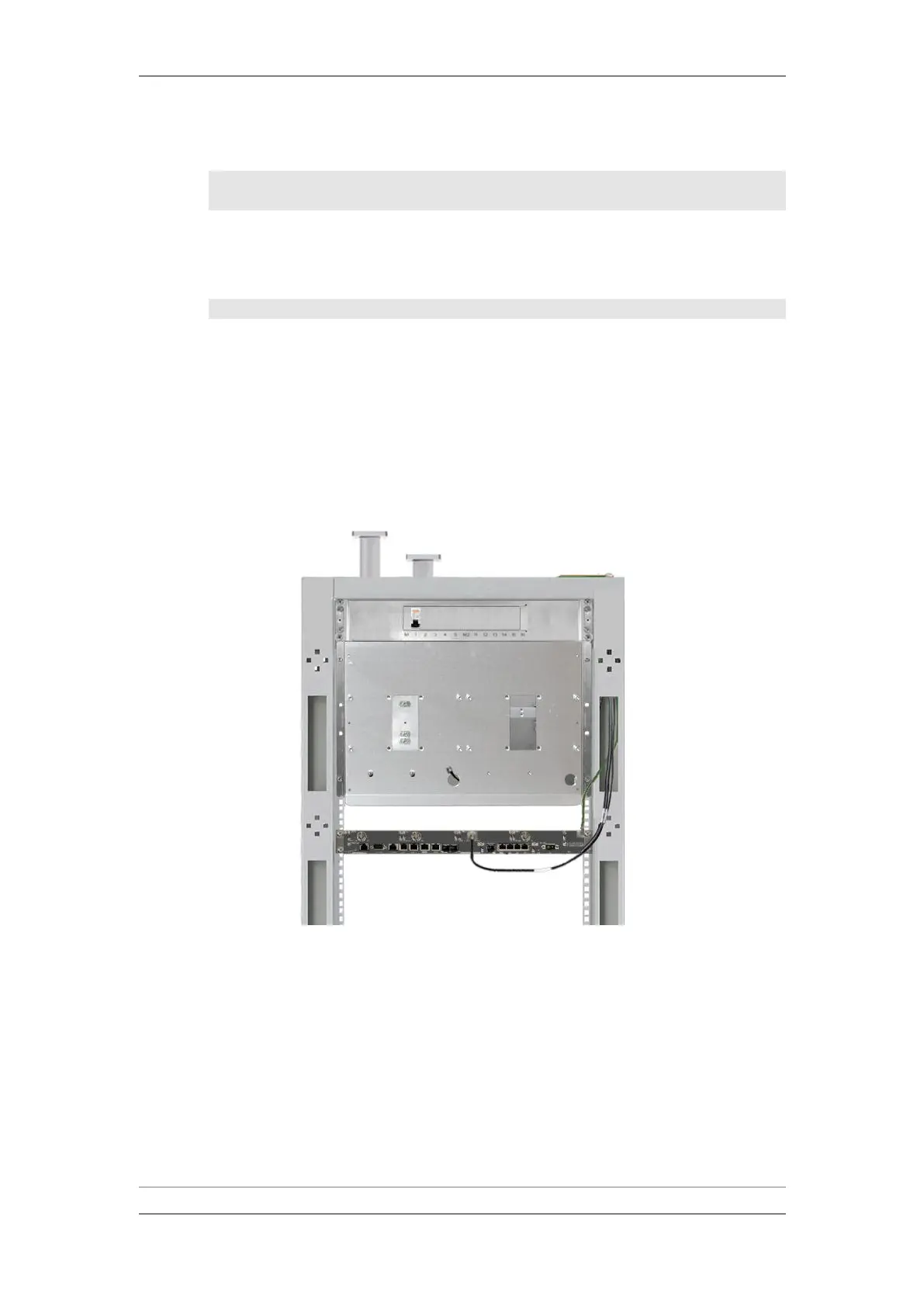
2 Remove the currently-mounted XCVR, as follows :
i Remove the XCVR-IDU cable by unscrewing the plug from the XCVR
connector.
ii Unscrew the four bolts securing the XCVR to the rack mounting plate.
iii Remove the XCVR from the equipment rack by gently pulling it towards
you.
XCVR Removed



 To Next Page