Evolution® IP-20LH Installation Guide
Ceragon Proprietary and Confidential Page 74 of 101
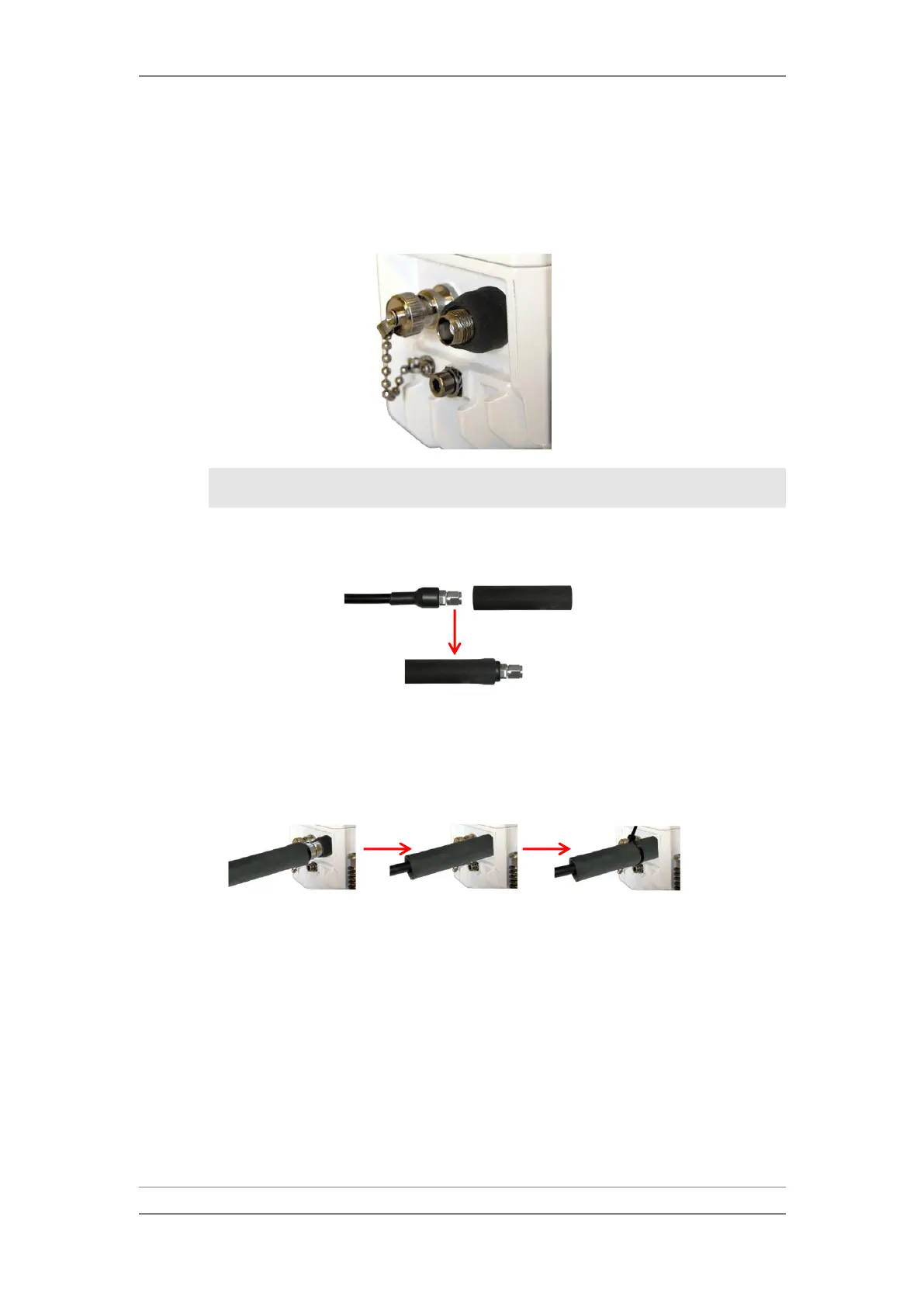
9 Connect the XCVR-IDU cables, as follows:
i Mount the black bushing on the XCVR sockets located in the right
corner of the XCVRs.
Bushing Installed
Note: Make sure the bushing completely covers the connector
base and the rounded part of the XCVR housing.
ii Thread a neoprene sleeve over the cable connectors at the XCVR side.
Neoprene Sleeve
iii Connect the XCVR-IDU cable to the socket, slide the neoprene sleeve
over the bushing, and secure it with a cable tie.
Connect XCVR-IDU Cable



 To Next Page