Page 6
Quick Reference Guide
Quick Reference Guide
Quick Reference
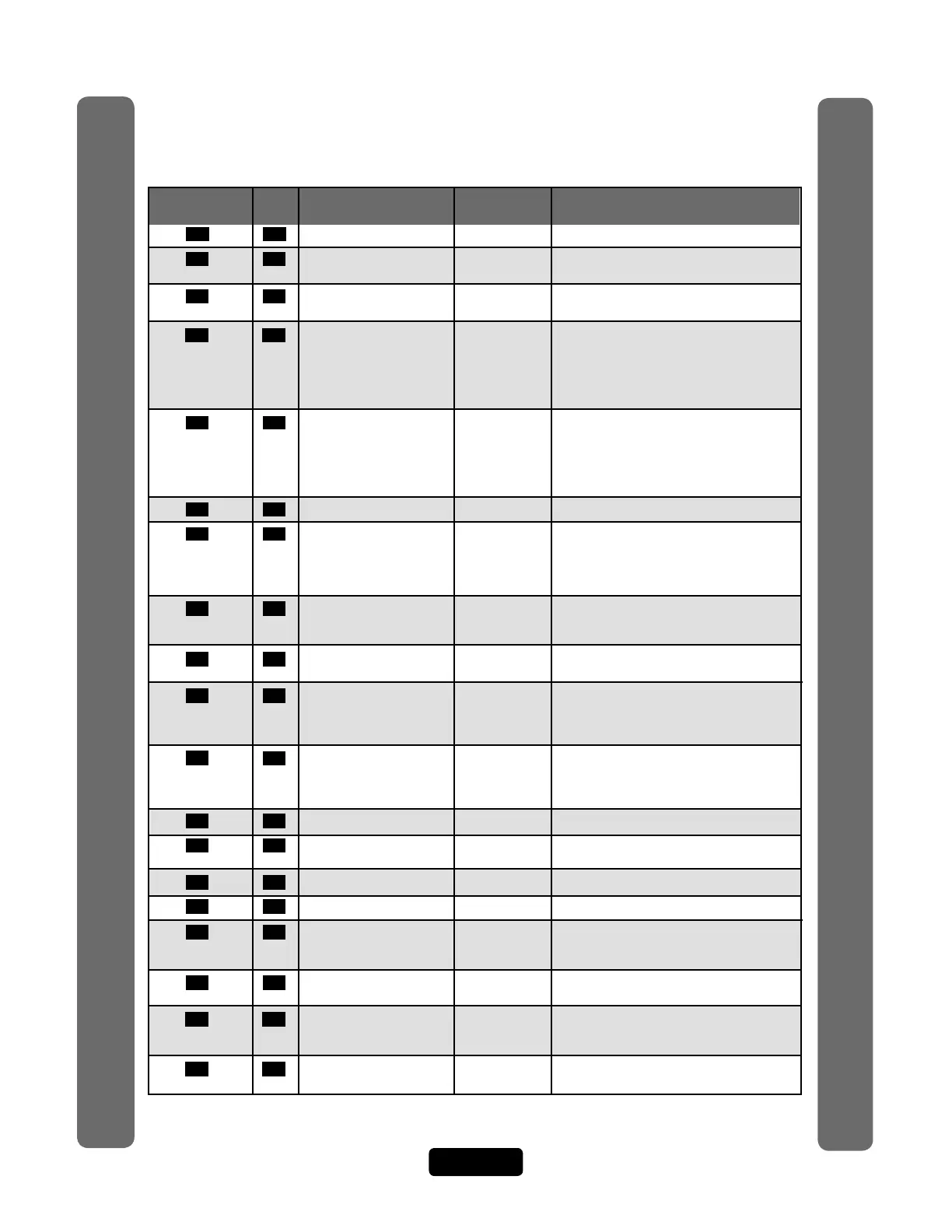
57 34 Delete an Entry Code 57 # (entry code) #
58 37 Assign Utility Option Off 58 # (entry code) # (Option; 0=Off, 1=Daily,
2=Weekly, 3=Never) # (number of uses 1-15)
59 37 Assign Special Use 59 # (entry code) # enable/disable #
Entry Code
60 24 Assign Each External Main keypad 60 # (device 1-4) # (door 1-4) #
Access Control assigned door1
Device a "Door Number" Device 1=door 1
Device 2=door 2
Device 3=door 3
Device 4=door 4
61 24 Assign "Each" Door D1=Relay 1 61 # (door 1-4) # (relays to activate
Number to One or D2=Relay 2 0000-1111) # Order of relay is: relay 4-relay
More Relays D3=Relay 3 -3 -relay 2-relay 1 for an example if you
D4=Relay 4 want relay 4 active you would enter
1000, if you want relay 1 active you would
enter 0001
63 51 Assign Door Use Time Zone Enabled 63 # (door 1-4) # (time zone, 0-63) #
64 53 Set Anti-Passback Entry/Exit Disabled 64 # (device 0-4) #
for Specific Devices (0-3; 0=disable, 1=set device to timed
anti-passback, 2=set device to true
anti-passback-entrance, 3=set device for true
anti-passback-exit) #
65 23 Set Each "Relay Mode" All Relays= 65 # (relay 1-4) # (1-5; 1=strike, 2=shunt,
to get the "1-Strike" 3=CCTV, 4=alarm, 5=control) #
Appropriate Response
66 23 Set Each Relay’s All Relays= 66 # (relay 1-4) # time (1-300 seconds)
"Activation Time" 10 seconds
67 65 Request to Exit Device (REX) R1=Door 1 67 # (REX number 1-4) # (select REX option:
R2=Door 2 0=disabled, 1=use your door settings or 2=use
R3=Door 3 specific relay(s) 0000-1111) #
R4=Door 4 Order of Relays are 4321
68 66 Door Sensing Devices DS1= Door 1 68 # (sensor number 1-4) # (select sensor
DS2= Door 2 option: 0=disabled, 1=use your door settings or
DS3= Door 3 2=use specific relay(s) 0000-1111) #
DS4= Door 4 Order of Relays are 4321
69 64 Postal Lock Switch Door 1 69 # (door 0-4; 0=no postal lock) #
70 64 Autocall Device 0000 70 # (relays to activate 0000-1111) #
Order of relays are 4321 (Factory Default: 0000)
71 43 Set the Default Card Type 30 71 # (26 or 30) # (Factory Default: 30)
73 43 Set the Default Facility Code 0 73 # (0-255) #
74 43 Enable or Disable Ignore Enabled 74 # (0=disable; 1=ignore) #
Facility Code when
a Card is Used
75 36 Change Entry Code All Doors 75 # (entry code) # (door 0=any door,
Door Access
1=door 1, 2=door 2, 3=door 3, 4=door 4) #
78 40 Change Card Code All Doors 78 # (card code) # (facility code) # (card type,
Door Access 26 or 30) # (door 0=any door, 1=door 1,
2=door 2, 3=door 3, 4=door 4) #
80 40 Add a Basic Card 80 (card PIN code) # (facility code) # (card
type, 26 or 30) #
Page Description of Task
Programming
Number
Factory
Setting
Programming
Procedure



 To Next Page