[DB600] General Instruction Manual Operation screen (program operation)
- 53 -
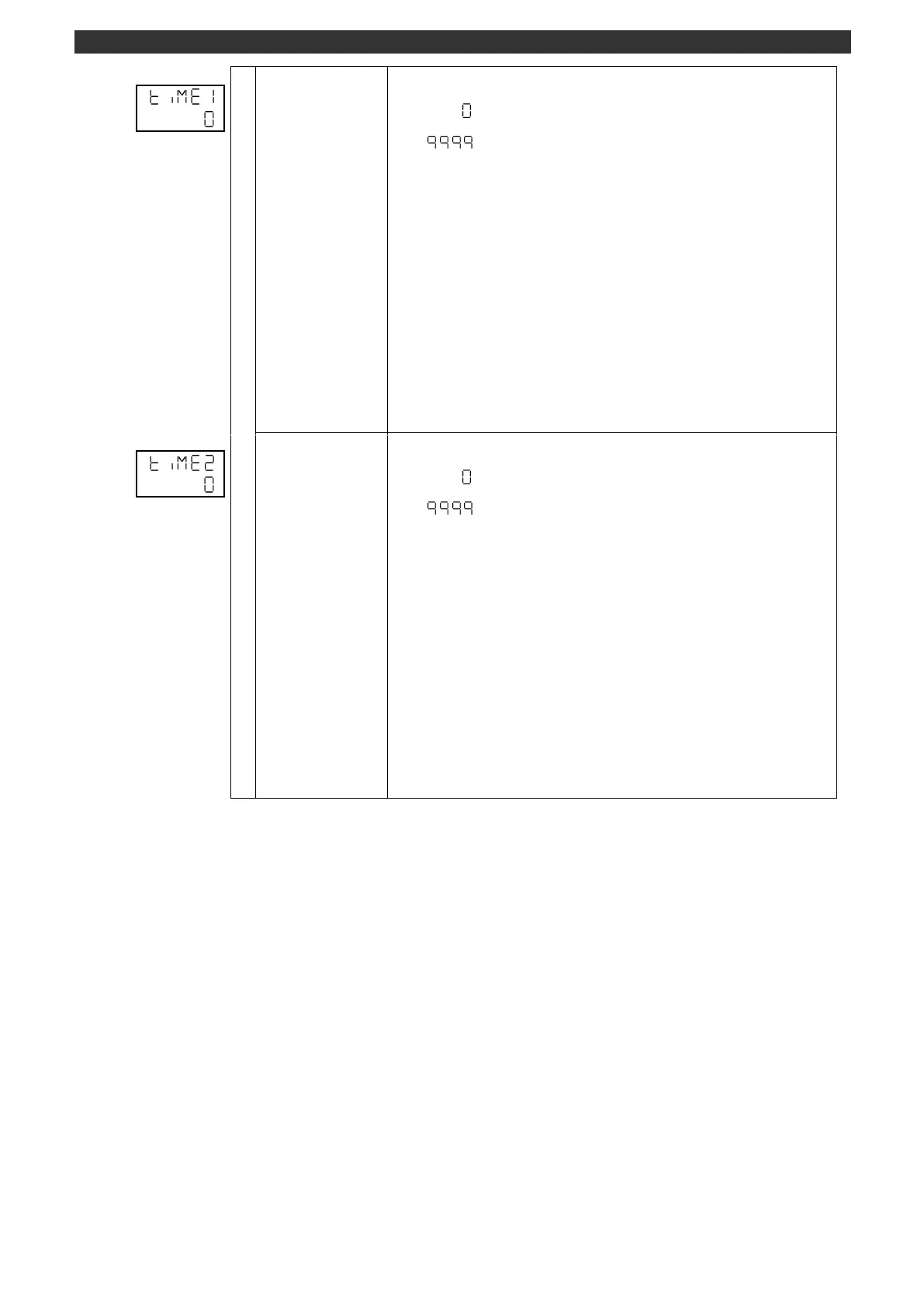
Displays the elapsed time of timer 1.
Timer 1 elapsed time [sec]
This display is available when "Timer 1" is assigned to "External input (MODEd)" for
the specification with external signal input.
Setting/changing using the [
] or [
] key is unavailable.
There is no decimal place.
The timer time will be updated when the external signal input of timer 1 is turned ON
(conduction state).
The display shows 0 second when the external signal input of timer 1 is turned OFF
(non-conduction state).
[Switch to operation initial screen]
Press and hold the [MODE] key to display the screen set on the MODEt operation
initial screen.
[AUTO/MANUAL output switch]
Press and hold the [>] key to switch the output between AUTO and MANUAL.
When switch to the MANUAL output, it will be switched to the PV/OUT1 (operation
screen) automatically.
Displays the elapsed time of timer 2.
Timer 2 elapsed time [sec]
This display is available when "Timer 2" is assigned to "External input (MODEd)" for
the specification with external signal input.
Setting/changing using the [
] or [
] key is unavailable.
There is no decimal place.
The timer time will be updated when the external signal input of timer 2 is turned ON
(conduction state).
The display shows 0 second when the external signal input of timer 2 is turned OFF
(non-conduction state).
[Switch to operation initial screen]
Press and hold the [MODE] key to display the screen set on the MODEt operation
initial screen.
[AUTO/MANUAL output switch]
Press and hold the [>] key to switch the output between AUTO and MANUAL.
When switch to the MANUAL output, it will be switched to the PV/OUT1 (operation
screen) automatically.



 To Next Page