[DB600] General Instruction Manual MODE 2
- 72 -
5-4 MODE2 [Program parameter]
5-4-1
Setting overview
MODE2 provides the pattern related settings for program operation. The display is available only for the
specification with program function.
Program operation changes a target value with time according to the preset program pattern.
A program pattern consists of multiple steps, and it can be created by setting a target value and time
necessary for each step.
You can register a program of up to 4 patterns x 12 steps.
There are three set contents as listed below.
Basic settings and edit function of program operation
Action at start/end of program pattern
Step-by-step target value, time necessary and assignment of group parameter
5-4-2
Setting screen and function
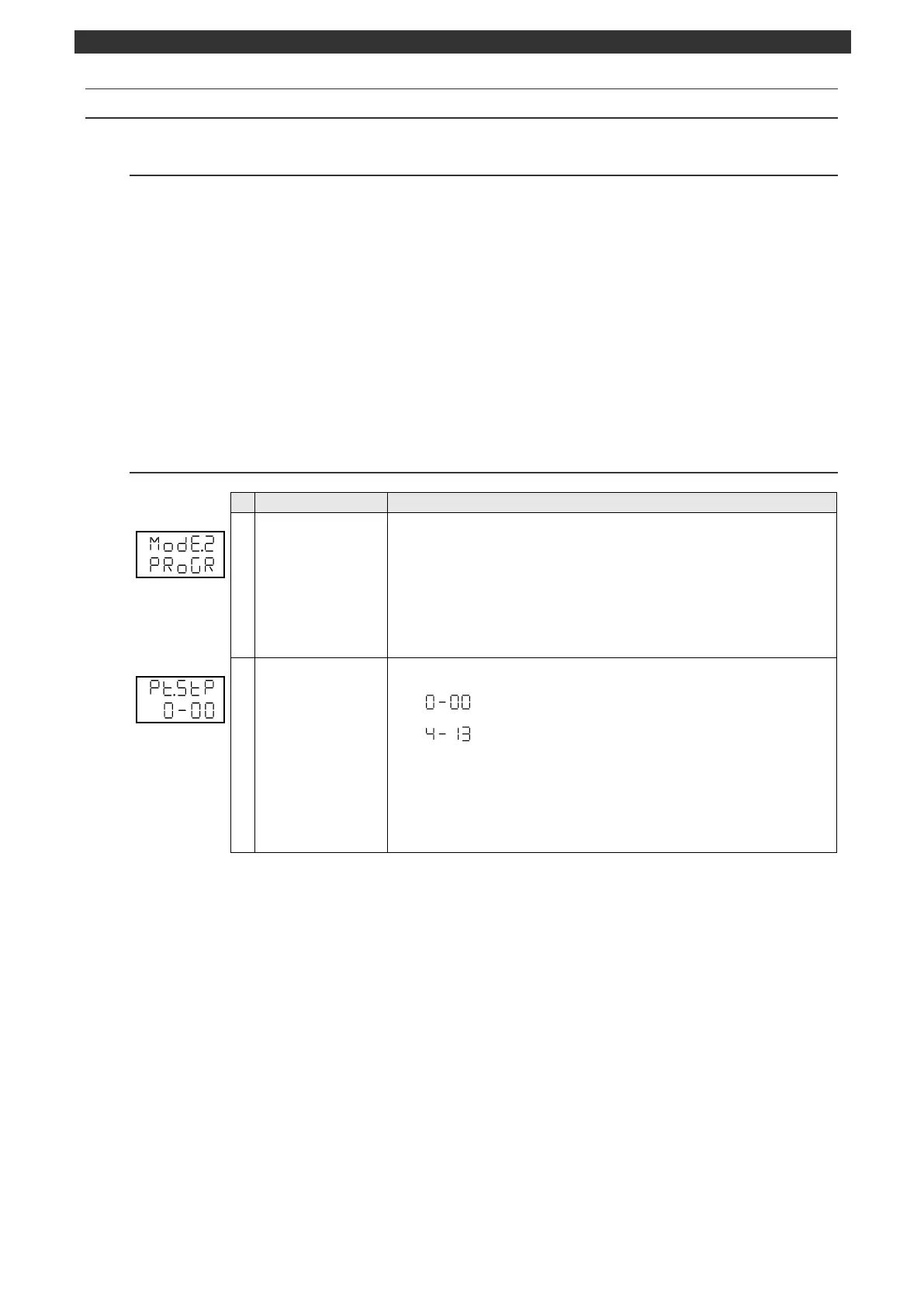
MODE2 initial screen
(Program parameter)
MODE2 (program parameter) initial screen
This display is available for the specification with program function.
Pressing the [
] key makes a switch to the MODE1 screen.
Pressing the [
] key makes a switch to the MODE3 screen.
No parameter is set by the [ENT] key.
[Switch to operation initial screen]
Press and hold the [MODE] key to display the screen set on the MODEt operation
initial screen.
Common setting for pattern
Displays or selects an arbitrary pattern No./step No.
Select a pattern No. and step No. of the parameter group
displayed when the [SEL] key is pressed.
Use the [
] or [
] key to select an arbitrary pattern No./step No. screen.
Pressing the [
] key displays the pattern No. 4/end step No. screen.
Pressing the [
] key displays the pattern No. 1/step No. 0 screen.
No parameter is set by the [ENT] key.
Step No. is displayed up to the number of steps + 1.



 To Next Page