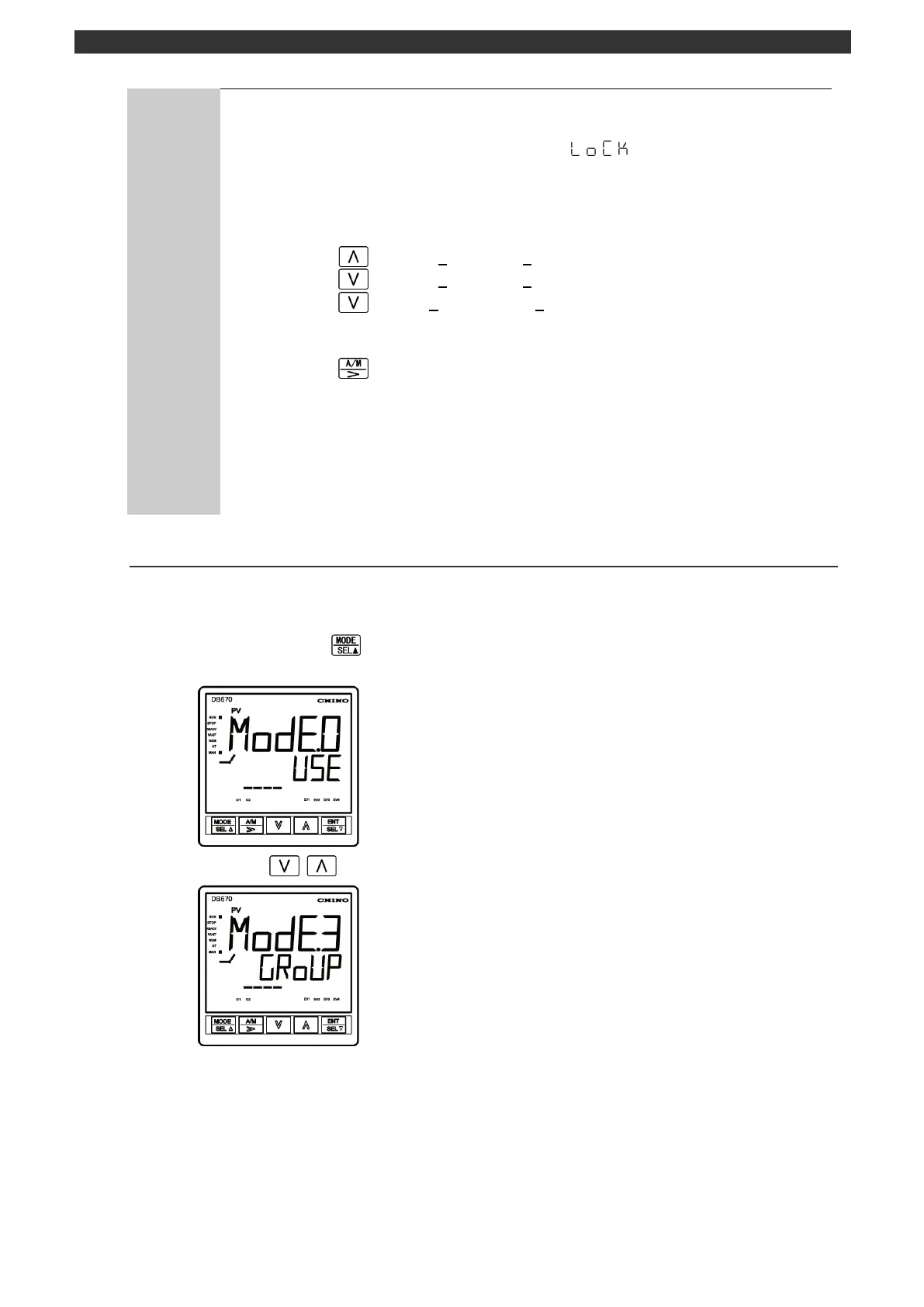
Release key lock
You cannot set/change a parameter when the key lock is enabled. At a registration
of set contents, the PV display screen shows " " and a measured value
(PV) alternately. See the section 5-14 to disable the key lock.
Digits for setting numeric values
Carrying, borrowing and minus operations are performed automatically.
Pressing the key at "09" makes "10".
Pressing the key at "10" makes "09".
Pressing the key at "_ 0" makes "-1000".
Cursor move
Pressing the key moves the cursor to a digit to right available for
setting/changing.
Automatic recovery from the setting screen
When approximately 3 minutes have passed without key operation during a setting
or checking process, the screen will switch to the operation screen.



 To Next Page