[DB600] General Instruction Manual MODE 2
- 79 -
Step type and setting example 2.
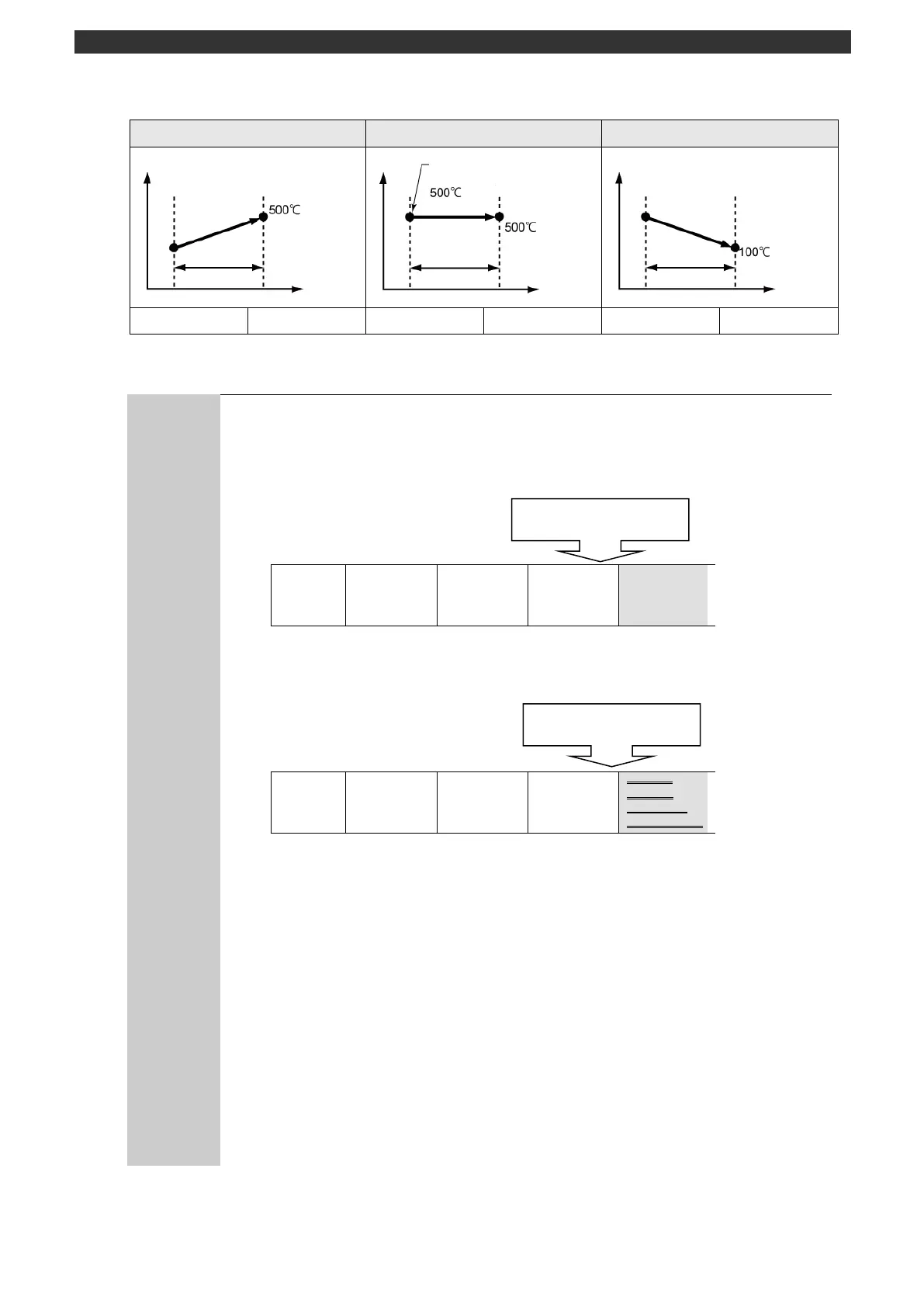
* SV setting for keep
Set the SV of step n the same way as the step n-1 to have a keep operation step.
Deleting/adding a step
The number of steps is set/changed on the number of steps screen of the start step
setting for each pattern. A step is deleted from or added to the back of the steps in a
pattern. The end step will be kept registered.
<Example of adding a step>
Pattern 1
Step 1
SV =10.0
TIME=1:01
No.SEL=No.1
Step 2
SV=20.0
TIME=2:02
No.SEL=No.2
Step 3
SV=30.0
TIME=3:03
No.SEL=No.3
Step 4
SV=40.0
TIME=4:04
No.SEL=No.4
In this example case, when the number of steps of [Start step setting (Step No.
0) parameter] is changed 3 to 4, adding a step in the end of the pattern.
Set each parameter of the added step No.
<Example of deleting a step>
Pattern 1
Step 1
SV =10.0
TIME=1:01
No.SEL=No.1
Step 2
SV=20.0
TIME=2:02
No.SEL=No.2
Step 3
SV=30.0
TIME=3:03
No.SEL=No.3
Step 4
SV=40.0
TIME=4:04
No.SEL=No.4
In this example case, when the number of steps of [Start step setting (step No.
0) parameter] is changed 4 to 3, deleting a step in the end of the pattern.
* Middle step cannot be added and deleted.
About step 13
Numbers available for organizing steps are from No. 01 to 12. Step 13 is dedicated
for connection (linkage) when steps are used up to 12.
Setting/changing during operation
Steps can be set/changed during operation. The contents of a step during operation
can be set/changed in MODE0 (see the section 5-2). When "Number of steps
(MODE2)" is changed, the change will not be reflected while the operation is in
progress.
Attainment target (SV) of
previous step



 To Next Page