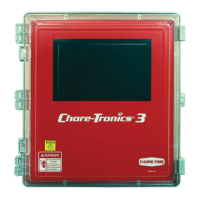
Introduction to the Control Chore-Tronics® 3 Control
7
MT2398C
Navigating option 2. (Mouse)- A USB mouse can be used by plugging it into the USB port located on
the left side of the main Control Box.
To navigate using a mouse, position the cursor on the Icon or
the simulated button displayed on the screen,
and press the left mouse button to select.
USB Port
USB Mouse
Figure 3. Navigation-Mouse


 To Next Page