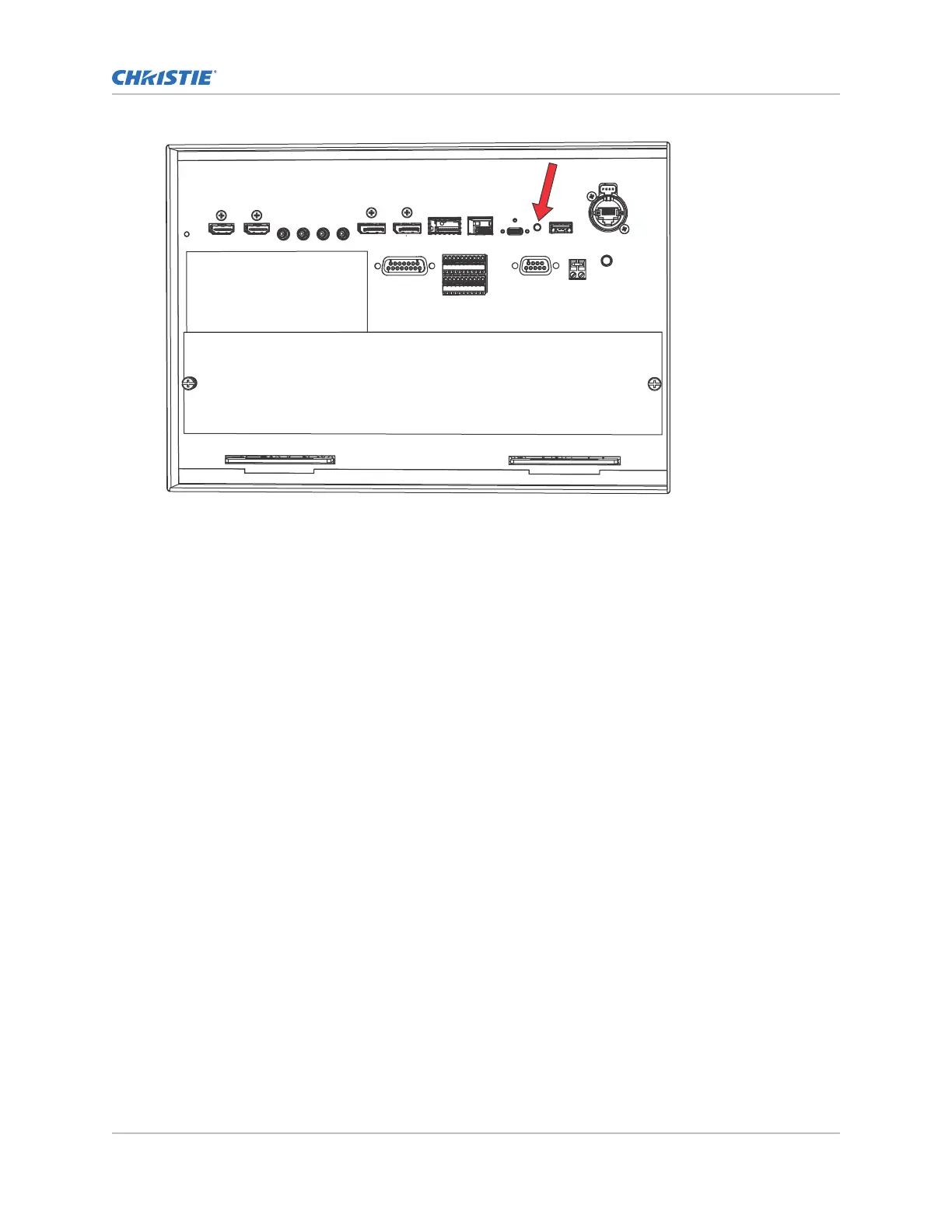
3. Once the unit is powered on, select and hold the Marriage button on the projector for 5 to 25
seconds.
The projector turns on the light source and displa
ys a test pattern with the projector's IP
address and any currently active alarms.
Resetting the projector IP address to the default
Use the following method to reset the projector IP address to the default value when no touch panel is
installed.
1. Connect the projector to the theater network using an Ethernet cable.
2. Make sure the projector is not in Standby mode by selecting the recessed button between the
USB-C port and the USB port on the Video Input panel.
Selecting the recessed button transitions the projector from Standby to powered on.
Operating the projector
CineLife+ User Guide 17
020-103073-10 R
ev. 1 (02-2023)
Copyright
©
2023 Christie Digital Systems USA, Inc. All rights reserved.
If printed, please recycle this document after use.












 To Next Page