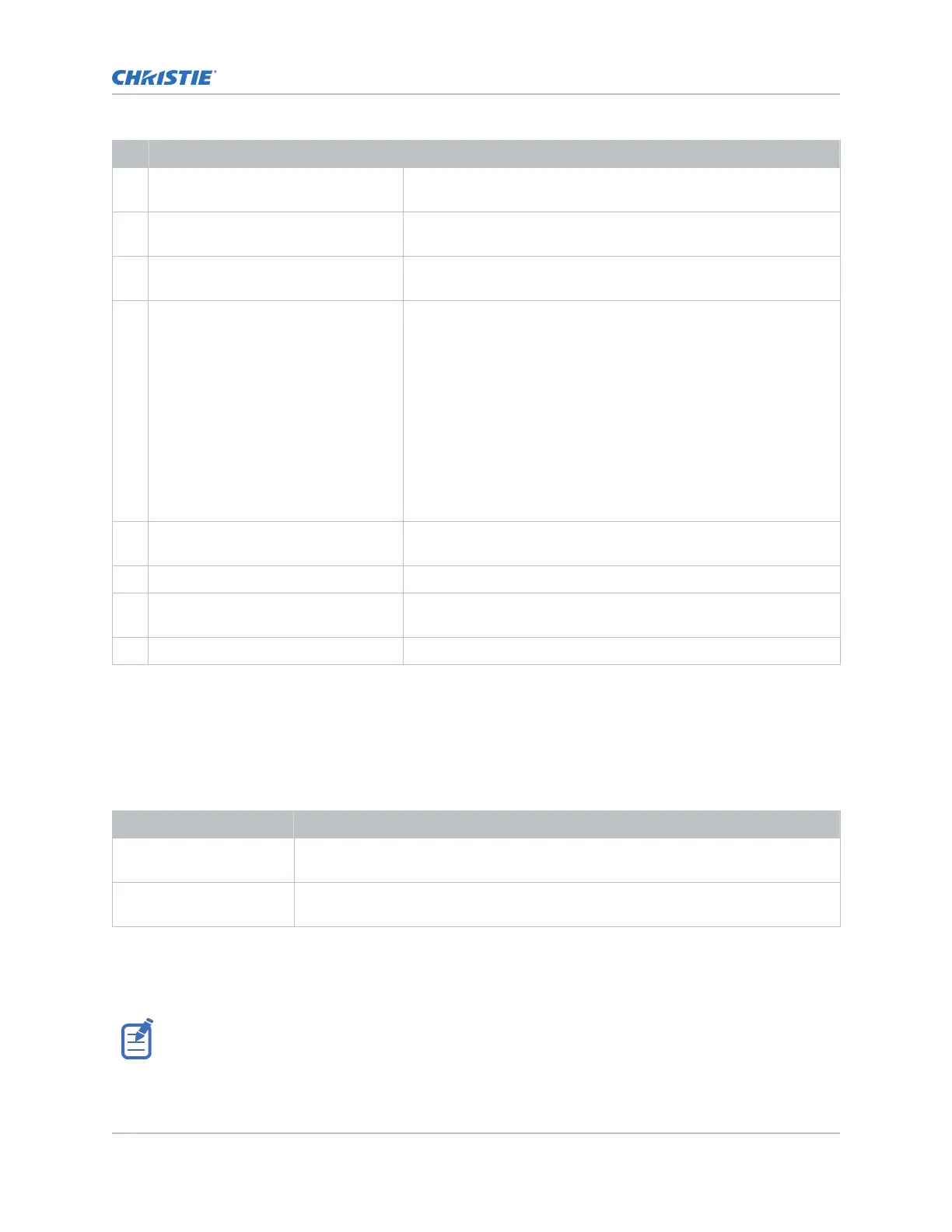
ID Port Description
G Recessed button Select the button to transition the projector from Standby mode to
P
ower ON mode.
H USB port Connects to external memory device for import and export of
projector software, configuration files, and status information.
I Management port Connects to the local network and can send CineLife+ serial
commands and used for Remote UI access.
J Marriage button Used during the Integrated Media Block (IMB) marriage setup
process.
• Select and hold the button for 5 seconds to display the IP
address and status information.
• Select and hold the button for 30 seconds to reset the IP
address to the default address.
The marriage status LED indicator is located to the right of the
Marriage button. In full power mode, a green LED indicates the
projector is properly married and encrypted content can be
displayed. A red LED indicates marriage is broken and encrypted
content cannot be displayed.
K Fire alarm connection Connects to the Theater Fire Management system for automatic
shut down in emergency situations.
L RS232 communication port Not used.
M GPIO port Connects the projector to external automation or automation
devices.
N 3D sync connector Connects the projector to 3D devices.
HDMI video source
F
or the projector to accept digital video data from HDMI sources, plug the HDMI source directly into
the Video Input panel.
The input configurations listed below are supported.
Input configuration Description
Single-input Accepts connection of one HDMI cable. Supports both 2D and 3D frame-packed, top
and bottom. In this configur
ation, the HDMI input supplies the entire video raster.
Dual-input Enables connection of two HDMI cables in support of 3D LR, where HDMI Input 1 =
left eye and HDMI Input 2 = right eye.
HDMI video formats
The following image formats are supported b
y the two HDMI inputs.
Fractional 1/1.001 frame rates, 1920 x 1080 (HD), and 3840 x 2160 (UHD) formats are also supported.
Video Input panel
CineLife+ User Guide 25
020-103073-10 R
ev. 1 (02-2023)
Copyright
©
2023 Christie Digital Systems USA, Inc. All rights reserved.
If printed, please recycle this document after use.












 To Next Page