3. To automatically adjust the projector time to follow Daylight Saving Time, select
Automatically adjust for Daylight Saving Time.
The color of the slider changes to green to indicate it is activ
e.
4. Select Save.
Changing the orientation of the projected image
Change the orientation of the projected image from normal to inverted to support multi-projector
installations where deflection mirrors are used.
1. In the left navigation menu, select Service Setup > Preferences.
2. Select General.
3. From the Projected Image Orientation list, select the required orientation for the projected
image.
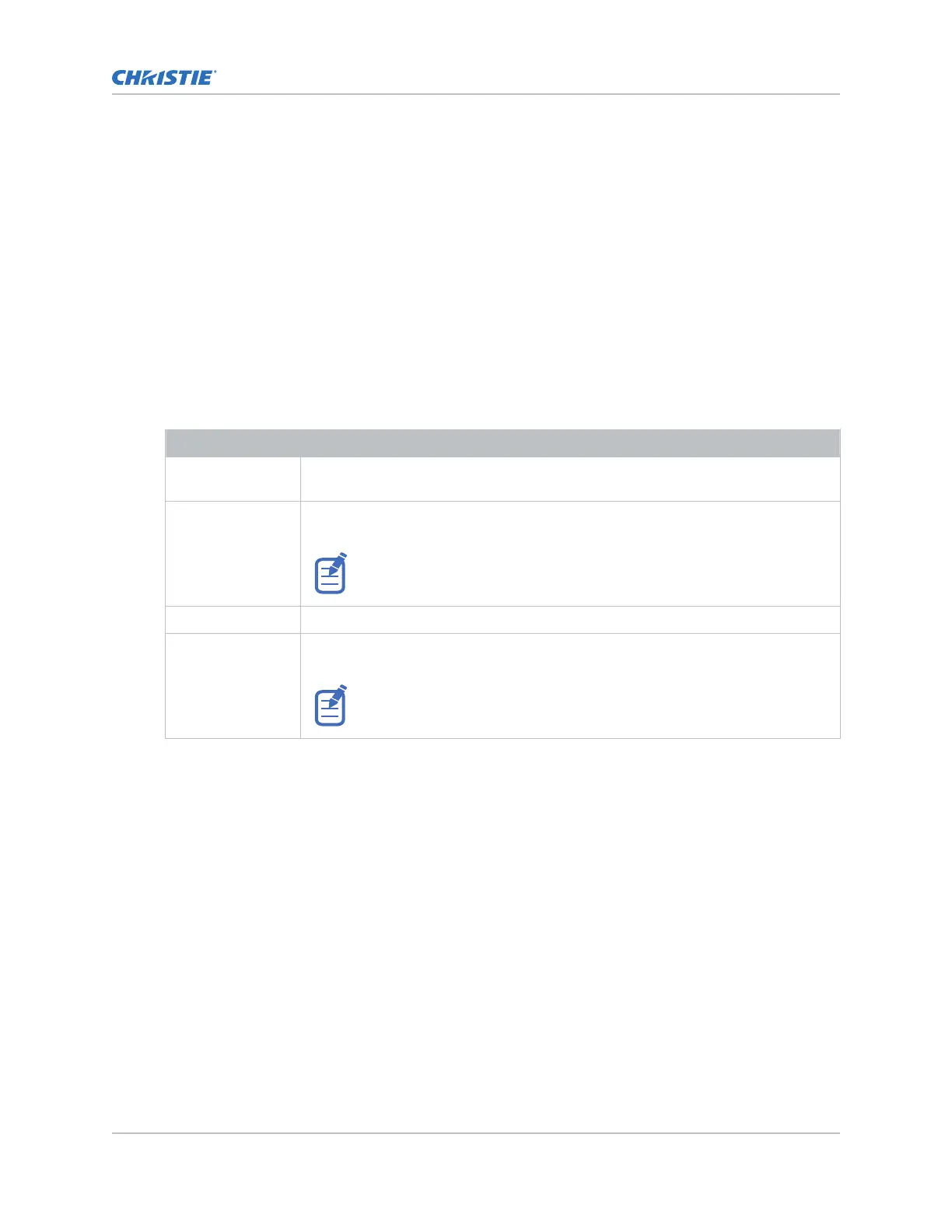
Orientation Description
Normal Front Projection from behind the audience with the projector in the normal, upright
position.
Inverted Front Projection from behind the audience with the projector in an inverted position
(upside down).
Inverted positioning is not supported for CineLife+ projectors. For more
information, see the CineLife+ 4K-RGB Installation and Setup Guide
(P/N: 020-103244-XX).
Normal Rear Projection from behind the screen with the projector in the normal, upright position.
Inverted Rear Projection from behind the screen with the projector in an inverted position (upside
down).
Inverted positioning is not supported for CineLife+ projectors. For more
information, see the CineLife+ 4K-RGB Installation and Setup Guide
(P/N: 020-103244-XX).
Changing the projector host name
Change the projector host name to mak
e it easier to identify.
1. In the left navigation menu, select Service Setup > Preferences.
2. Select General.
3. Select Update.
Changing the temperature display
Set the touch panel to display temperatures in Celsius or Fahrenheit degrees.
1. In the left navigation menu, select Service Setup > Preferences.
2. Select General.
3. In the Temperature Units list, select Celsius or Fahrenheit.
Operating the projector
CineLife+ User Guide 23
020-103073-10 R
ev. 1 (02-2023)
Copyright
©
2023 Christie Digital Systems USA, Inc. All rights reserved.
If printed, please recycle this document after use.












 To Next Page