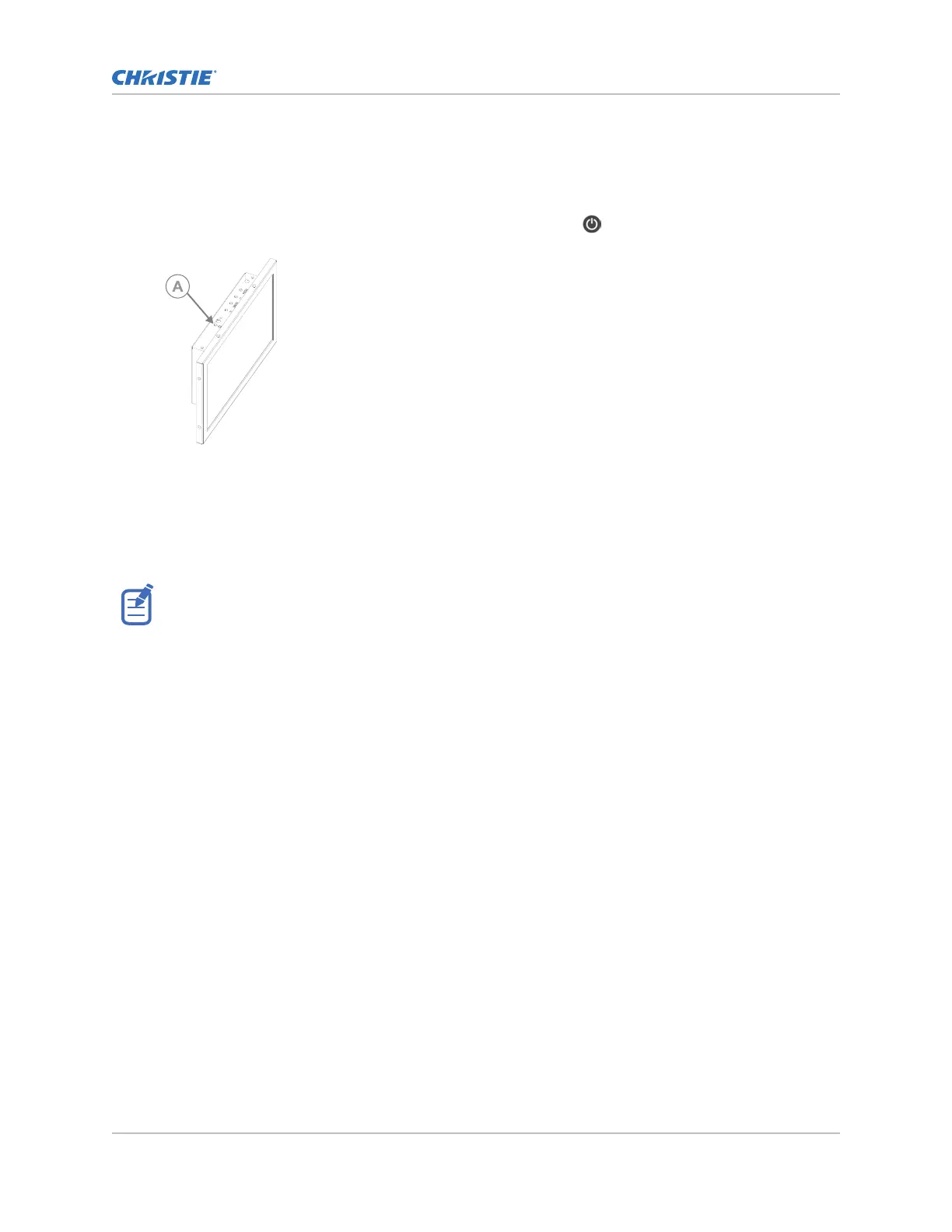
Turning the touch panel on or off
T
urn the touch panel on to view projector menus, or turn the touch panel off to conserve energy.
• To turn the touch panel on or off, select the Power button
(A) on the top of the touch
panel.
Understanding the Christie touch panel interface and remote
user interface
Use the touch panel to control the projector and perform functions such as turning the light on or off
,
selecting channels, and viewing status information.
If no touch panel is installed, use the Remote UI feature. See Using the Remote user interface (UI) (on
page
18).
Operating the projector
CineLife+ User Guide 19
020-103073-10 R
ev. 1 (02-2023)
Copyright
©
2023 Christie Digital Systems USA, Inc. All rights reserved.
If printed, please recycle this document after use.












 To Next Page