Calibration Procedure
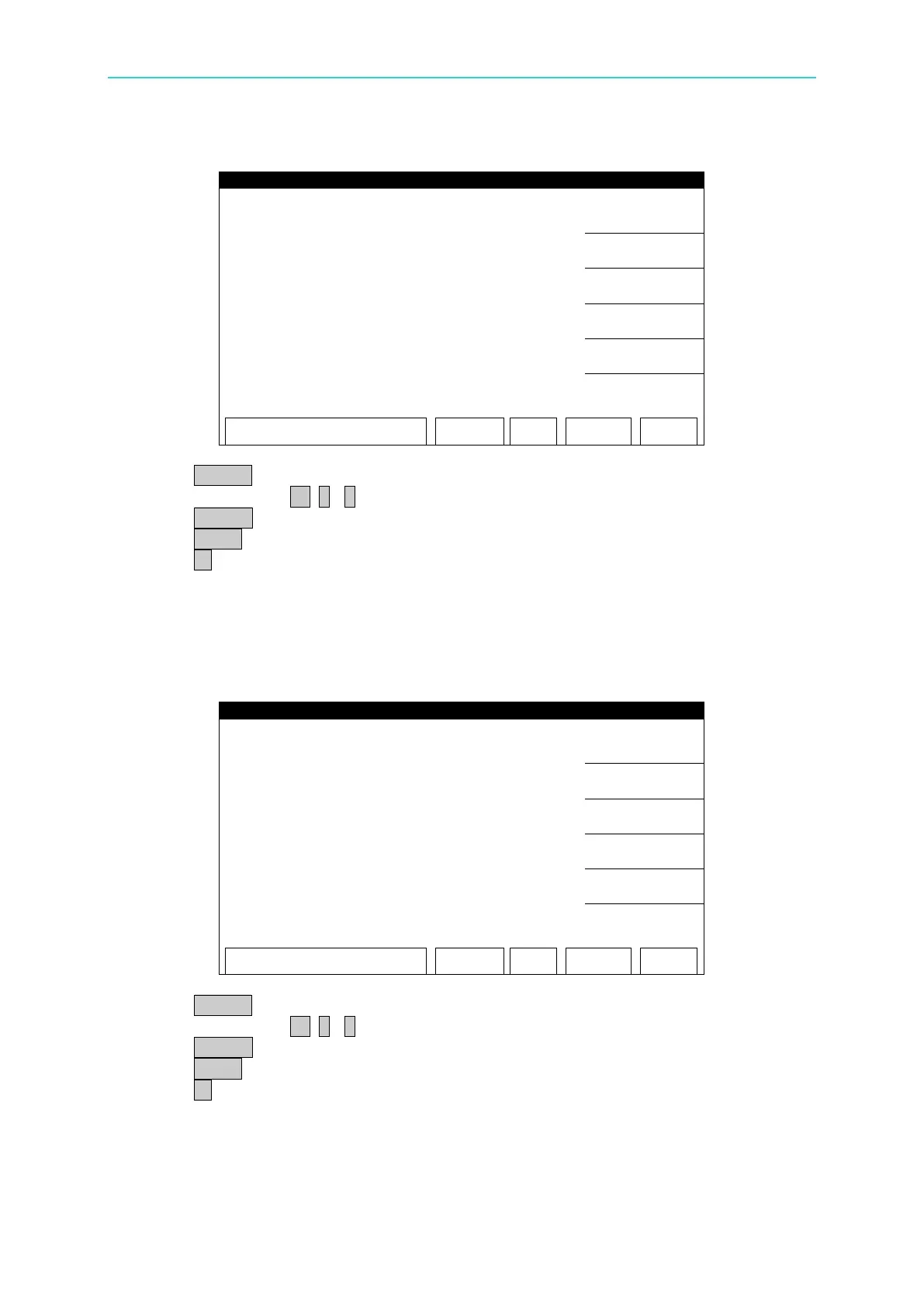
DCV 6kV FULL (4kV) Calibration Screen:
1. Press START to output voltage and read the data from the high voltage meter.
2. Press numeric key 0 . ~ 9 to input the reading of high voltage meter.
3. Press ENTER to confirm the input.
4. Press STOP to stop high voltage output.
5. Press ▼ to go to OSC 100V OFFSET (50V) calibration.
7.4.3 OSCV Calibration
OSC 100V OFFSET(50V) Calibration Screen:
1. Press START to output voltage and read the data from the high voltage meter.
2. Press numeric key 0 . ~ 9 to input the reading of high voltage meter.
3. Press ENTER to confirm the input.
4. Press STOP to stop high voltage output.
5. Press ▼ to go to OSC 100V FULL (100V) calibration.



 To Next Page