Multi-Channel Sync Hipot Tester 19020/19020-4/19021/19021-4/19022/19022-4
User’s Manual
4.4.2 Setting TEST CONTROL
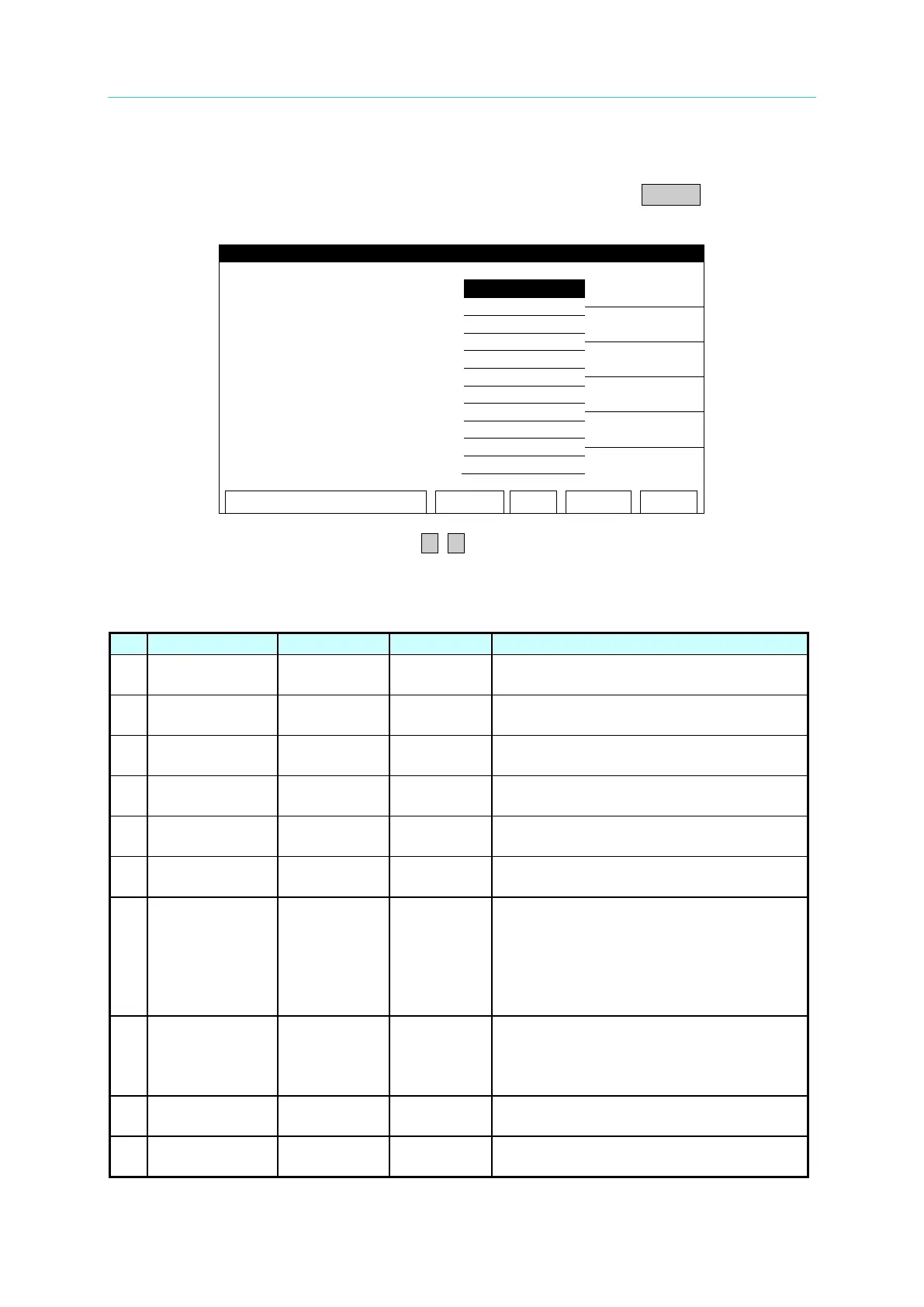
In SYSTEM screen, move the highlight to TEST CONTROL and press ENTER to go to TEST
CONTROL setting screen as shown below:
When in TEST CONTROL screen, press ▲, ▼ to move the highlight to the item to be set for
related setting.
The following table lists the setting items of TEST CONTROL and their descriptions.
It sets the time duration the beeper
sounds for PASS.
It sets the frequency of output voltage
when doing AC withstand voltage test.
It sets the software AGC function to be
on or off.
OFF,50~95%
It sets the percentage for the output
voltage to reach the set voltage.
It sets the range auto change function for
withstand voltage test to be on or off.
It sets if the channel stops testing when
FAIL occurs during test.
07
RAMP
JUDGMENT
ON / OFF ON
When it is set to ON, it will judge if the
current readings exceed the high limit
during ramp time execution.
When it is set to OFF, it won’t
current readings exceed the high limit
during ramp time execution.
08
DEF.
CHANNELS
-------------
channel of
It sets the default channel to be on. The
settings here will become the default of
PROGRAM channel. Details please see
It sets the LCD screen to be on or off
during test.
10 EOT
TEST
1. When EOT set to TIMER, it means
nEOT and PASS_FAIL signals act



 To Next Page