Calibration Procedure
7.5.2 DCA Current Calibration
■ Connect a 10MΩ 0.5 Watt or high power simulated load resistance in between the
high voltage output terminal (HV OUTPUT) of the channel to be calibrated on this
Tester and the high potential terminal of AC meter, also connect the low potential
terminal (RTN/LOW) of the channel to be calibrated on this Tester to the low
potential terminal of AC meter.
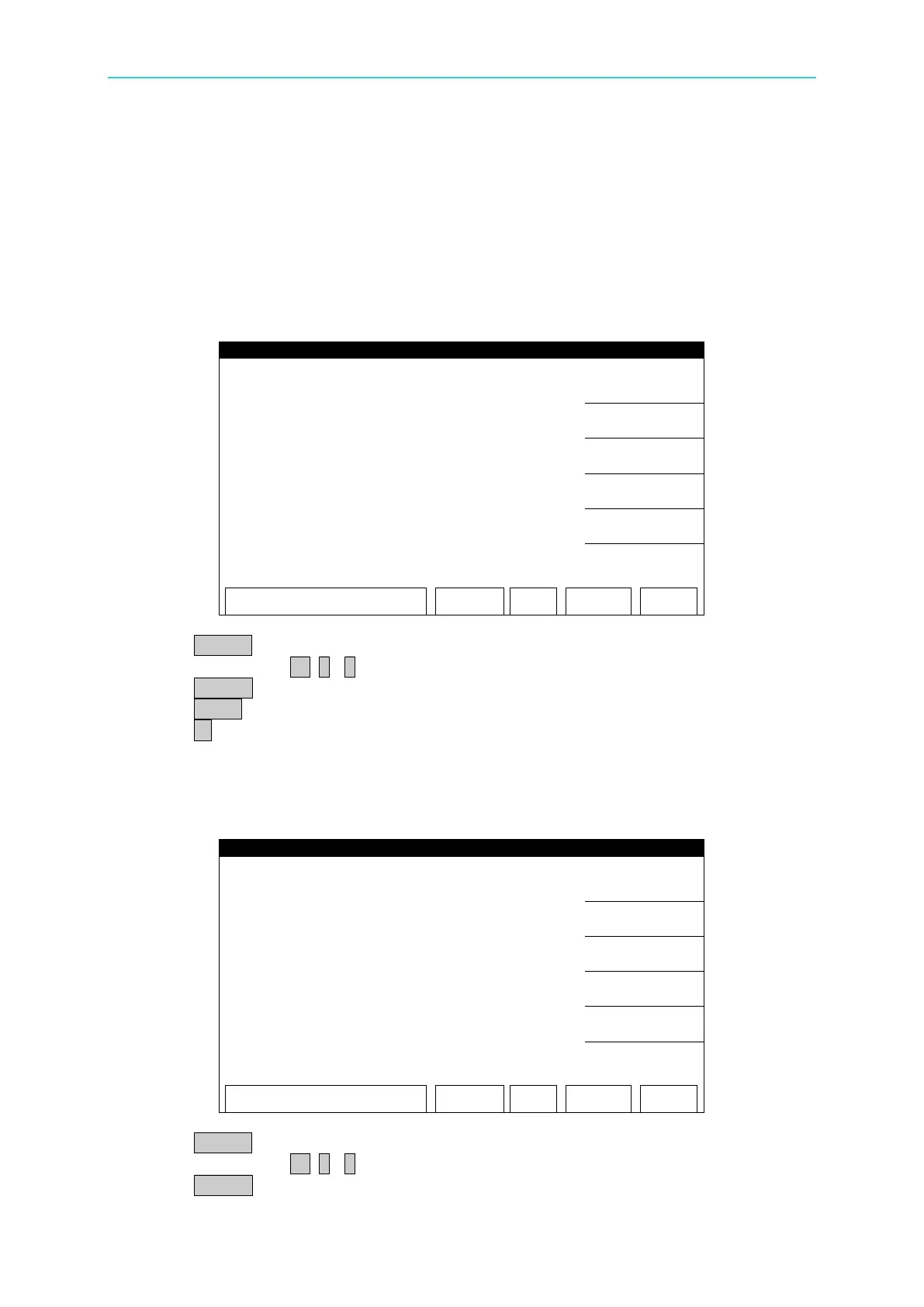
DCA 3mA OFFSET(0.12mA) Calibration Screen:
1. Press START to output voltage and read the data from the DC meter.
2. Press numeric key 0 . ~ 9 to input the reading of DC meter.
3. Press ENTER to confirm the input.
4. Press STOP to stop high voltage output.
5. Press ▼ to go to DCA 3mA FULL (2.4mA) calibration.
■ Change the simulated load resistance to 500kΩ 10watt or higher power.
DCA 3mA FULL(2.4mA) Calibration Screen:
1. Press START to output voltage and read the data from the DC meter.
2. Press numeric key 0 . ~ 9 to input the reading of DC meter.
3. Press ENTER to confirm the input.



 To Next Page