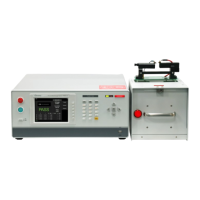
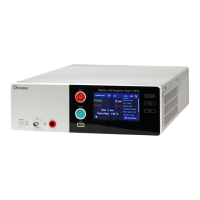
Multi-Channel Sync Hipot Tester 19020/19020-4/19021/19021-4/19022/19022-4
User’s Manual
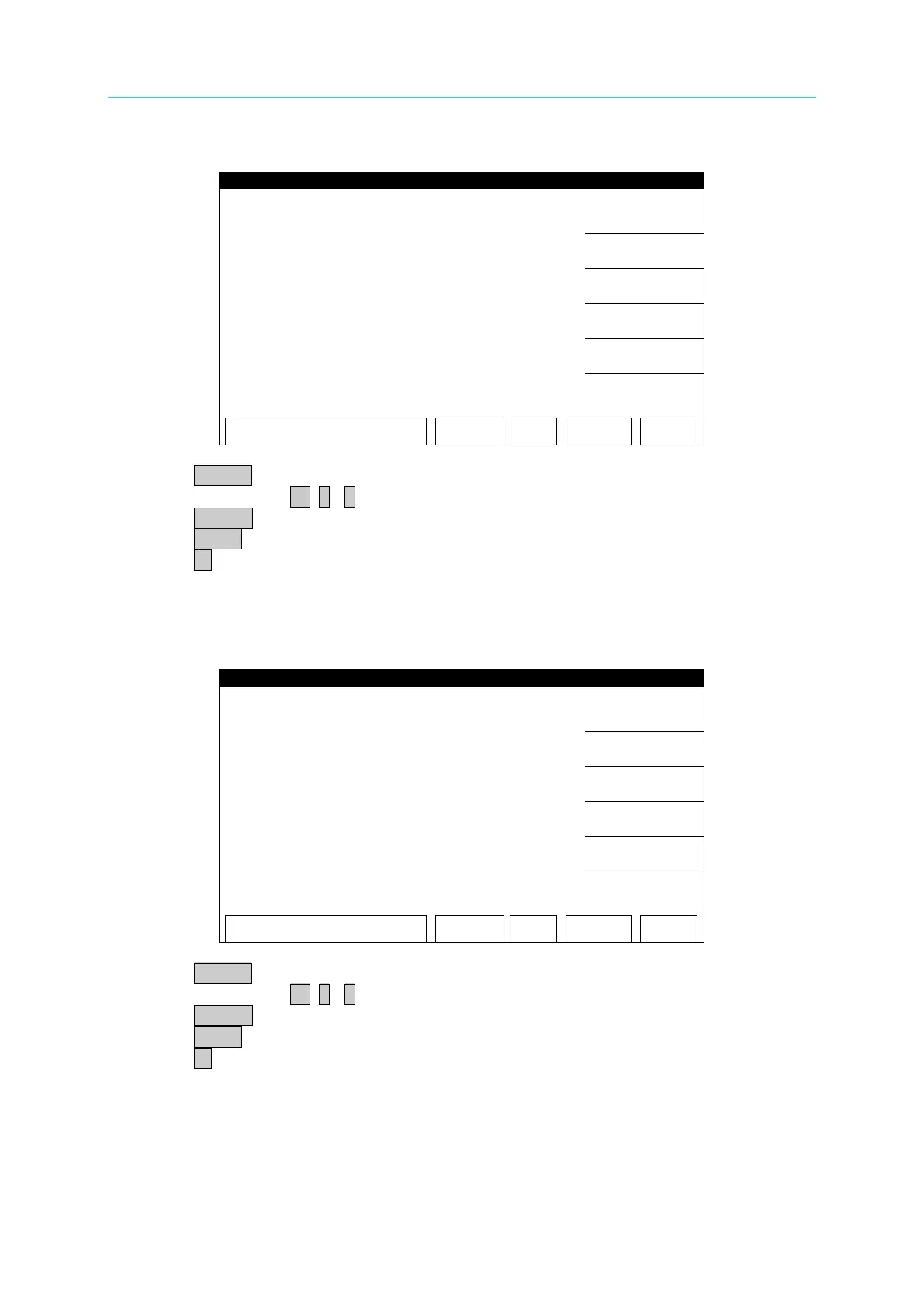
ACA 10mA OFFSET(2.4mA) Calibration Screen:
1. Press START to output voltage and read the data from the AC meter.
2. Press numeric key 0 . ~ 9 to input the reading of AC meter.
3. Press ENTER to confirm the input.
4. Press STOP to stop high voltage output.
5. Press ▼ to go to ACA 10mA FULL (4.8mA) calibration.
■ Change the simulated load resistance to 250kΩ 20 Watts or higher power.
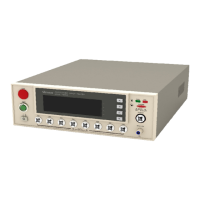
ACA 10mA FULL(4.8mA) Calibration Screen:
1. Press START to output voltage and read the data from the AC meter.
2. Press numeric key 0 . ~ 9 to input the reading of AC meter.
3. Press ENTER to confirm the input.
4. Press STOP to stop high voltage output.
5. Press ▼ to go to DCA 3mA OFFSET (0.12mA) calibration.



 To Next Page