Multi-Channel Sync Hipot Tester 19020/19020-4/19021/19021-4/19022/19022-4
User’s Manual
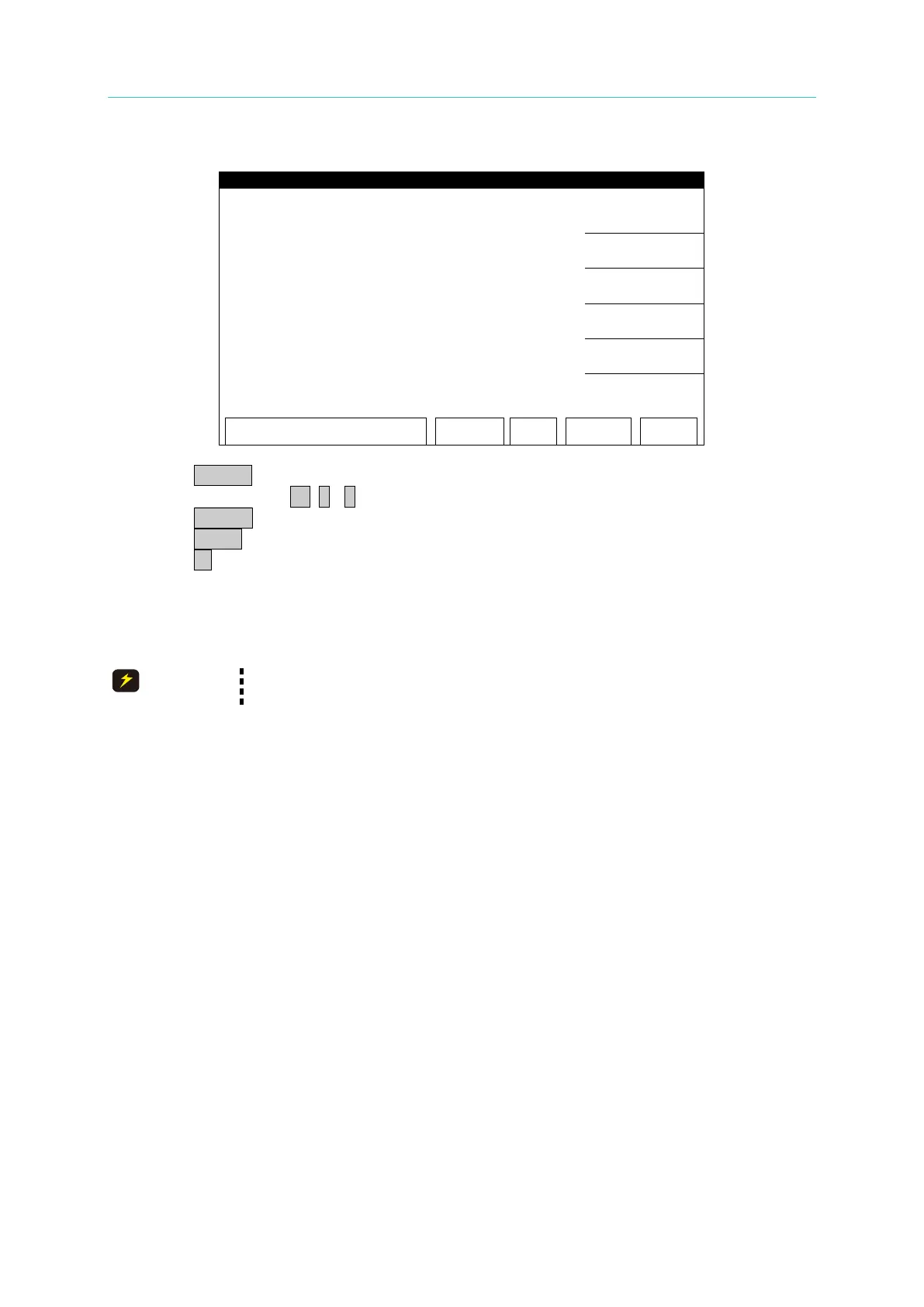
OSC 100V FULL (100V) Calibration Screen:
1. Press START to output voltage and read the data from the high voltage meter.
2. Press numeric key 0 . ~ 9 to input the reading of high voltage meter.
3. Press ENTER to confirm the input.
4. Press STOP to stop high voltage output.
5. Press ▼ to go to ACA 3mA OFFSET (0.12mA) calibration.
7.5 Current Calibration
The virtual load has to be in between high potential terminal and
ammeter input terminal, or it may cause hazard.
7.5.1 ACA Current Calibration
(30uA and 300uA are for 19021, 19021-4 only)
■ Connect a 4.42pF capacitance load (60Hz equivalent impedance is 600MΩ) and a
20kΩ shunt resistance in series to the tester channel for calibration in between HV
OUTPUT) and low potential terminal (RTN/LOW). Also connect the handheld meter
to Shunt resistor to measure the AC voltage.



 To Next Page