Multi-Channel Sync Hipot Tester 19020/19020-4/19021/19021-4/19022/19022-4
User’s Manual
■ Change the simulated load resistance to 60MΩ, 10watt or higher power.
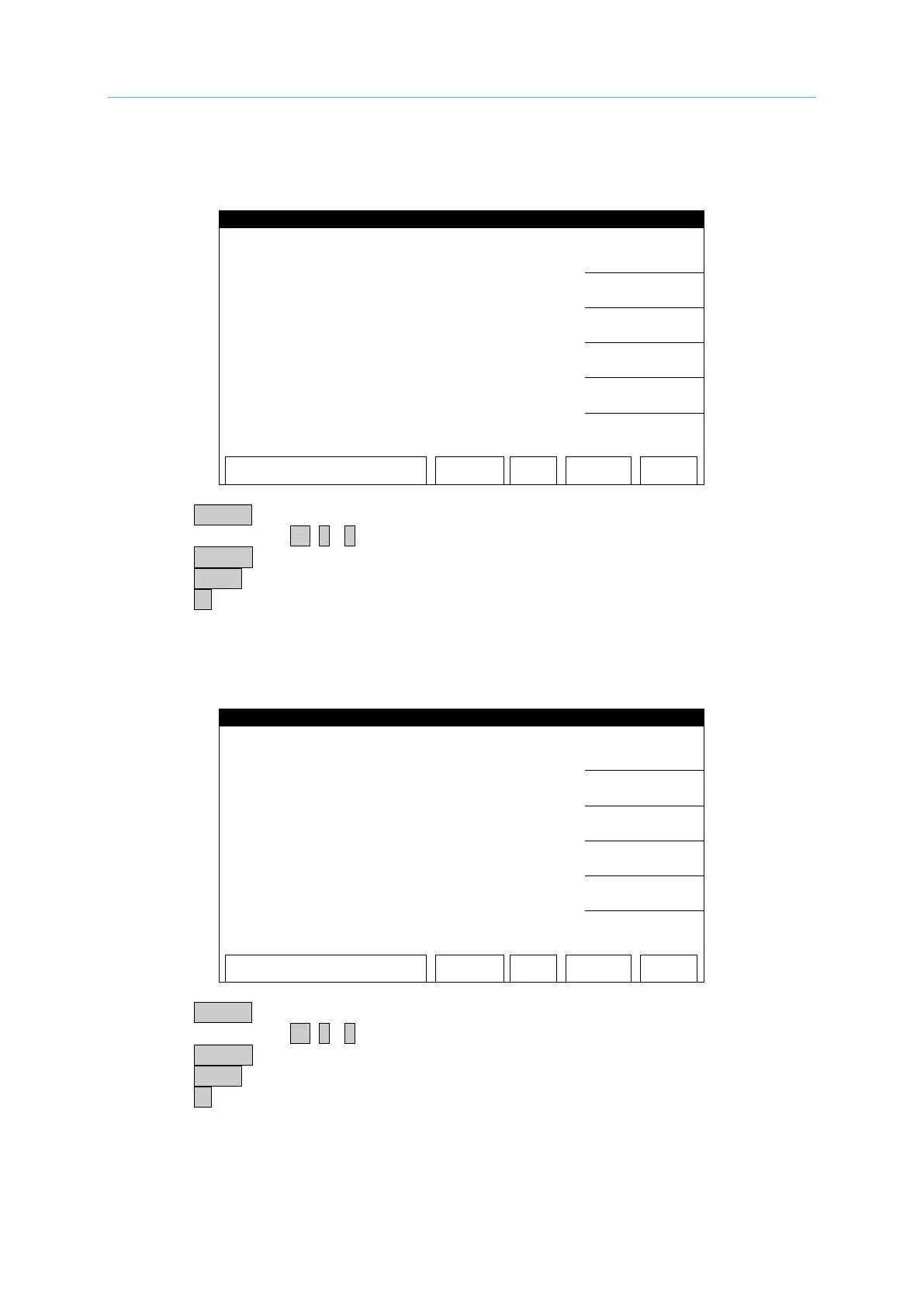
ACA 300uA OFFSET(20uA) Calibration Screen:
1. Press START to output voltage and read the data from the AC meter.
2. Press numeric key 0 . ~ 9 to input the reading of AC meter.
3. Press ENTER to confirm the input.
4. Press STOP to stop high voltage output.
5. Press ▼ to go to ACA 300uA FULL (200uA) calibration.
■ Change the simulated load resistance to 6MΩ, 10watt or higher power.
ACA 300uA FULL(200uA) Calibration Screen:
1. Press START to output voltage and read the data from the AC meter.
2. Press numeric key 0 . ~ 9 to input the reading of AC meter.
3. Press ENTER to confirm the input.
4. Press STOP to stop high voltage output.
5. Press ▼ to go to ACA 3mA OFFSET(0.12mA) calibration.



 To Next Page