Panel Description
Beware:
The data of store is cover method, so input the item number then the original memory in
that item will be covered by new data.
4.3.5 Memory Management Instruction
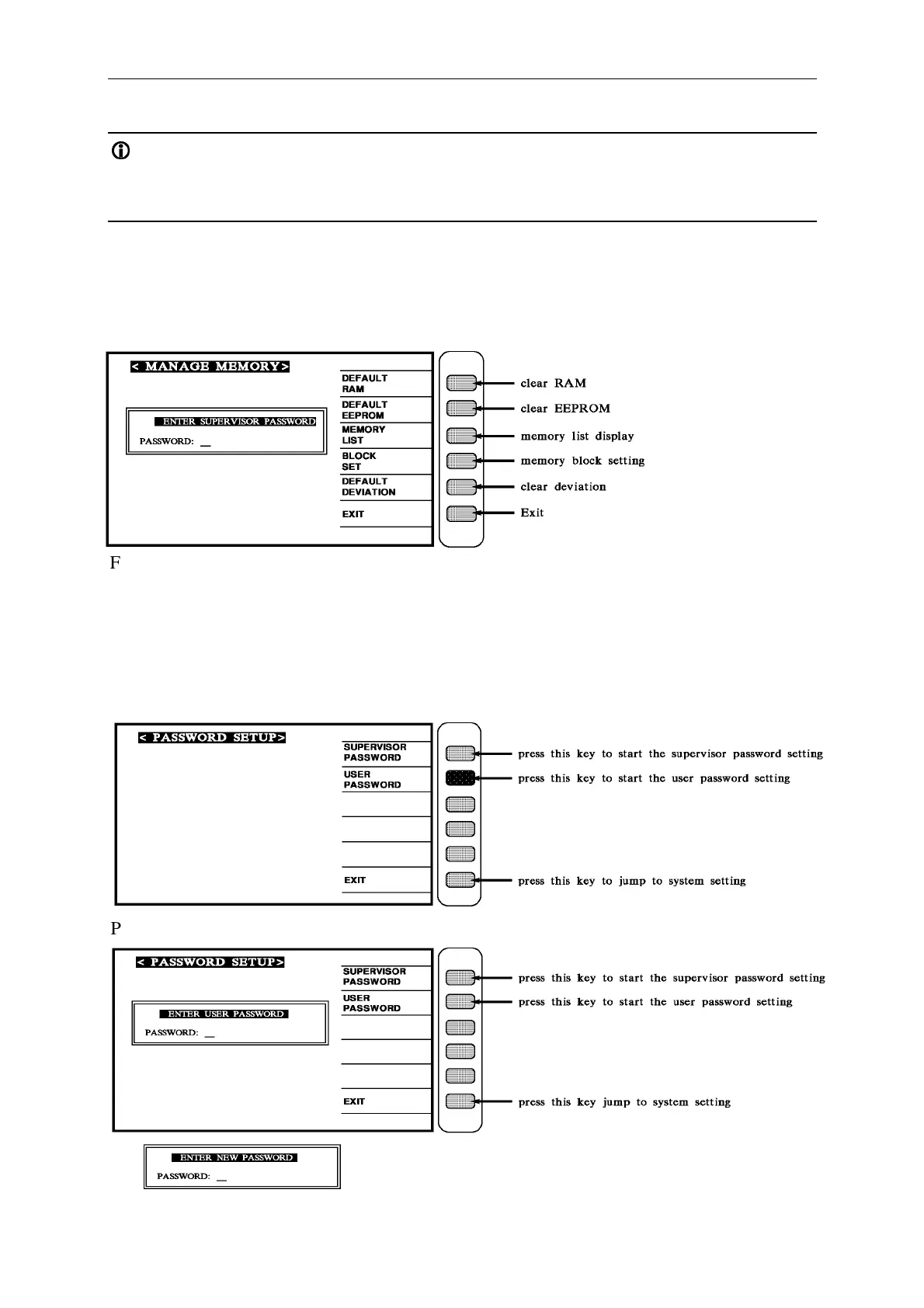
At SYSTEM SETUP status, press number key [0] key to enter < MEMORY
MANAGEMENT > menu as shown:
First at all, it needs to enter user’s password, then it can enter memory management
instruction.
4.3.6 User Password Setting
When the above screen is shown, pressing [1] to key in PASS WORD. The screen is as
follows:
Press [USER PASSWORD] key to start the user password setting. The screen is as below:



 To Next Page