Automatic Transformer Test System 3300/3302 User’s Manual
4.3 System Parameters Setting Description
4.3.1 System Configuration
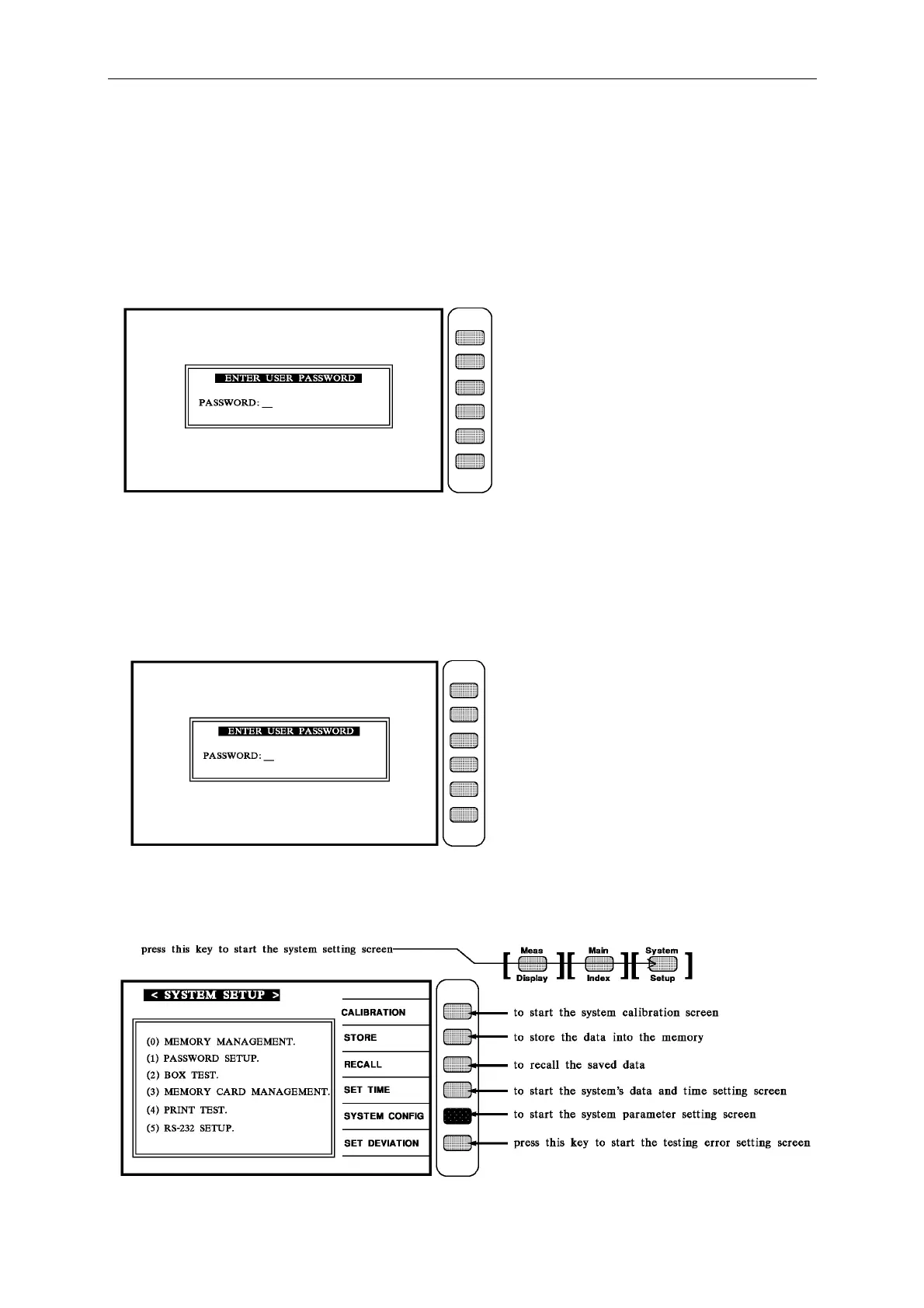
1. The display shows Chroma’s name, phone no. fax no. model no. and programming version
(around 2 sec.) after the main power of the unit is switch ON.
At this stage, just key-in the model no and press [Enter]. For example: it is 33XX model,
press [3][3][X][X][Enter].
2. If the user desired to set the parameters, please press [SYSTEM/SETUP] after turn the unit
on.
At this stage, just key-in the model no and press [Enter]. For example: it is 33XX model,
press [3][3][X][X][Enter]. The display is like below:



 To Next Page