Automatic Transformer Test System 3300/3302 User’s Manual
4.4.3 Single Transformer Test
1. The display shows Chroma’s name, phone no., fax no., model no. and programming
version (around 2 seconds) after the main power of the unit is switch ON.
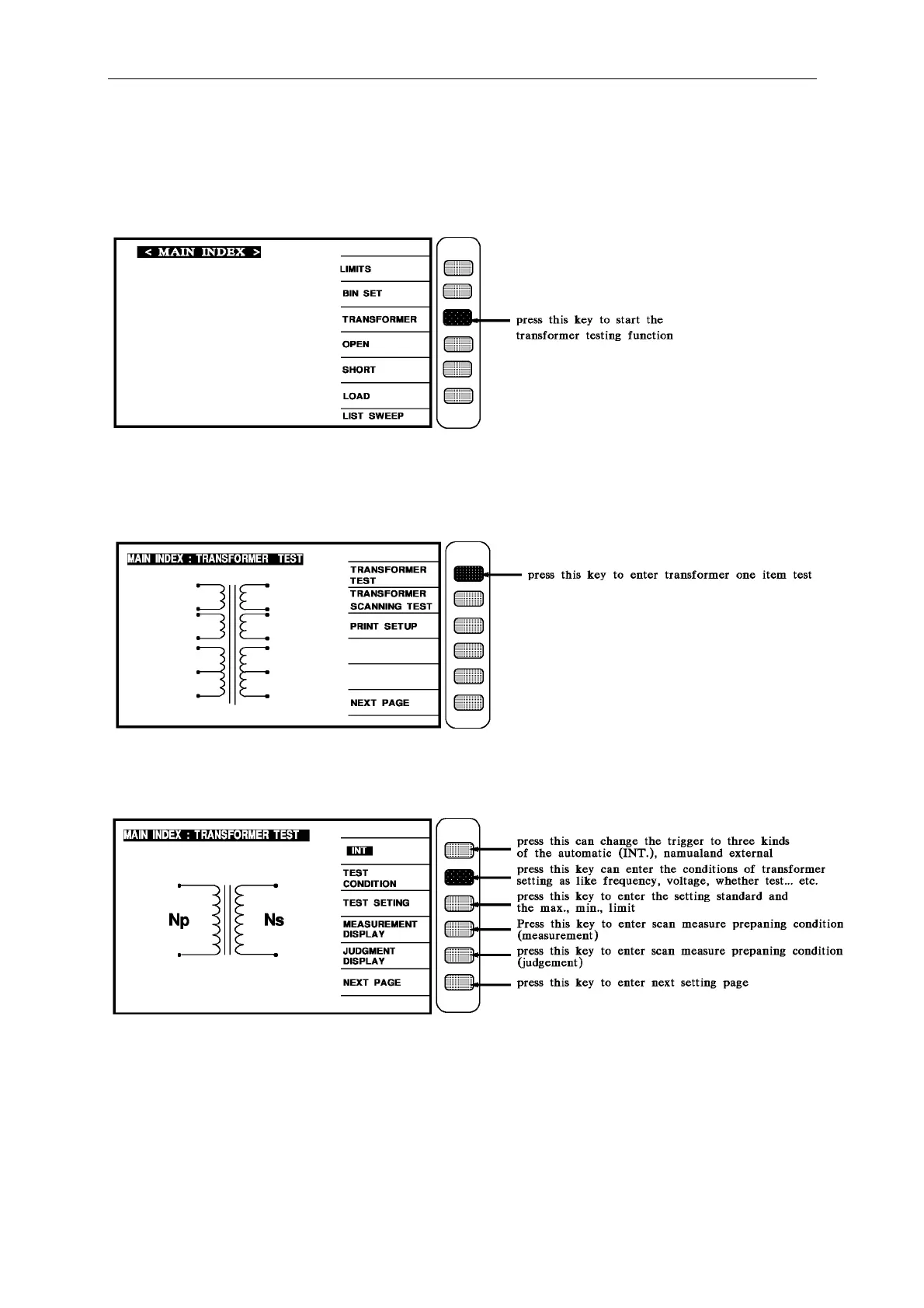
2. After turn the instrument on and show every event is ok, press [Main Index] to enter main
index, then press the transformer testing function key shows "TRANSFORMER", it will show
the screen as below:
3. Press the key [TRANSFORMER TEST] that pointed by arrow head as above to enter the
function set screen of single transformer, the screen will show as below:



 To Next Page