Panel Description
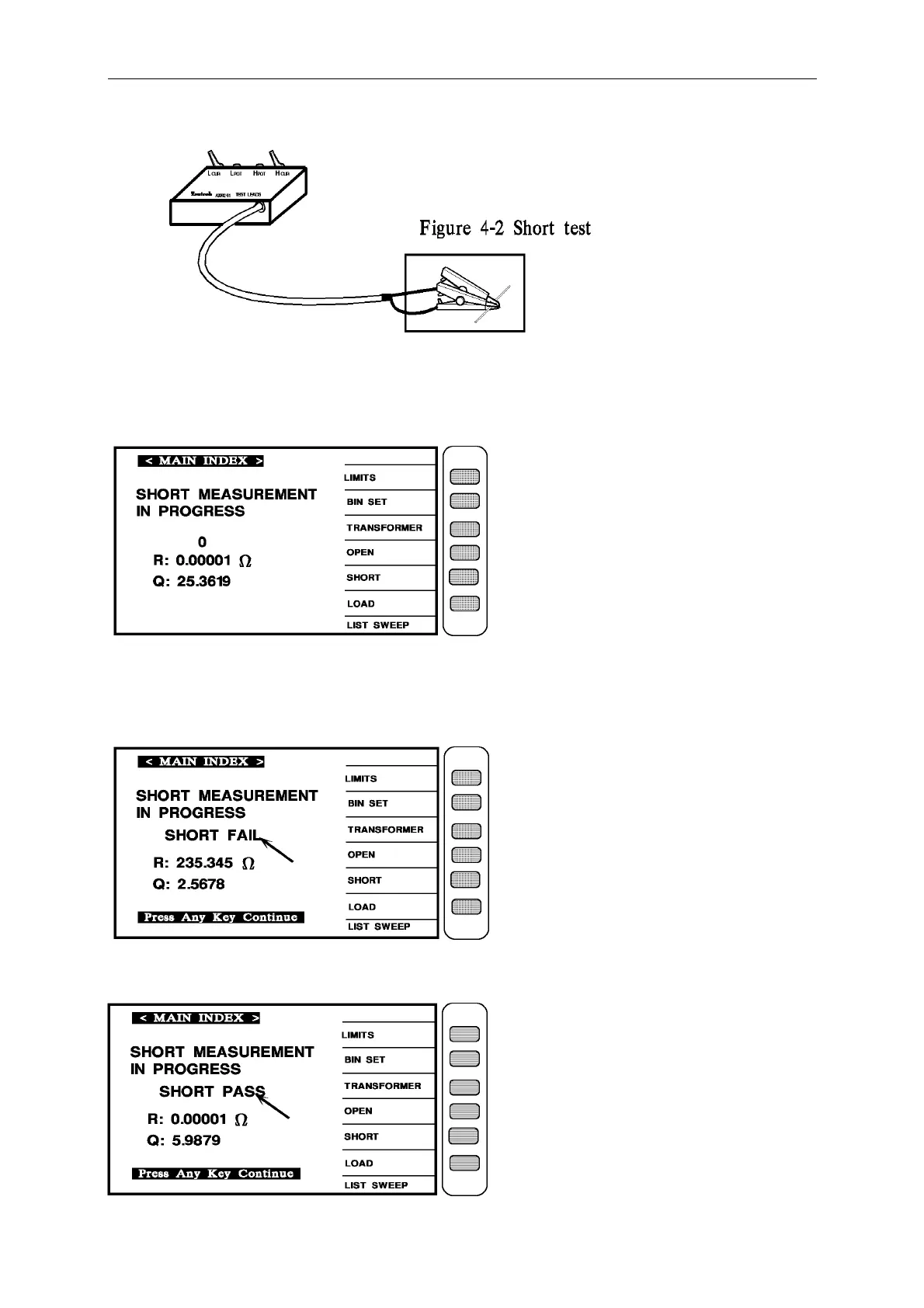
After finish the cable connecting, press [Trig] to start short test, it will show the condition of
short test on the screen as below:
If there is any wrong, the screen will show [SHORT FAIL], it mean the procedure of short test
wrong, please check any break on the test cable or clips touch no good, after checking then
operate it again as below the arrow head pointing:
When short test is current, the screen will shows [SHORT PASS], the mean is short test
finished, press any key will escape to another index as below the arrow head pointing:



 To Next Page