GE+ ACDC Installation and operation manual v11
66 / 121
6. LOCAL TOUCHSCREEN CONTROL PANEL
The equipment of Cinergia has the possibility to be controlled with the local touchscreen
situated in the front panel of the equipment, which also delivers the necessary information of
the status of the converter. The following list illustrates the basic functionalities of the
touchscreen:
- Information about the status of the converter (initialization, ready, standby, run,
Precharge or alarm).
- Information about the connection and configuration (independent/parallel,
unipolar/bipolar and AC/DC).
- Information of the input and output voltage, current and power.
- Operate with the equipment by changing the status.
- Send setpoints and configure limits and ramps.
- Create plots.
- Change the IP of the equipment.
- Configure the analogue and output.
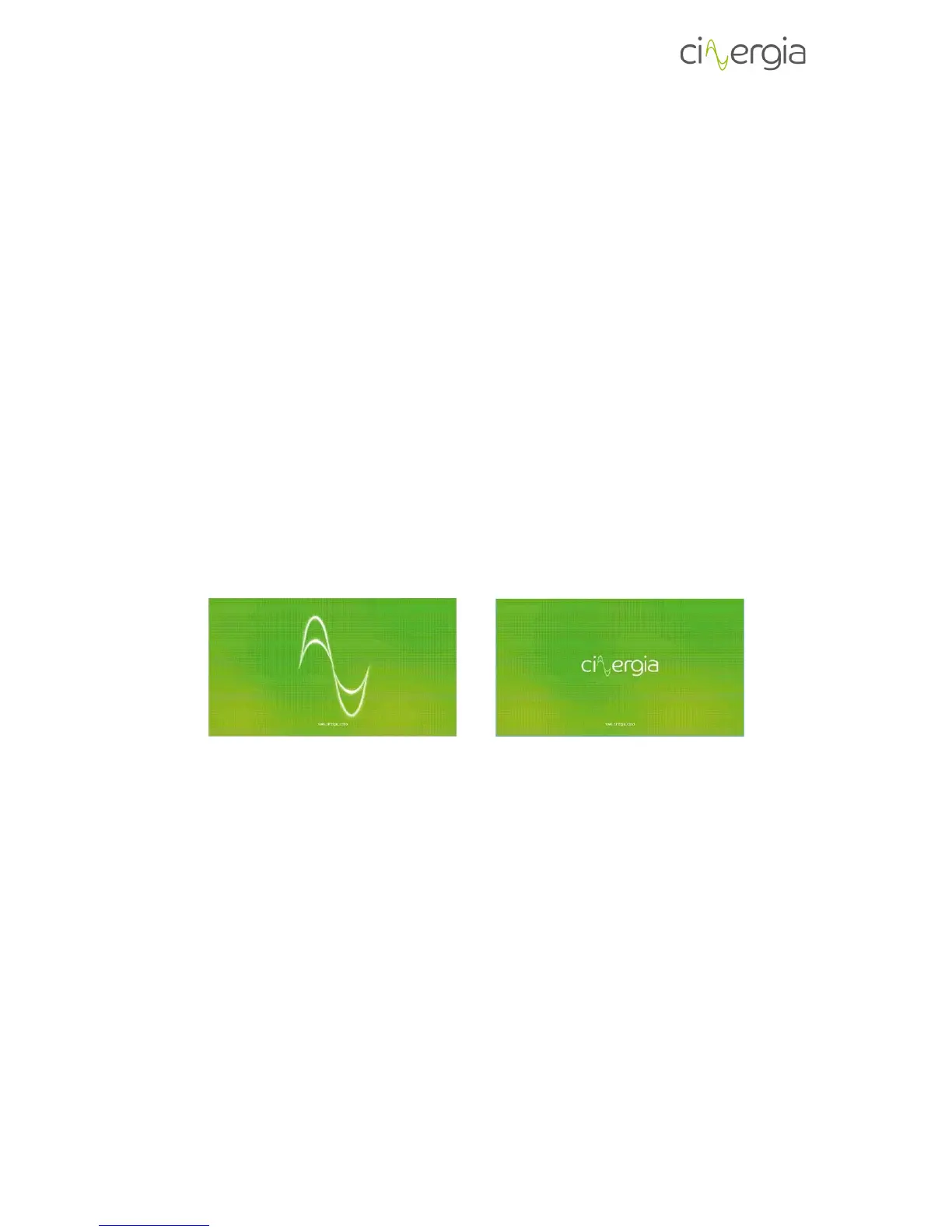
When the LCD touchscreen is not in use during a certain among of minutes, there will appear a
screen saver which can be disabled by touching the screen anywhere. The following images
show two different moment of the screen saver:
To create a friendly navigation of the LCD, Cinergia has designed a tab distribution ubicated in
the right of the screen. There is also an upper bar, which has the purpose to inform and modify
the control operation and mode as well as the status of the equipment.
All these tabs are described in the following points.
6.1. Upper bar
The following diagram details the top bar of the touchscreen, which is always visible and
operative.



 To Next Page