106
RS30 Mobile Computer Reference Manual
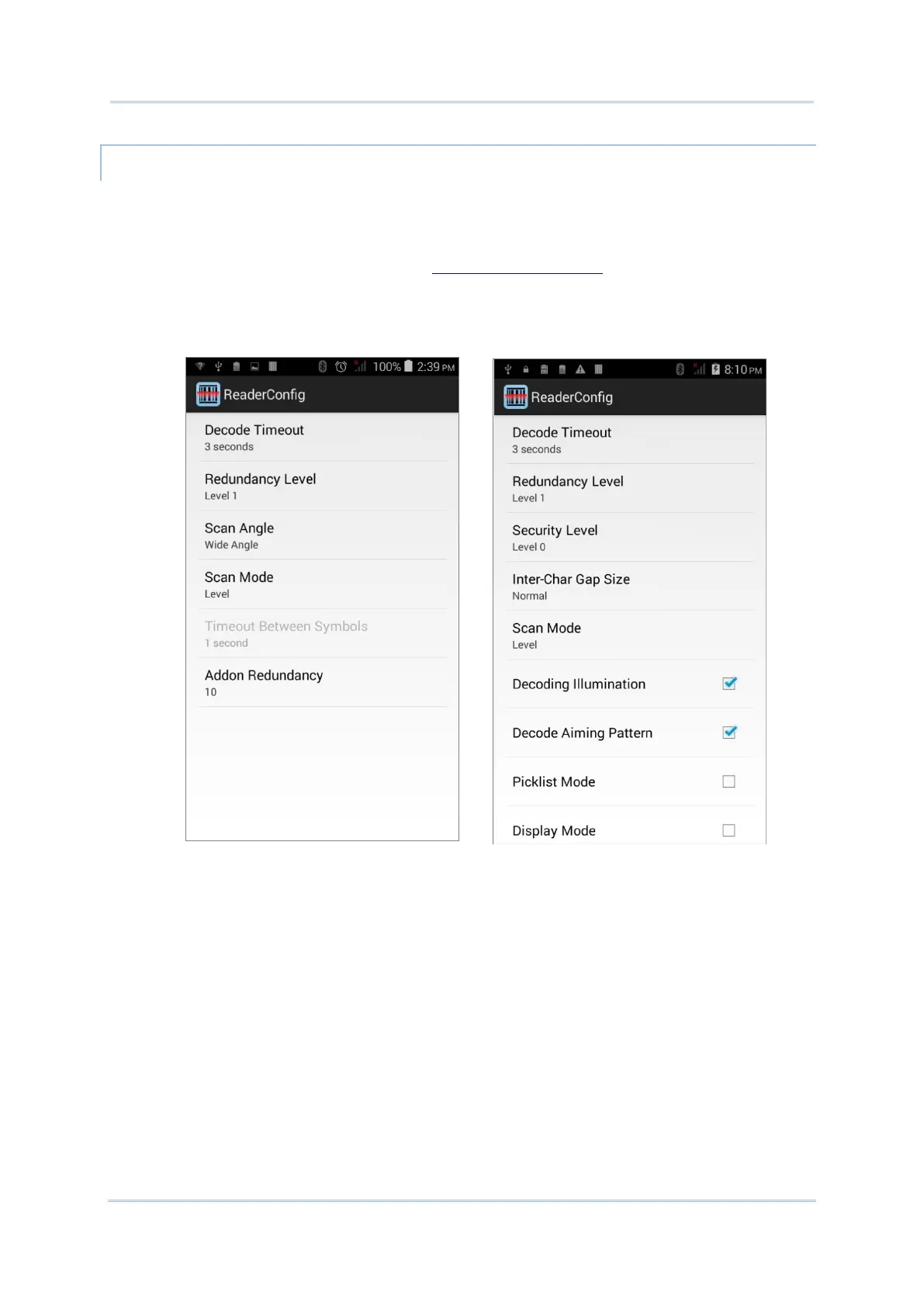
Options on the Scanner Preferences page differ according to the type of scan engine built
within the mobile computer.
To open Scanner Preferences page:
1) Open Reader Config as described in Launch Reader Config
.
2) Tap Scanner Preferences.
Featured settings are different for the 1D linear imager, 1D (laser) reader and 2D
imager:



 To Next Page