13
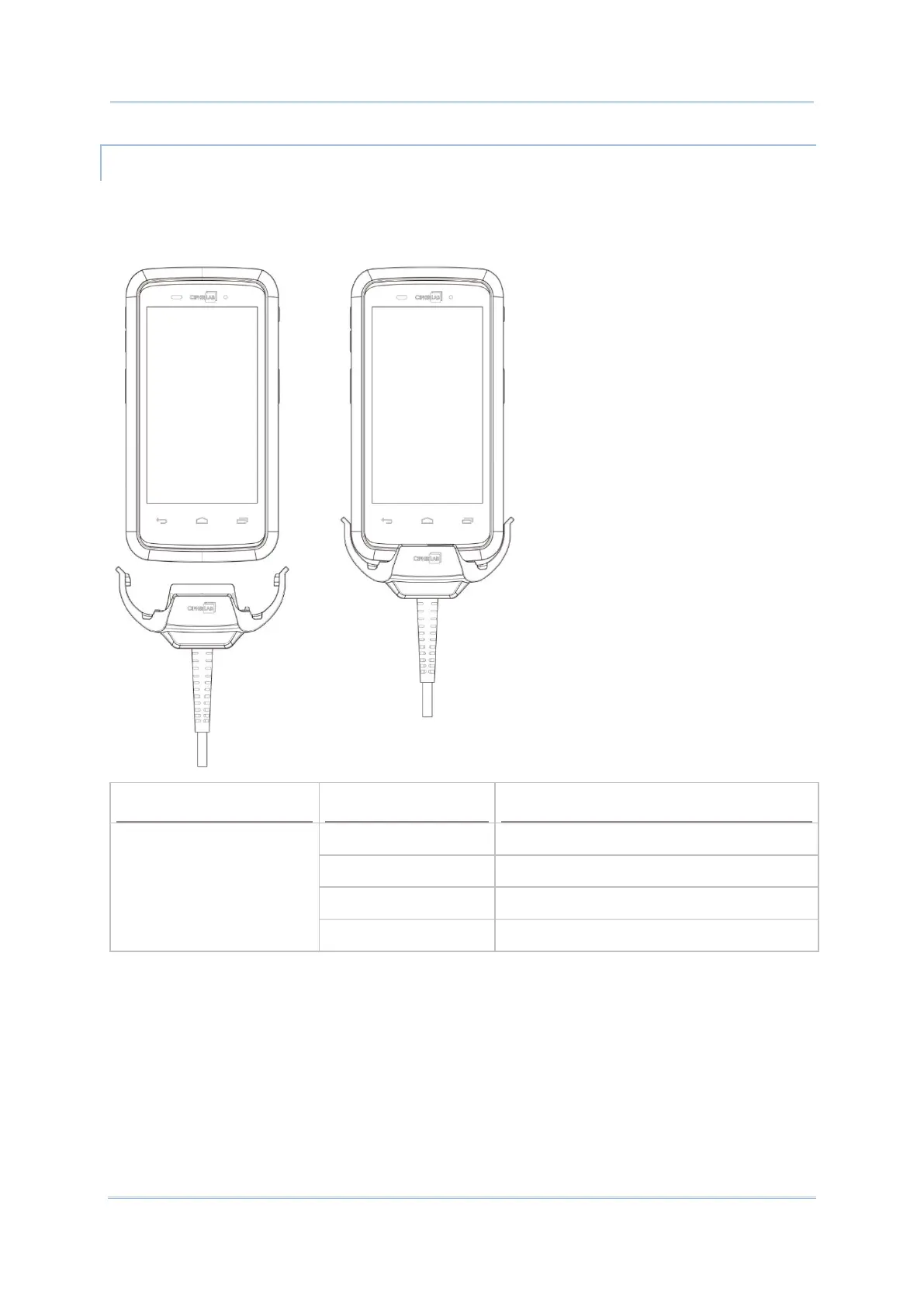
USE SNAP-ON USB CHARGING CABLE
1) Fasten the Snap-on USB Charging Cable to the lower end of the mobile computer.
2) Connect the other end of the cable to the adapter.
3) Fix the adapter plug onto the adapter, and plug in into an electrical outlet.
Charging Red, solid Charging the mobile computer
Red, blink Charging error
Green, solid Charging complete
No light Charging error (charging will stop)



 To Next Page