61
Chapter 3 Basic Operation
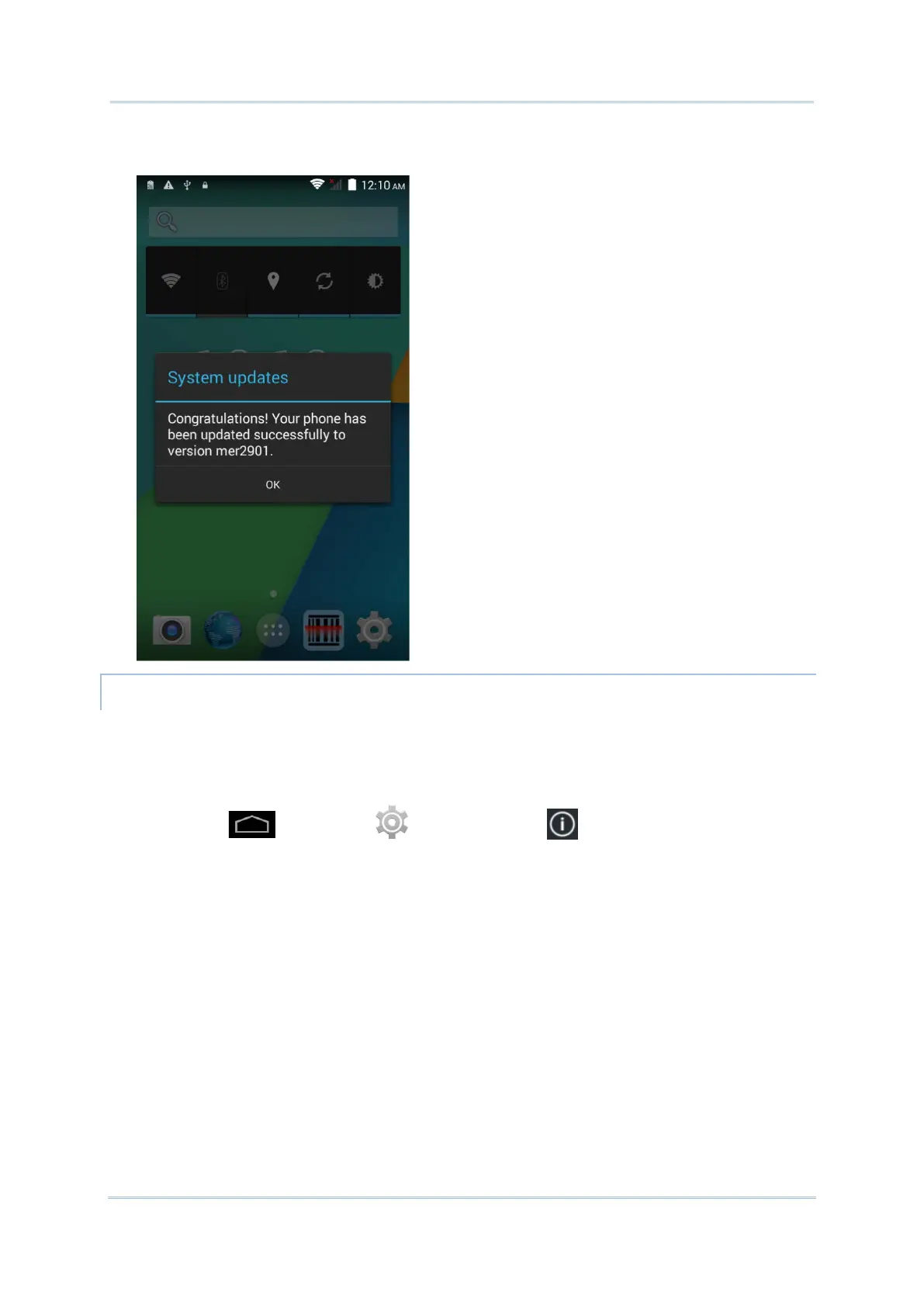
5) Once complete, a notification will appear showing that the system has been updated
successfully. Tap OK to show the Home screen.
1) Obtain the latest system update file, and copy the file onto the root storage of your SD
card.
2) Insert the SD card into the memory card slot on the mobile computer. Press the power
button to power it on.
3) Tap Home | Settings | About phone | System updates.



 To Next Page