62
RS30 Mobile Computer Reference Manual
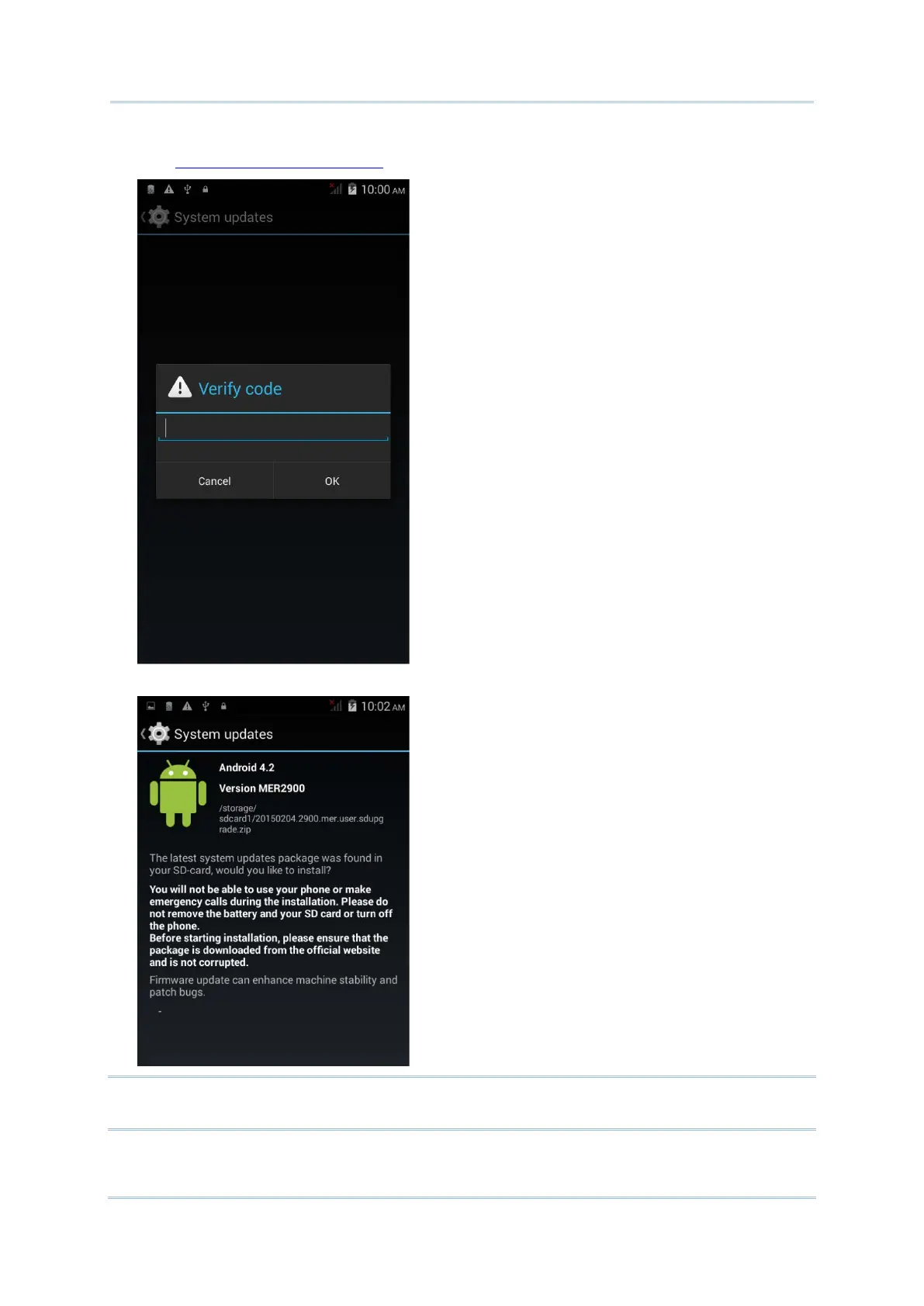
A window pops up asking you to input the password for system update. Please contact
with support@cipherlab.com.tw
for the password. Enter the password and tap OK.
4) The mobile computer searches for an available system update file on the SD card.
Note: Make sure the SD card is inserted in the mobile computer. If not, the screen will show
that your system is currently up to date.



 To Next Page