Chapter 3: Operate the system
Use a computer 29
3333
You may have to disable the Proxy server settings in your browser. For
further information, see Proxy server settings on page 67.
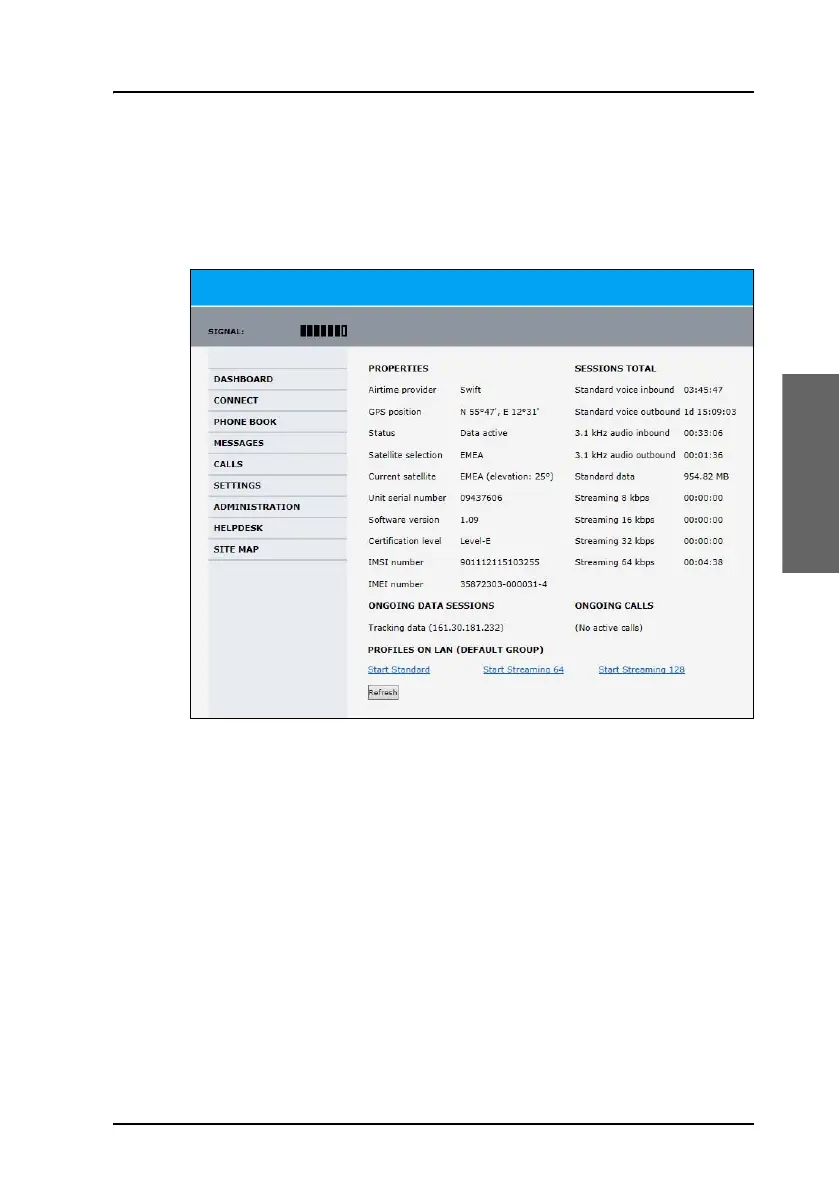
4. The web interface opens and the page DASHBOARD is displayed. On
the Dashboard you see the current system information (Example below:
AVIATOR 300).
You can configure the system to your specific requirements. This is typically
done during the installation and initial setup of the system. See the
AVIATOR 200/300/350 Installation and maintenance manual for detailed
information how to customize the interfaces of the system and how to set
up network user groups and profiles to manage data traffic and bandwidth
usage.



 To Next Page