Chapter 3: Operate the system
32 Use a computer
The AVIATOR 200/300/350 system supports the use of network user
groups. These network user groups define which type of IP connections are
allowed for each group. Each network user group has then one or more
profiles for various applications. You can only see, start and stop profiles of
the network user group you belong to.
• Primary profiles are listed in the left side and secondary profiles (if any)
are listed to the right.
• Profiles that are currently active are displayed as a link with the text
“Stop <name of profile>”.
• Profiles that are ready to be activated are displayed as a link with the
text “Start <name of profile>”.
Start or stop a Standard connection
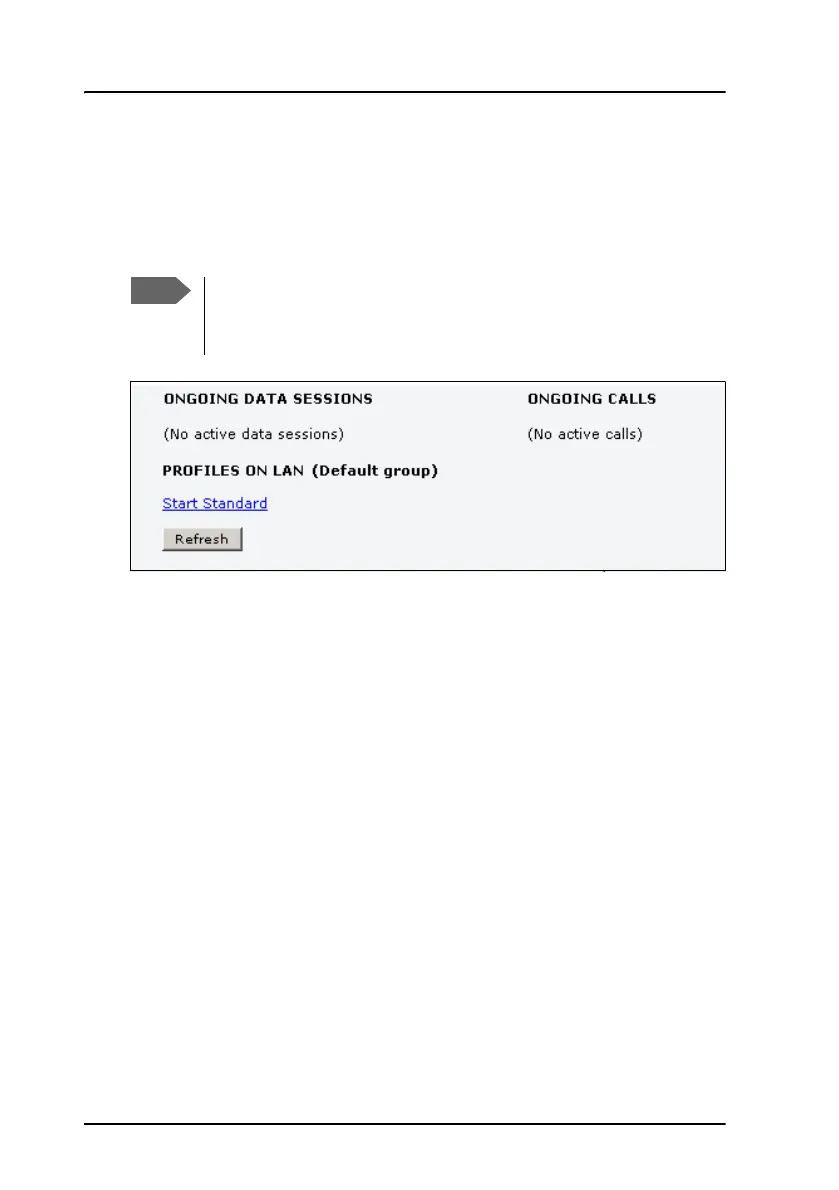
On the Dashboard you can see under PROFILES ON LAN whether a standard
connection is active or not.
To start or stop a Standard connection for your Network user group do as
follows:
1. Open your Internet browser and enter the IP address of the AVIATOR
200/300/350 system (default: http://192.168.0.1) to access the
Dashboard of the web interface.
2. Locate PROFILES ON LAN at the bottom of the page.
The system administrator can start and stop data sessions for all
users in the network user groups. For further information, see
Start or stop any data session on page 80.



 To Next Page