Chapter 3: Operate the system
34 Use a computer
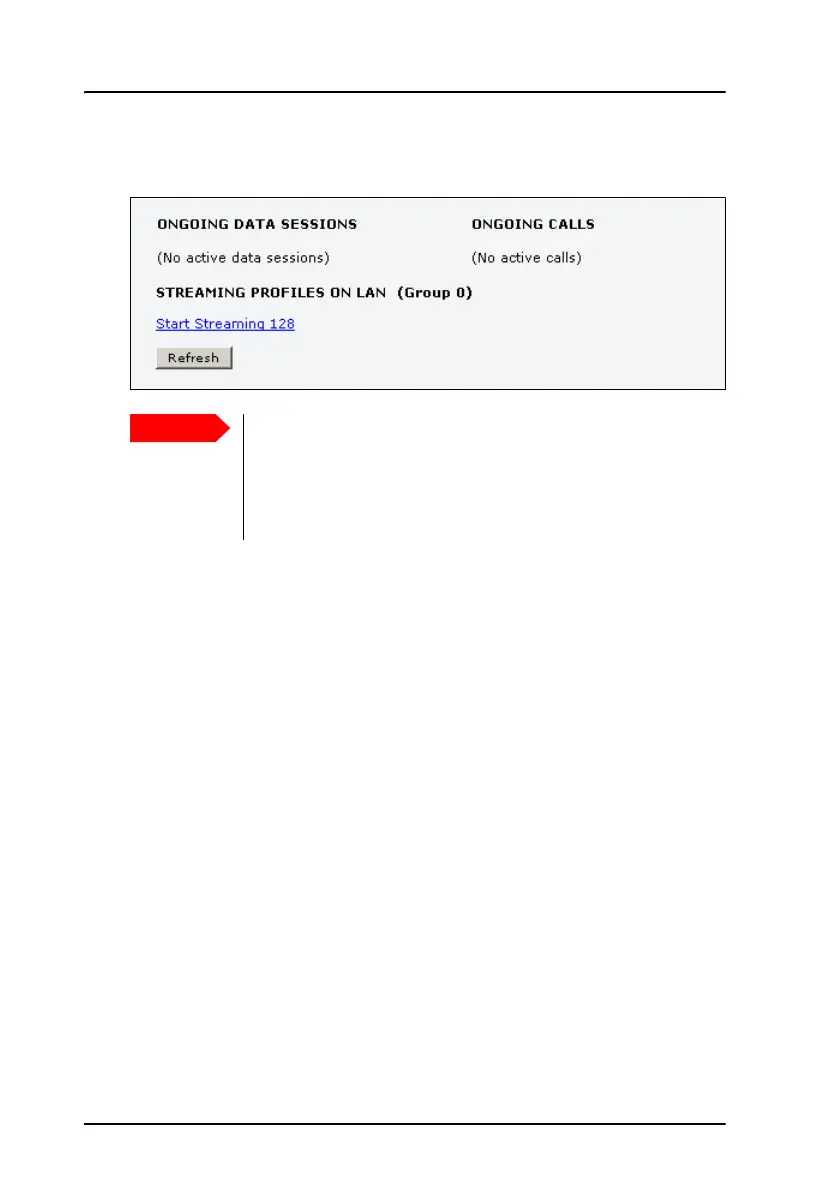
3. Click the link with the name of the Streaming profile that has been set
up for you.
Always manual activation of a Streaming connection
The streaming data connection cannot automatically be activated, you
must start it manually in the web interface. This is a safety measure to
prevent the system from unintended use of bandwidth.
A started Streaming session will stay active until you manually stop it by
clicking on the link for the streaming class on the Dashboard.
If you have selected and started a Streaming connection as
your primary profile, the LAN or WLAN interface will be
running a Streaming connection until you stop it. It is not
enough to disconnect the equipment from the interface to
stop the streaming connection.



 To Next Page