Chapter 3: Operate the system
44 Use a phone or fax machine
To handle waiting calls
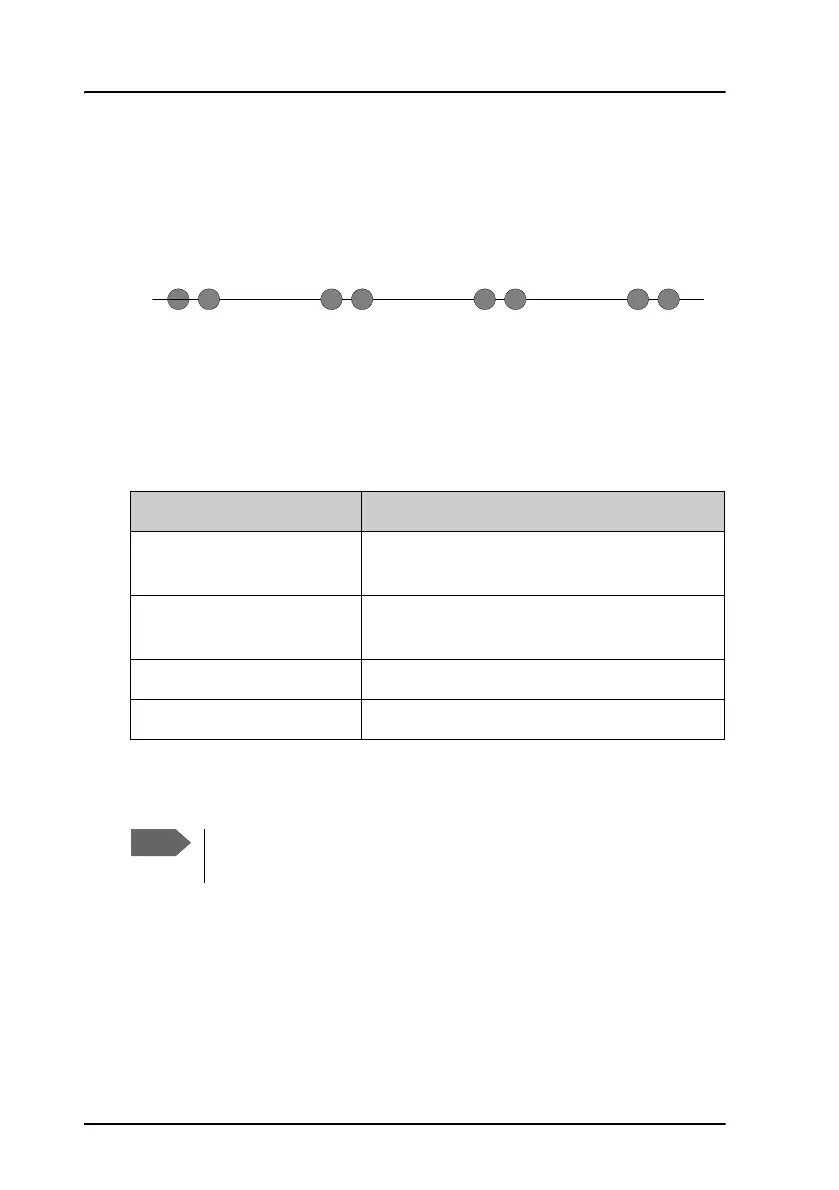
During a local or external call, if a second party attempts to make contact
with you, you may hear a Call Waiting indication. This indication is two
beeps and a pause of 3 seconds, then two beeps again etc. If no action is
taken, the waiting call is released after a time-out period.
In the web interface you can enable or disable the call waiting indication.
For further information how to set-up the call waiting function see the
AVIATOR 200/300/350 Installation and maintenance manual.
How to handle waiting calls depends on the type of phone. For analog 2-
wire phones with an R key follow the instructions in the table below.
For information how to handle waiting calls using the AVIATOR Wireless
Handset see the user manual of the AVIATOR Wireless Handset.
If you want to: Do as follows:
Clear the current call, and
accept the waiting call.
Press R 1 #, within the time-out period.
Hold the current call, and
accept the waiting call.
Press R 2 #, within the time-out period.
Ignore the waiting call. Take no action.
Reject the waiting call. Press R 0 #, within the time-out period.
The SwiftBroadband system only supports one circuit-switched
call at a time per AVIATOR 200/300/350 system.



 To Next Page