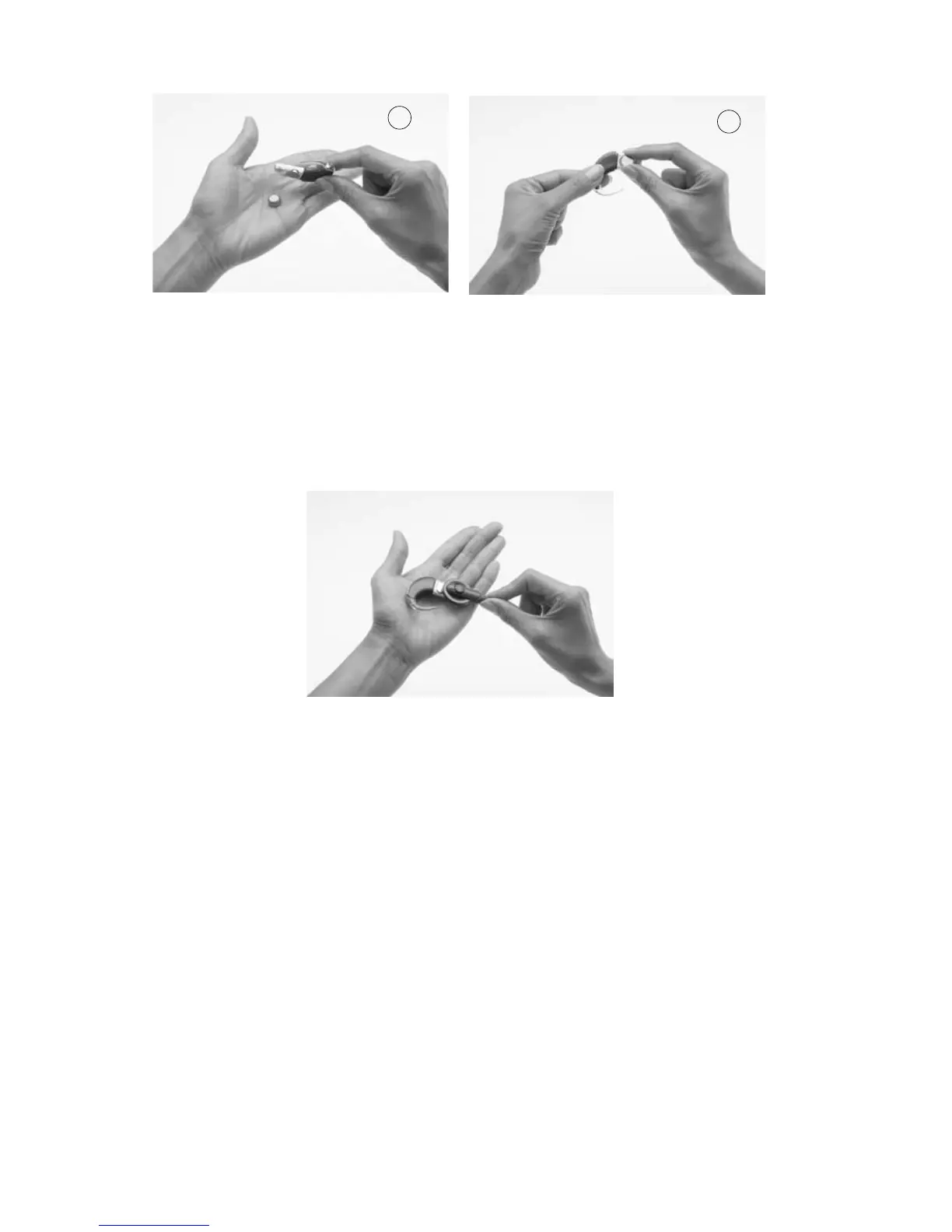
To remove the batteries, tip the battery holder to one side (1), or 3.
lift each battery out with your fingers (2) as shown.
You can also use the coil magnet to remove batteries from the battery
holder.
To remove batteries using the coil magnet:
Place the coil magnet over the batteries so that the coil magnet 1.
touches both batteries. The coil magnet will lift both batteries
out of the battery holder.
Pull the batteries away from the coil.2.
To replace batteries:
Remove the new set of batteries from their pack. New batteries 1.
are sealed, usually with a seal or tab.
To allow the air to activate the batteries, remove their seals and 2.
let the batteries stand briefly.
2
1



 To Next Page