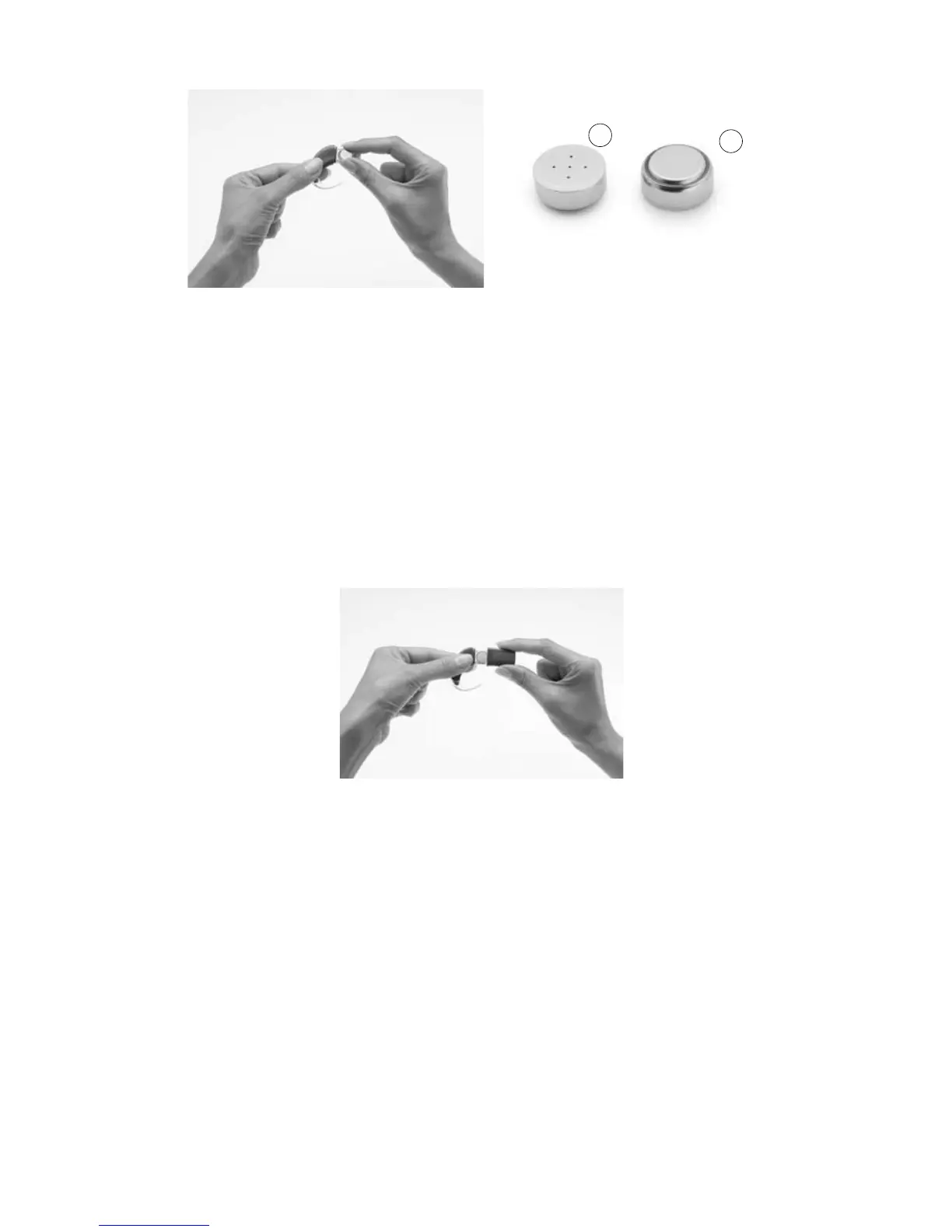
Insert batteries with the 3.
positive terminal facing up
and the negative terminal
facing down. The batteries
should fit into the curved
recess in the battery holder.
Do not force the batteries
into place. When inserted
correctly, they should fit
easily.
Positive terminal (1) and negative
terminal (2) of zinc air batteries.
Replace the battery cover by sliding it up from the bottom of 4.
the battery holder towards the processing unit. Do not force the
cover upwards as it should fit easily.
2
1



 To Next Page