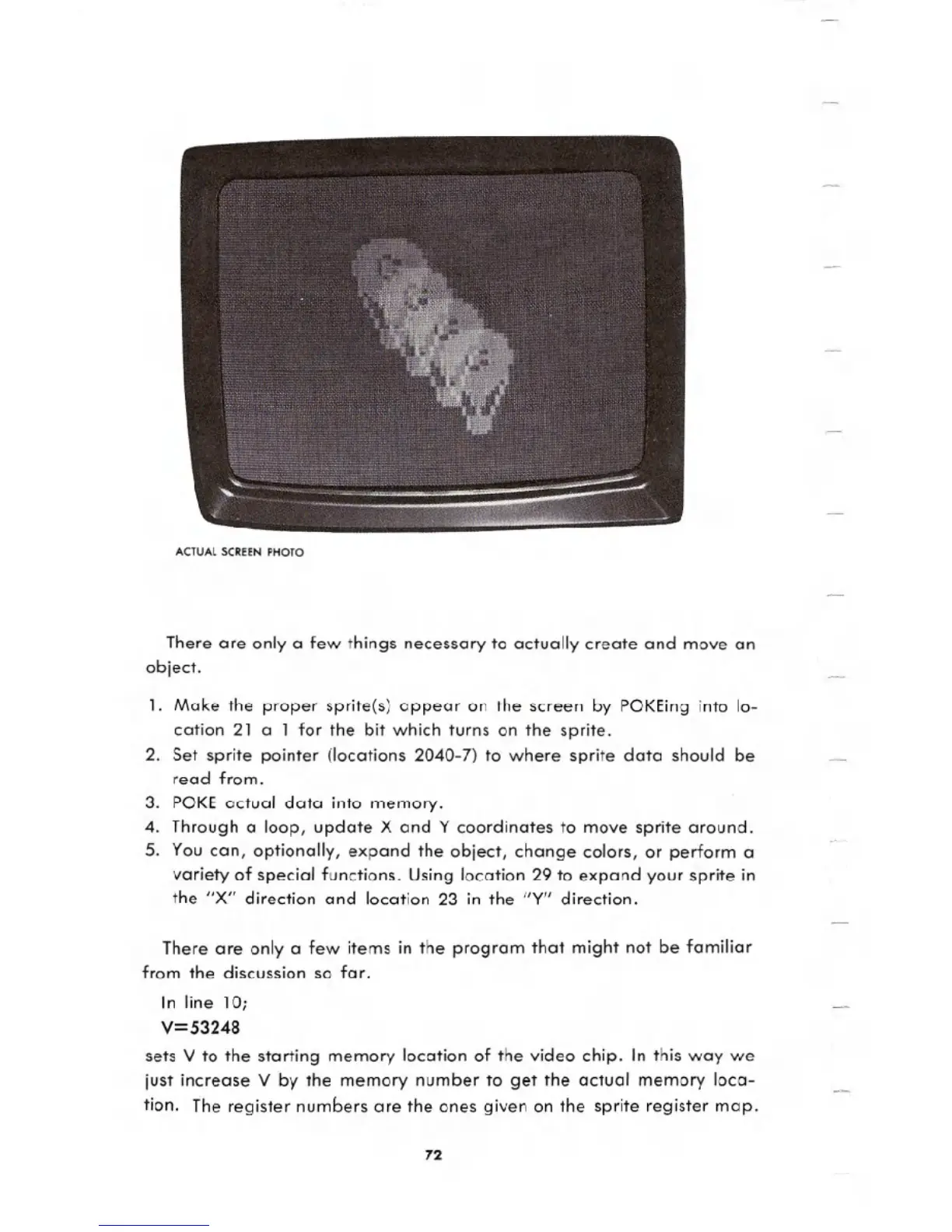
ACTUAL SCREEN PHOTO
There are only a few things necessary to actually create and move an
object.
1. Make the proper sprite(s) appear on the screen by POKEing into lo-
cation 21 a 1 for the bit which turns on the sprite.
2. Set sprite pointer (locations 2040-7) to where sprite data should be
read from.
3. POKE actual data into memory.
4. Through a loop, update X and Y coordinates to move sprite around.
5. You can, optionally, expand the object, change colors, or perform a
variety of special functions. Using location 29 to expand your sprite in
the "X" direction and location 23 in the "Y" direction.
There are only a few items in the program that might not be familiar
from the discussion so far.
In line 10;
V=53248
sets V to the starting memory location of the video chip. In this way we
just increase V by the memory number to get the actual memory loca-
tion. The register numbers are the ones given on the sprite register map.
72





 To Next Page