CSAT-5060 C-Band Transceiver Revision 1
Ethernet-based Remote Product Management MN/CSAT5060.IOM
AA–8
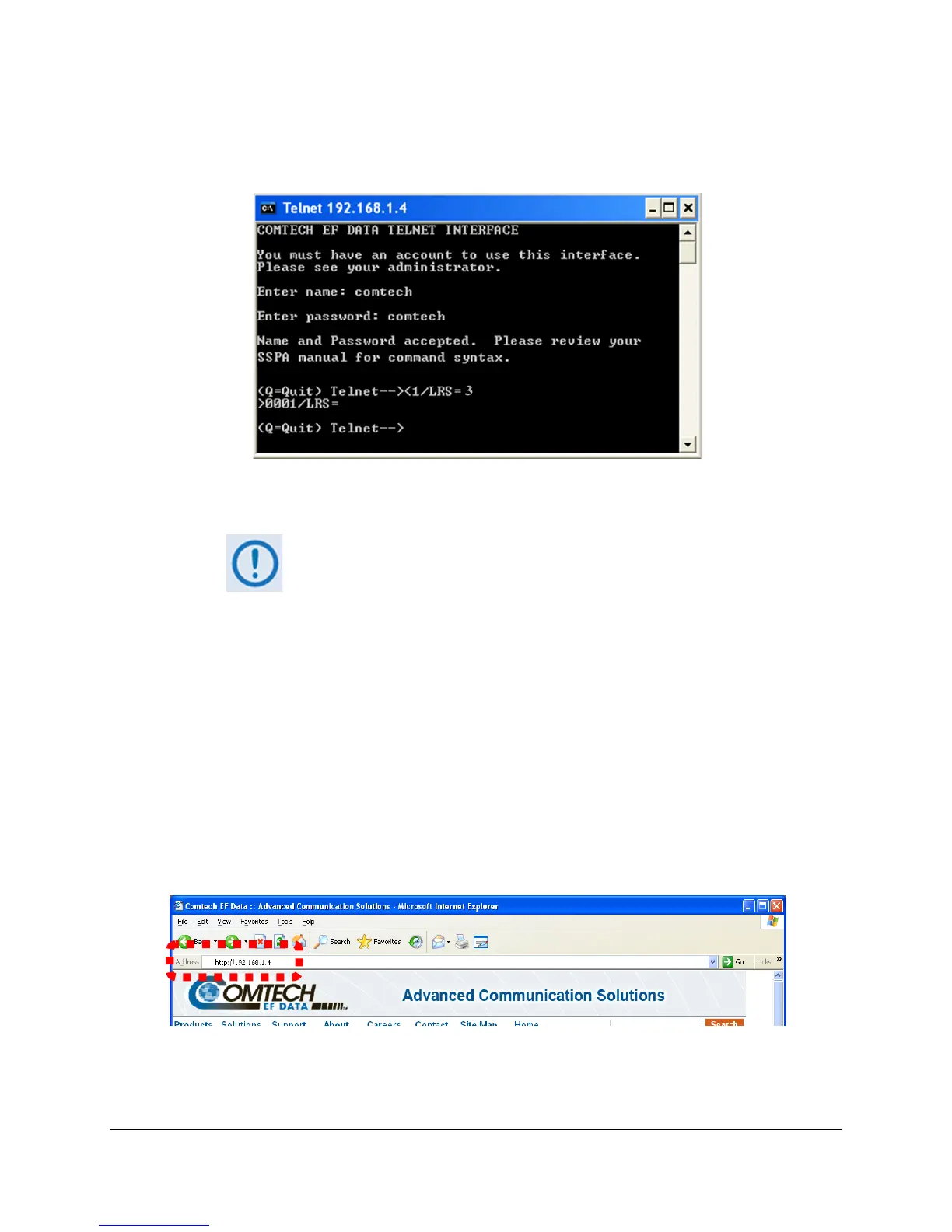
4. Use the LRS remote command to set the Ethernet remote control access parameter:
Use default remote command LRS=3 for Serial + Ethernet control.
Use remote command LRS=2 for Ethernet control only.
5. If necessary, use the IPA remote command to set a unique IP address.
Each unit must have a unique IP address assigned before connection to a
network.
If the IP address needs to be changed from the factory default setting, use the
IPA=xxx.xxx.xxx.xxx.yy remote command, where ‘xxx.xxx.xxx.xxx’ is a valid IP address on
the network where the unit will be installed, and ‘yy’ is the range (typically, yy=24).
If you change the IPA value, make sure to shut off and restart the unit; then, start a new
Telnet session using the new IP address.
AA.5.2 User Login
Do these steps to log in to the Web Server Interface. A a compatible web browser is required.
1. On the PC, type http://192.168.1.4 (the default IP address for the unit) into the
browser’s Address area, and then press Enter.



 To Next Page