3–1
Chapter 3. FLASH UPGRADING
3.1 Introduction
The LPOD PS-1 and PS-2 (collectively referred to hereafter
as ‘the LPOD’) use ‘Flash memory’ technology, and new
firmware can be uploaded to either unit from an external
Microsoft Windows
®
-compatible computer. This makes
software upgrading very simple, and upgrade files containing
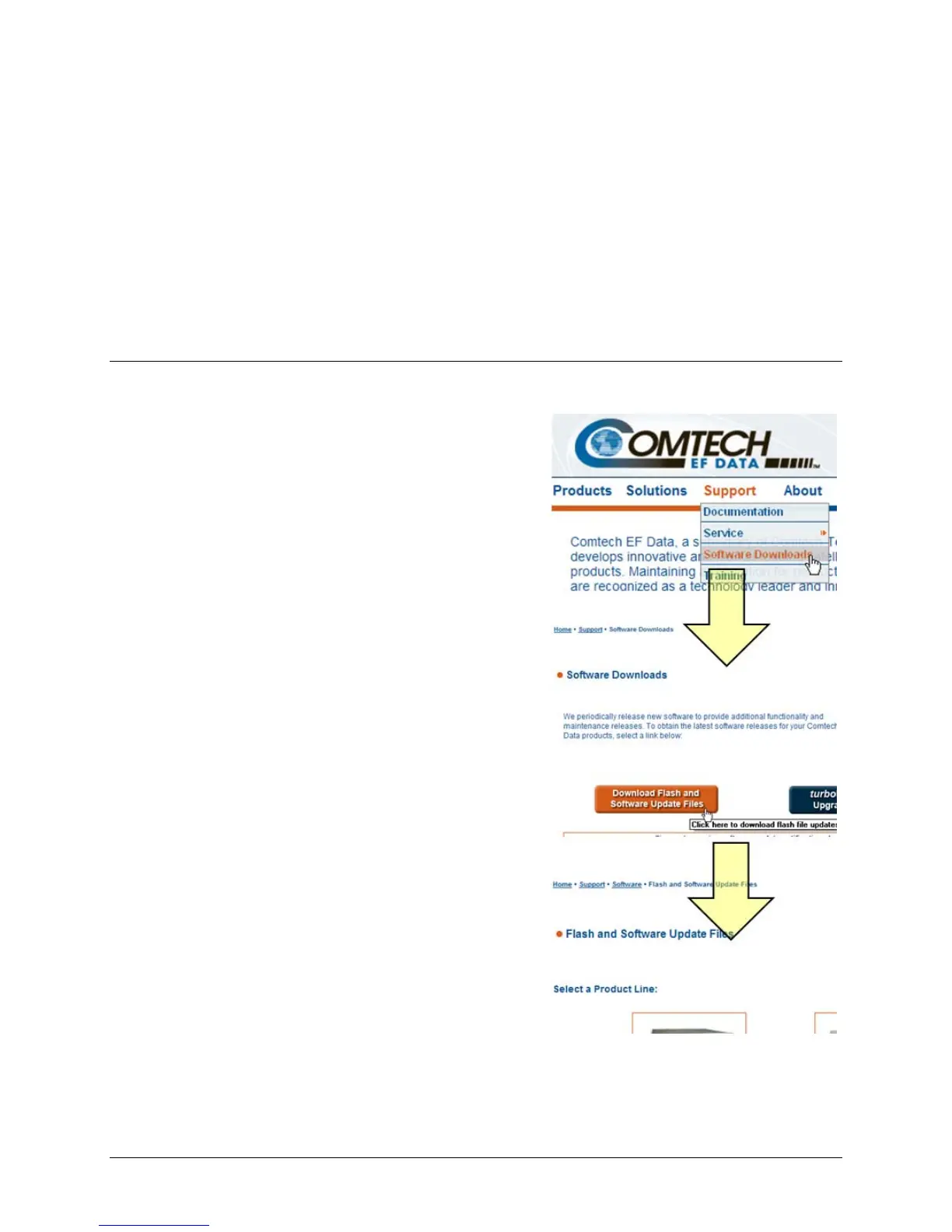
the current version of firmware are available over the Internet
(Figure 3-1)
; via e-mail; or on CD.
This chapter outlines the complete upgrading process as
follows:
• New firmware can be downloaded via the Internet to
an external PC.
• The upgrade is accessible to the LPOD by simply
connecting the LPOD to the serial port of the
external PC.
• The firmware upgrade is automatically transferred,
via File Transfer Protocol (FTP), to the LPOD using
CEFD’s CReflash utility application.
Figure 3-1. Flash Upgrade via Internet



 To Next Page