LPOD C-/Ku-Band Outdoor Amplifier/Block Up Converter Revision 3
Ethernet Management MN-LPOD
4–14
4.5.5.2.2 Admin | SNMP
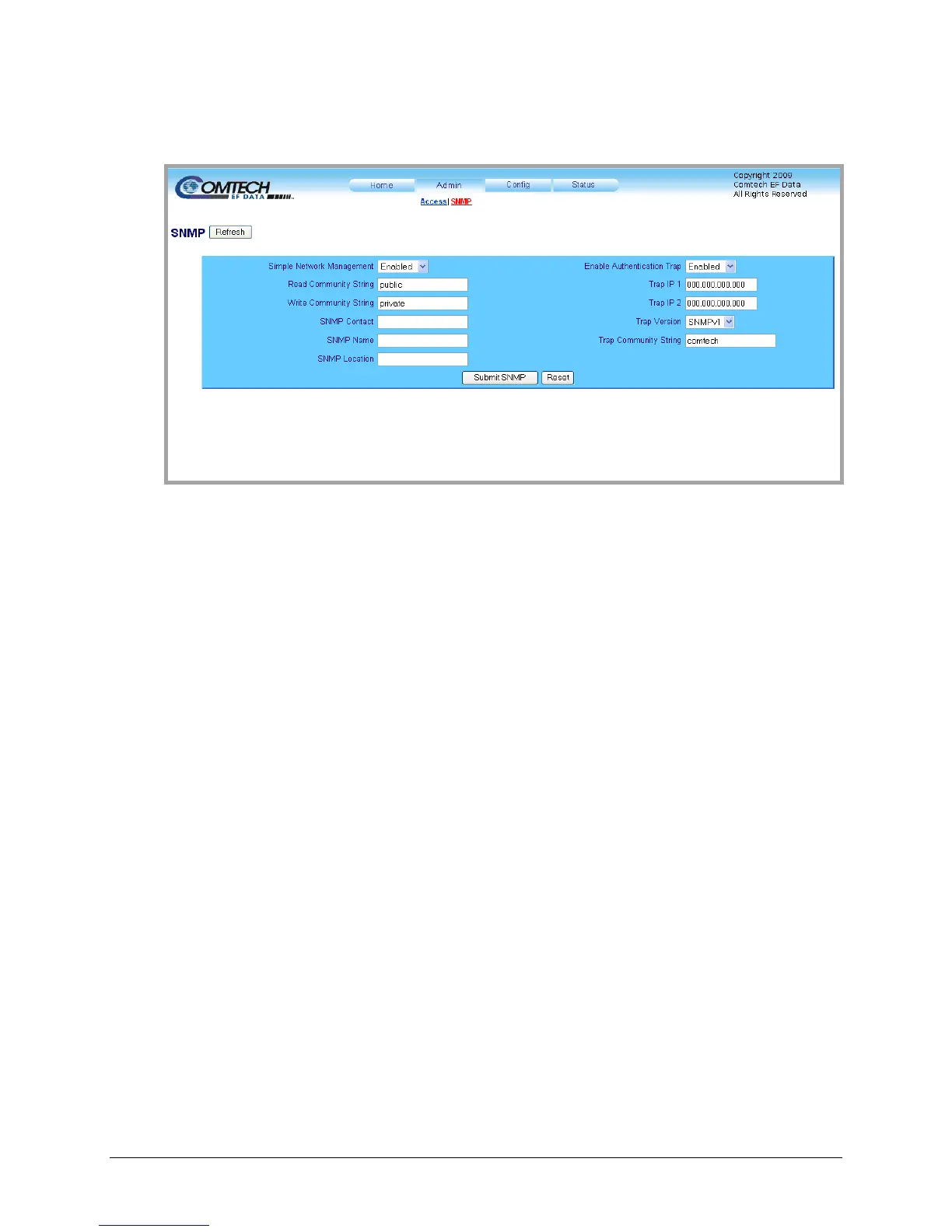
Figure 4-5. Admin | SNMP page
The ‘Admin | SNMP’ page (Figure 4-5) se
ts and returns administration information for the LPOD
Simple Network Management Protocol (SNMP) feature.
Simple Network Management Operational Status: Using the drop-down menu, select the
Simple Network Management operational setting as Enabled or Disabled.
The SNMP Read and Write Community String fields can be any combination of characters and
a length of 0 - 20 characters:
• The factory default for the Read Community String parameter is public.
• The factory default Write Community String is private.
Authentication Trap Operational Status: Using the drop-down menu, select the Enable
Authentication Trap operational setting as Enabled or Disabled.
The Administrator can assign up to two SNMP Trap IP addresses and one SNMP Trap
Community String. The SNMP Trap Community String field can be any combination of
characters and a length of 0 - 20 characters:
• The factory default for the Trap Community String is comtech.
For details pertaining to the remaining configuration parameters available on this page, refer to
Sect. 4.3 SNMP INTERFACE.
Once the desired SNMP assignations have been made on this page, the user should then click
[Submit SNMP] to save these changes.
If it is desired to revert back to the previously assigned SNMP designations, the user should
instead click [Reset].
To update the page appearance to the current operating configuration, click [Refresh].



 To Next Page